Custom Project Dashboards, Templates, and New Project Widgets
Vladyslav Chesnokov
Copywriter, if.team
Oleh Frolov
CEO, if.team
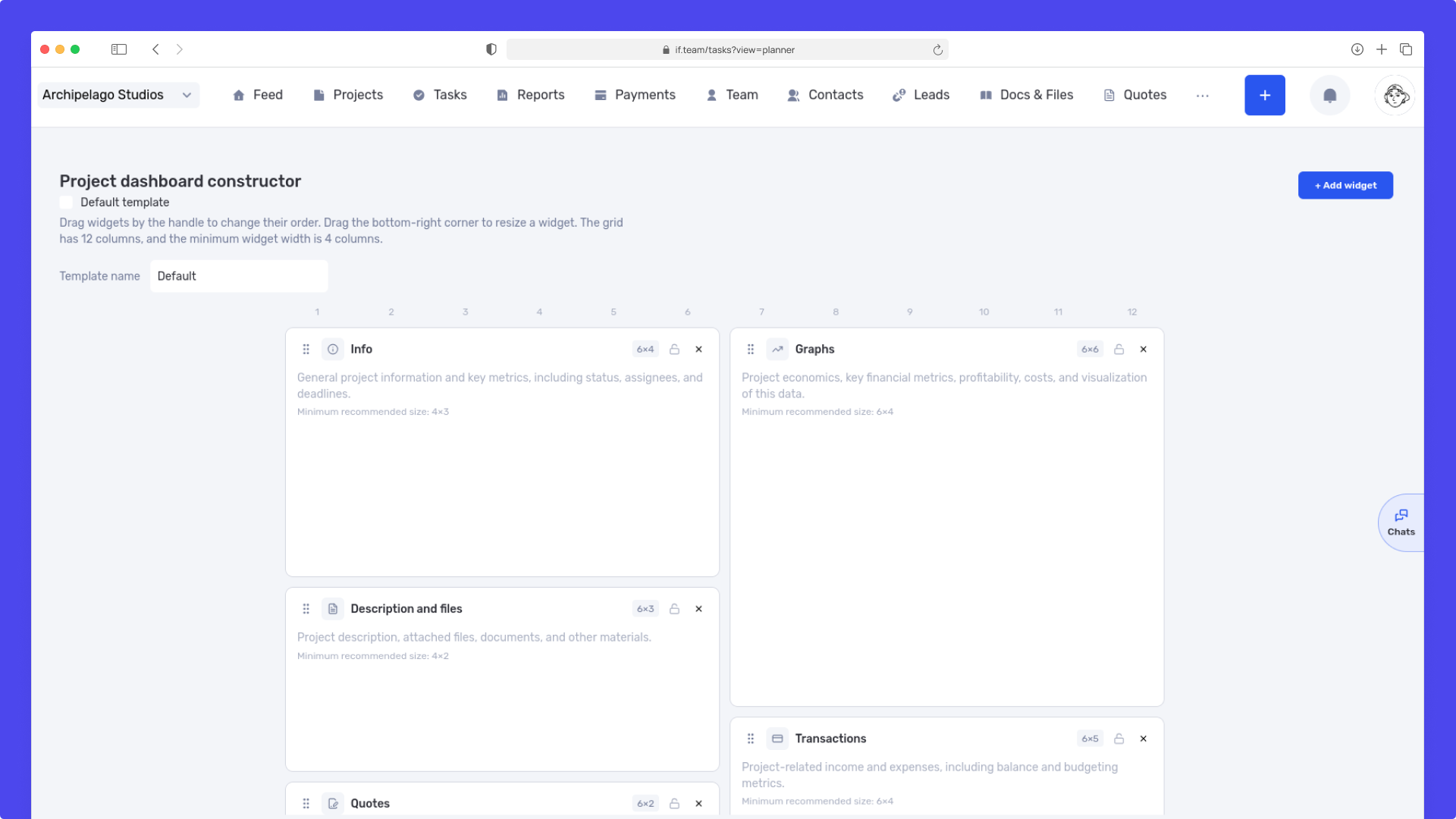
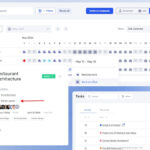
We have updated the project screen in if.team and introduced custom dashboards. Teams can now configure their workspace according to their workflows, tasks, and priorities.
Projects differ from one another. For some teams, financial metrics are the most important, while for others it is team workload, task progress, internal documentation, or communication. Custom dashboards allow users to bring the most relevant information to the forefront of their daily work.
Dashboard customization for team needs
Users can now fully control the structure of the project screen and manage how widgets are displayed.
Available options:
adding new widgets;
moving widgets across the dashboard;
hiding unnecessary blocks;
creating custom layouts for different types of projects.
This allows each team to build an interface adapted to its own processes without being forced into a single universal layout.
Dashboard templates for different workflows
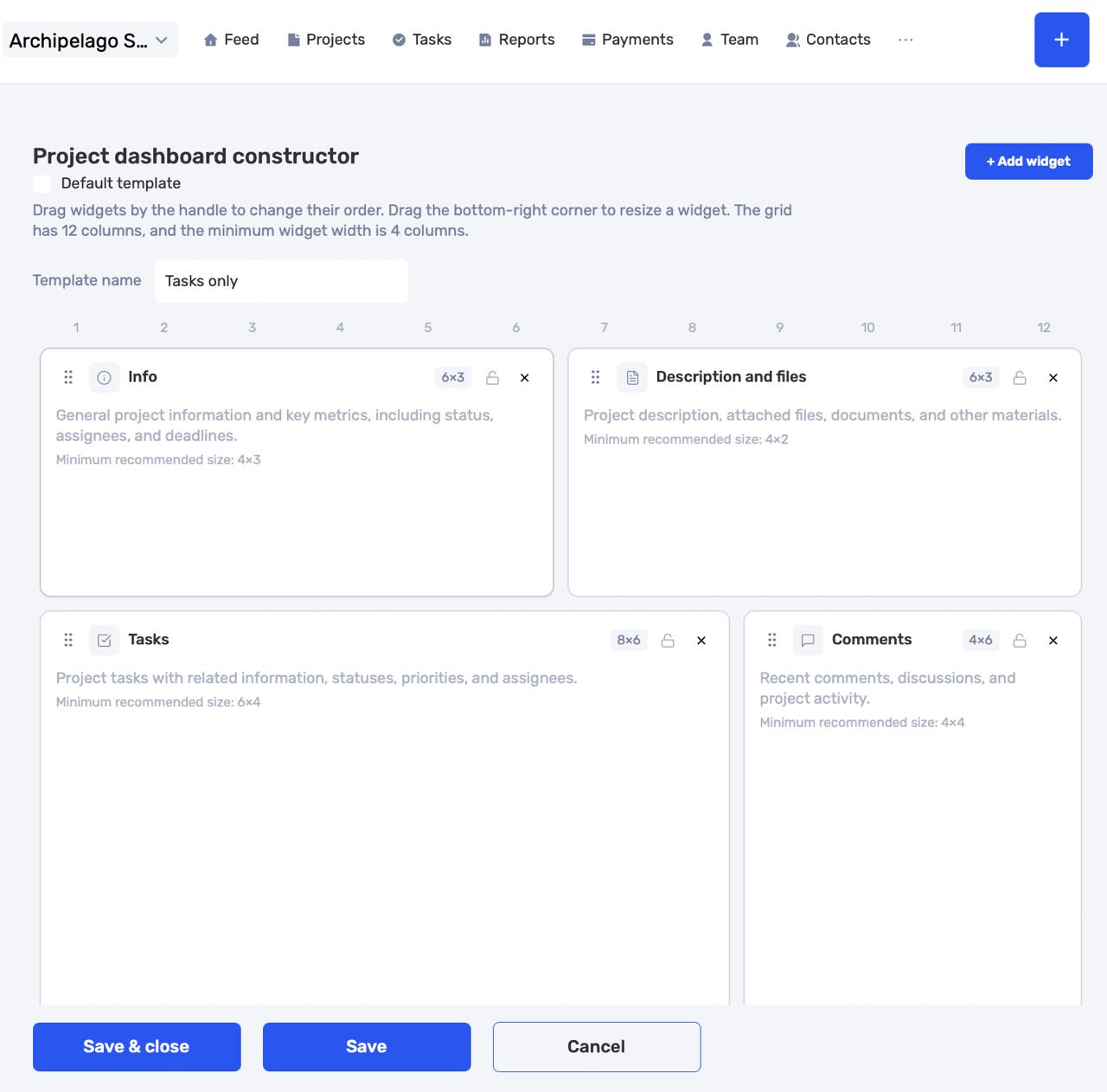
Alongside customization, we have introduced dashboard templates.
Administrators can now create multiple templates in company settings and apply them across different teams, departments, or project types.
For example, one template may focus on financial tracking, another on production management, and a third on client project coordination.
This makes it possible to standardize workflows while still adapting to the needs of different business units.
Default templates for business units
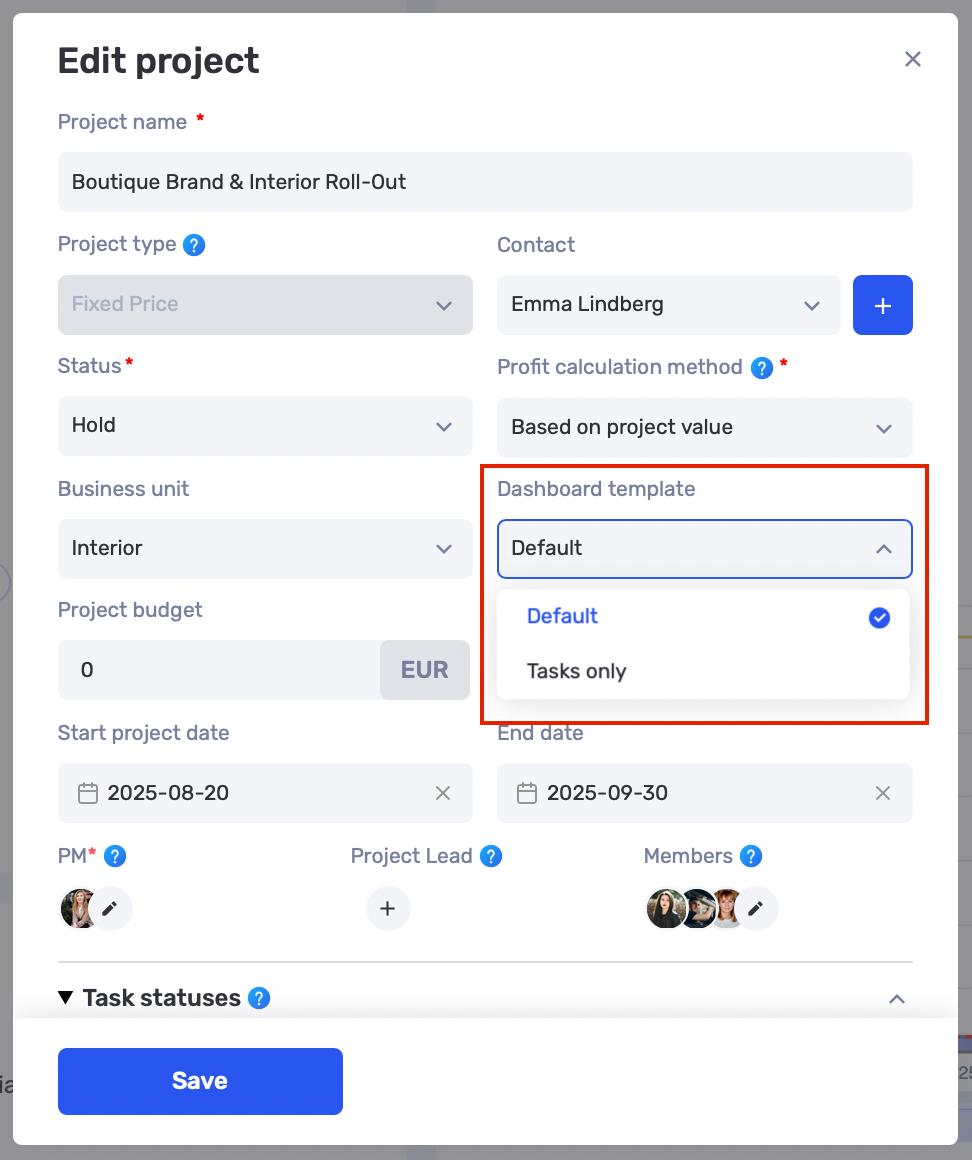
For organizations with multiple business units, it is now possible to assign default dashboard templates.
Each business unit can automatically receive its own widget set and dashboard structure when new projects are created. This reduces setup time and helps teams start working faster without additional configuration.
New widget: Project Comments Feed
We have introduced a new widget called the Project Comments Feed.
It consolidates all project-related discussions in one place and allows users to quickly browse comments without navigating between individual tasks.
It also supports file sharing, enabling seamless communication within the project space.
New widget: Project History
Another new addition is the Project History widget.
It is designed to store important project information such as key decisions, changes, agreements, context, and other details that may be useful to the team in the future.
Project History helps preserve knowledge within the team and makes it easier to revisit important events even after a long period of time.
More control over project information
Custom dashboards make it possible to adapt the project screen to the specific needs of each team, while the new widgets help centralize communication and preserve project context.
As a result, users get a more flexible workspace where the most important information is always accessible, and each project can have its own structure and toolset.
We have updated the project screen in if.team and introduced custom dashboards. Teams can now configure their workspace according to their workflows, tasks, and priorities.
Projects differ from one...
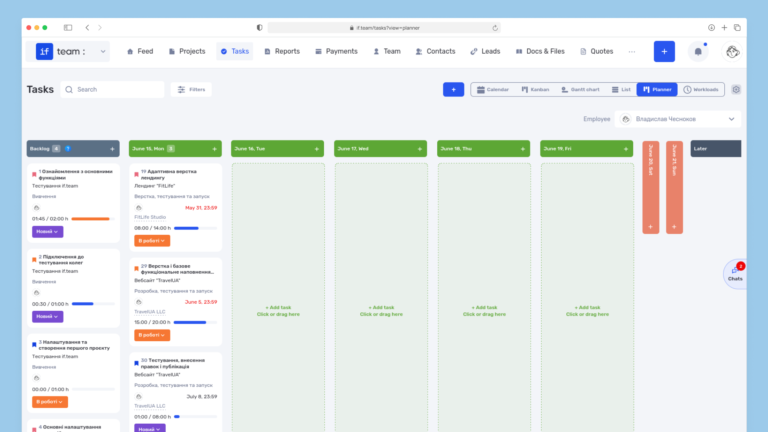
Planner is now available in if.team — a new task management mode designed to help employees organize their personal workload independently from project structures, boards, and lists.
In most teams...
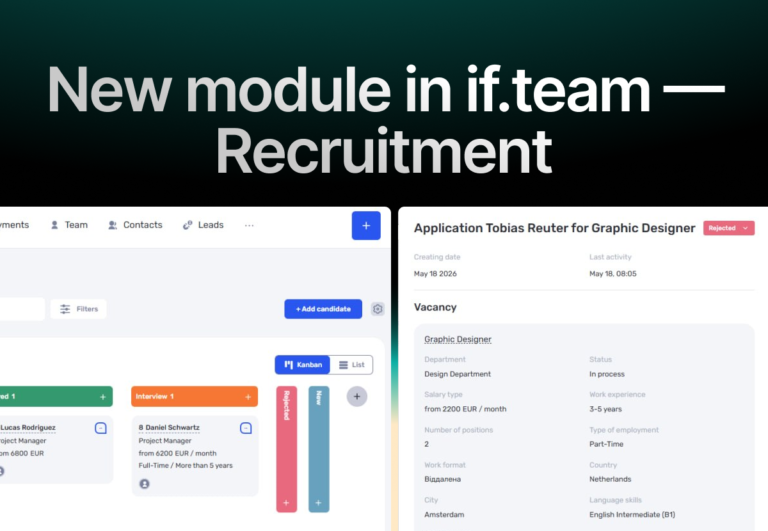
In if.team, a recruitment module has been introduced, along with an updated roles and access system. The idea here is simple — recruitment can now be managed directly inside the platform, and access...