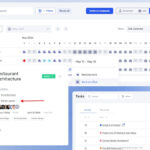
New Mode in the if.team Calendar — Workload Planning
Vladyslav Chesnokov
Copywriter, if.team
Oleh Frolov
CEO, if.team
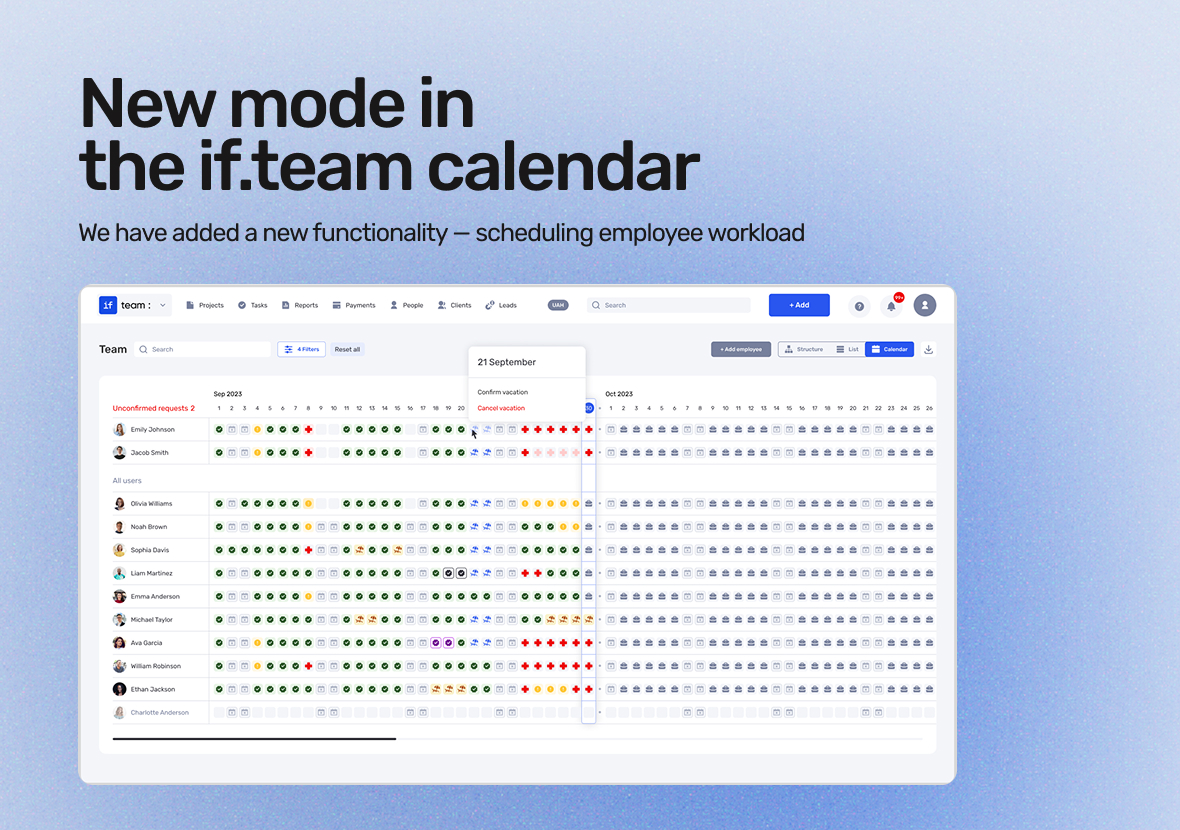
We’ve added a new feature to the if.team calendar – employee workload planning. It helps organize work more efficiently by distributing tasks based on working hours, weekends, vacations, and sick leaves. Now teams can avoid overloads and quickly adapt to changes.
This feature is designed for teams that aim to effectively manage workload and ensure continuous operations. The tool takes into account all key factors affecting productivity, making planning simpler and more intuitive.
Employee Calendar: How It Works
The employee calendar in if.team is a key tool for tracking availability and planning. Employees can view their work schedule, mark vacation or sick days. All this information syncs with other platform features, such as tasks and projects.
Managers have access to schedules and can approve or decline requests for time off, taking the team’s needs into account. This helps avoid overloading other employees and ensures tasks are completed on time. Additionally, the work history of employees aids in analyzing performance and forecasting future workload.
Workload Planning: New Features
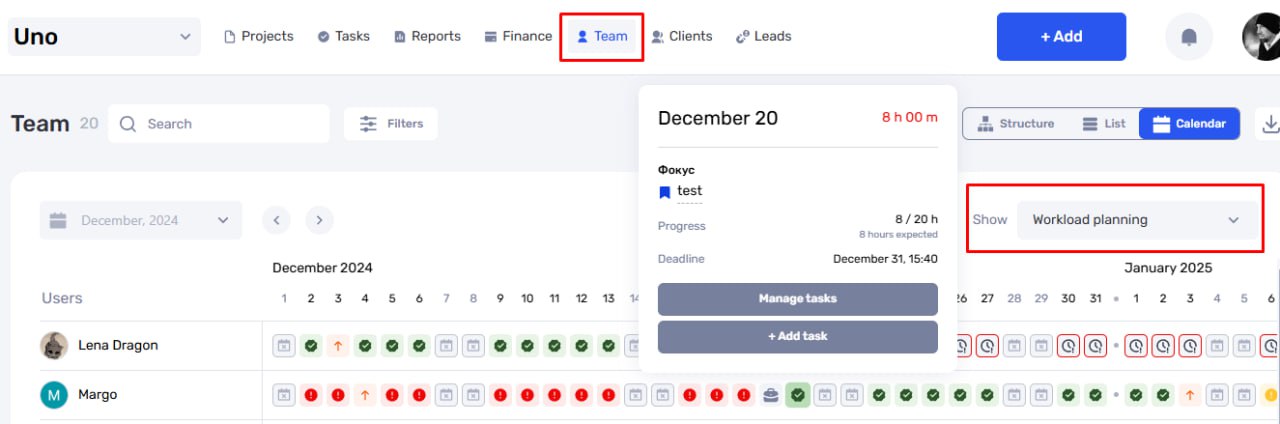
The workload planning system helps efficiently manage the team’s time and resources. It takes into account task priorities, employee absences, and allows for visualizing workloads to ensure even distribution. The tool automatically alerts you about overloads and risks, enabling quick adjustments to schedules and ensuring the stability of the workflow. Let’s take a closer look at how these features work in practice.
Analysis of Planned Hours and Task Priorities
The tool takes into account employees’ planned hours and task priorities. This helps distribute tasks evenly and avoid overloads. You can see who is working on what and adjust work schedules according to the team’s needs.
Additionally, considering priorities allows you to focus on the most important tasks. This ensures that key project goals are met without losing focus on less critical details.
Accounting for Days Off, Vacations, and Sick Leave
The system accounts for all planned employee absences, allowing for the creation of realistic work schedules. This is especially useful for avoiding delays in task completion. The feature also supports various employment modes, such as part-time or shift schedules.
Managers have the ability to plan work in advance, taking into account absence days. This minimizes risks and helps ensure the continuity of the workflow, even under unforeseen circumstances.
Employee Load Assessment
The tool visualizes workload in an easy-to-read format. Managers can see who in the team is overloaded or has free time, enabling them to effectively adjust task distribution. This improves productivity and ensures an even workload distribution.
Additionally, the system provides the ability to forecast future workload peaks. This allows teams to prepare in advance and avoid stressful situations.
Identifying Overloads and Risks
The system automatically alerts you about potential issues, such as employee overloads or the risk of missed deadlines. This enables managers to make timely decisions, such as adjusting priorities or reallocating tasks.
The tool also allows for analyzing the causes of overloads, helping to avoid similar situations in the future. This contributes to long-term stability and work efficiency.
Dynamic Progress Planning
The system allows you to track task progress in real time. You can see whether the work pace aligns with the planned schedule and make quick adjustments if necessary. This supports transparency in work and helps avoid delays.
Additionally, dynamic planning enables quick responses to changes in priorities or resources. This ensures flexibility in operations and enhances the overall team’s effectiveness.
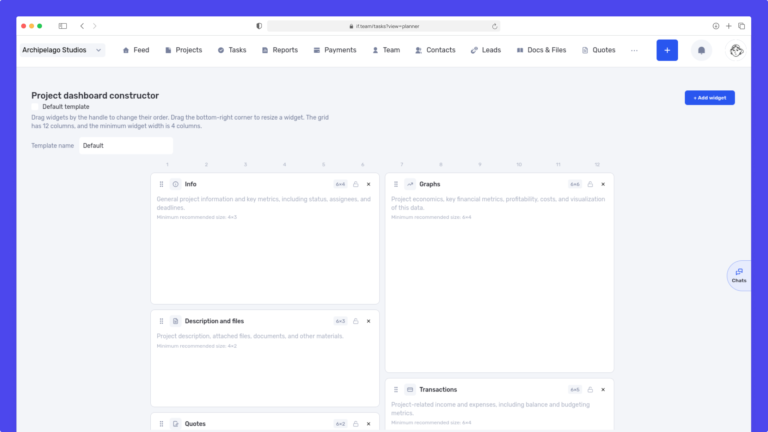
We have updated the project screen in if.team and introduced custom dashboards. Teams can now configure their workspace according to their workflows, tasks, and priorities.
Projects differ from one...
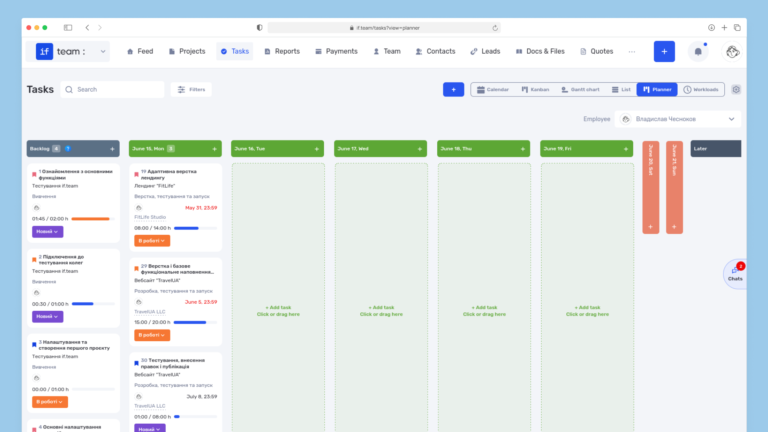
Planner is now available in if.team — a new task management mode designed to help employees organize their personal workload independently from project structures, boards, and lists.
In most teams...
In if.team, a recruitment module has been introduced, along with an updated roles and access system. The idea here is simple — recruitment can now be managed directly inside the platform, and access...