Custom Fields in Projects — More Order, Context, and Flexibility
Vladyslav Chesnokov
Copywriter, if.team
Oleh Frolov
CEO, if.team
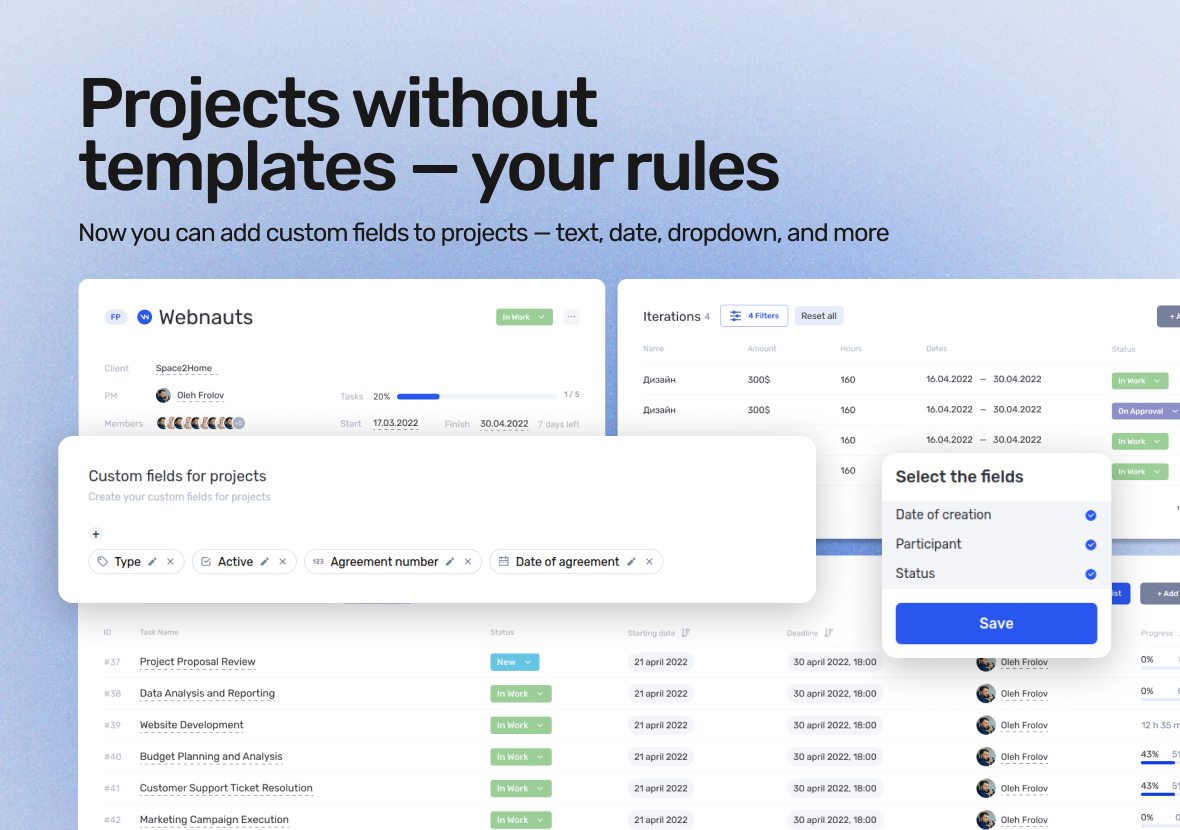
Now, in if.team project cards, you can create custom fields to store the information that truly matters to you. This lets you keep budgets, dates, specifications, and special conditions under control — without relying on external documents or chaotic notes.
You decide which data to keep in your projects. And now you can do it simply, structurally, and all in one place.
What’s new in if.team
Custom fields of various types are now available in projects. You can create:
Text fields — for short descriptions or titles.
Long description fields — for terms, technical tasks, or specs.
Checkboxes — to mark statuses, completion, or approvals.
Number fields — for budgets, estimates, priorities.
Dropdown lists — to standardize options (project type, direction, stage).
Date fields — for deadlines, checks, launches.
Links — for tech docs or cloud folders.
Tags — for categorization.
Time fields — to record hours or durations.
These are the same fields already available in leads and clients — now extended to projects.
Why use custom fields in if.team projects
Many companies have unique processes — and often standard fields aren’t enough to capture all important details. Custom fields provide:
Clear storage of specific information for each project.
CRM adaptation to your unique business workflows.
Fewer external tables, files, and data losses.
A structured approach to launches, checks, and project handoffs.
All info stays inside the project card. Nothing gets lost, and everyone knows where to find it.
How to create and configure fields
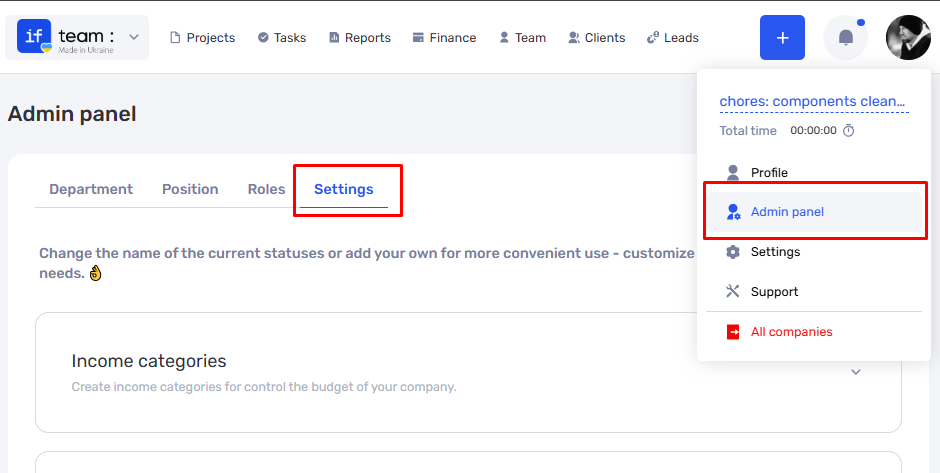
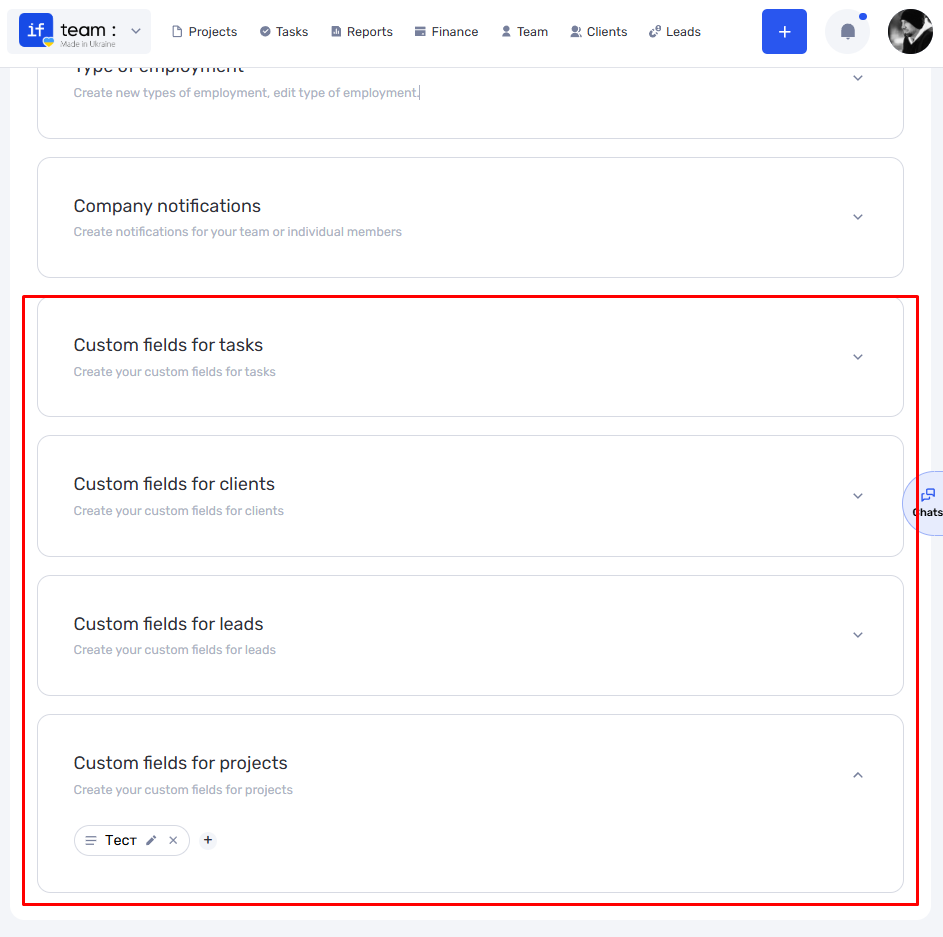
Go to the Admin Panel → Settings.
Open the Custom Fields tab.
Select Projects as the entity type.
Click Add Field.
Specify the type, name, and additional settings (required, order, etc.).
Custom fields will appear in a separate block within the project card. You can collapse or expand this block depending on your needs.
Flexible display in project tables
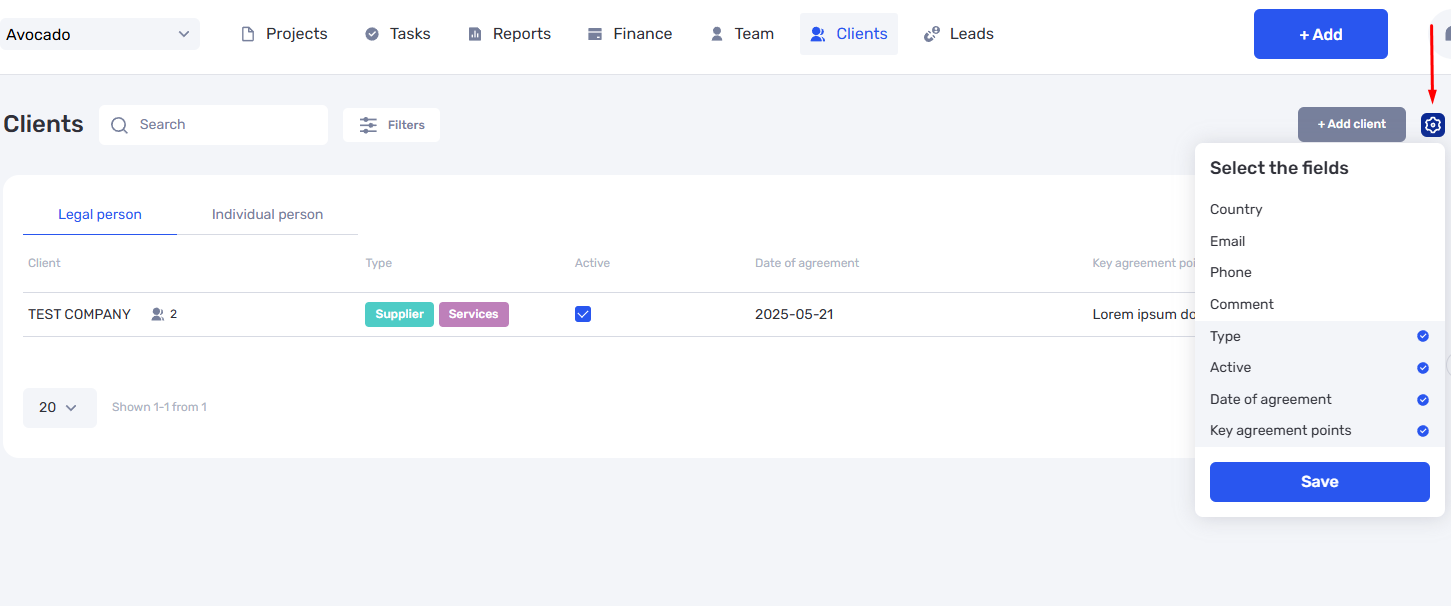
You don’t have to show all custom fields to everyone in the projects table. You can toggle visibility on or off:
This keeps only relevant data visible.
The table stays clean, user-friendly, and uncluttered.
Custom fields — a key part of a flexible CRM
Custom fields are a step toward fully adapting if.team to your team’s business processes. Whether you:
Manage specific types of projects;
Work with tenders, contracts, or large budgets;
Want to keep key info inside the CRM;
Go to settings, create your first fields, and immediately feel the convenience. Instead of extra tables and emails — a clear structure right in the project card.
Try the new feature now and tailor the system to your needs.
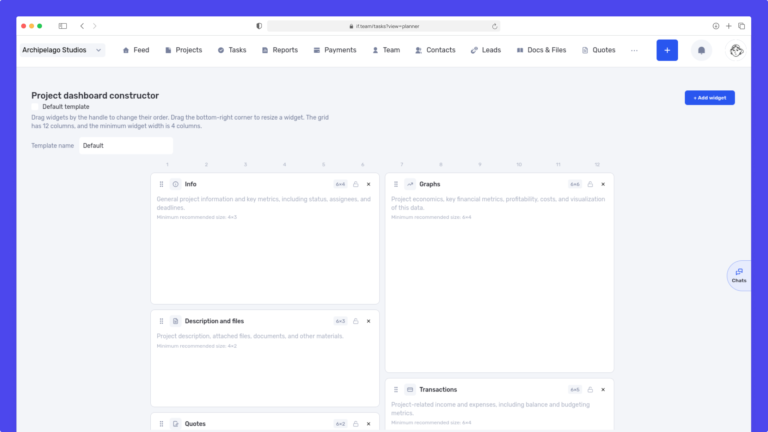
We have updated the project screen in if.team and introduced custom dashboards. Teams can now configure their workspace according to their workflows, tasks, and priorities.
Projects differ from one...
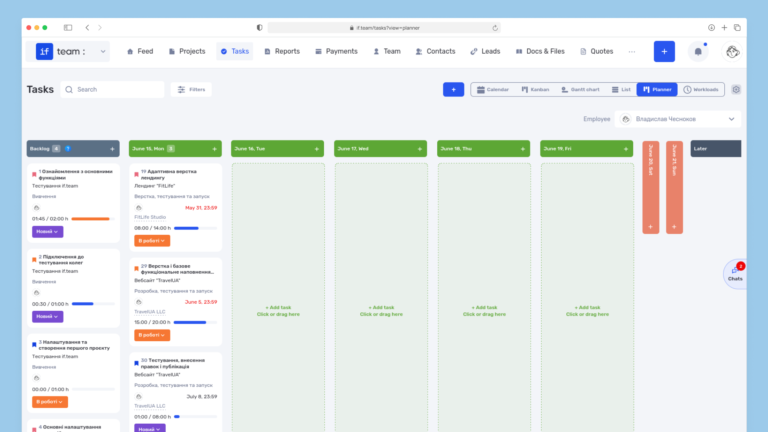
Planner is now available in if.team — a new task management mode designed to help employees organize their personal workload independently from project structures, boards, and lists.
In most teams...
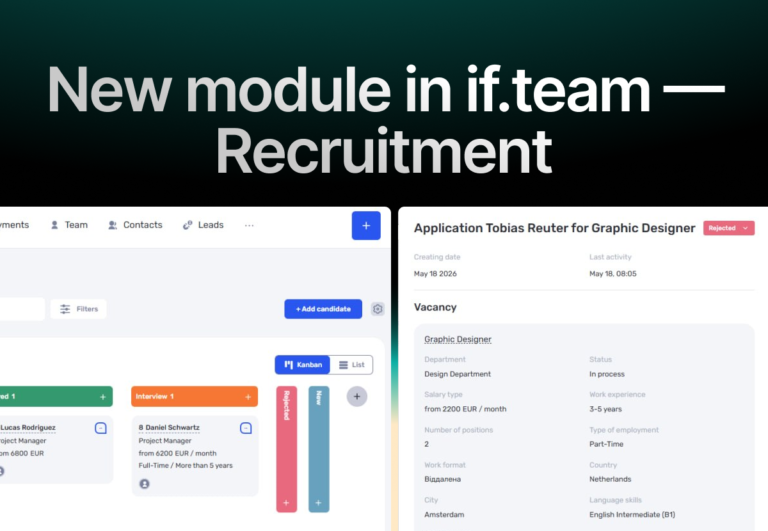
In if.team, a recruitment module has been introduced, along with an updated roles and access system. The idea here is simple — recruitment can now be managed directly inside the platform, and access...