Flexible Project Statuses, API Keys, and Custom Transaction Fields in if.team
Vladyslav Chesnokov
Копірайтер, if.team
Oleh Frolov
CEO, if.team
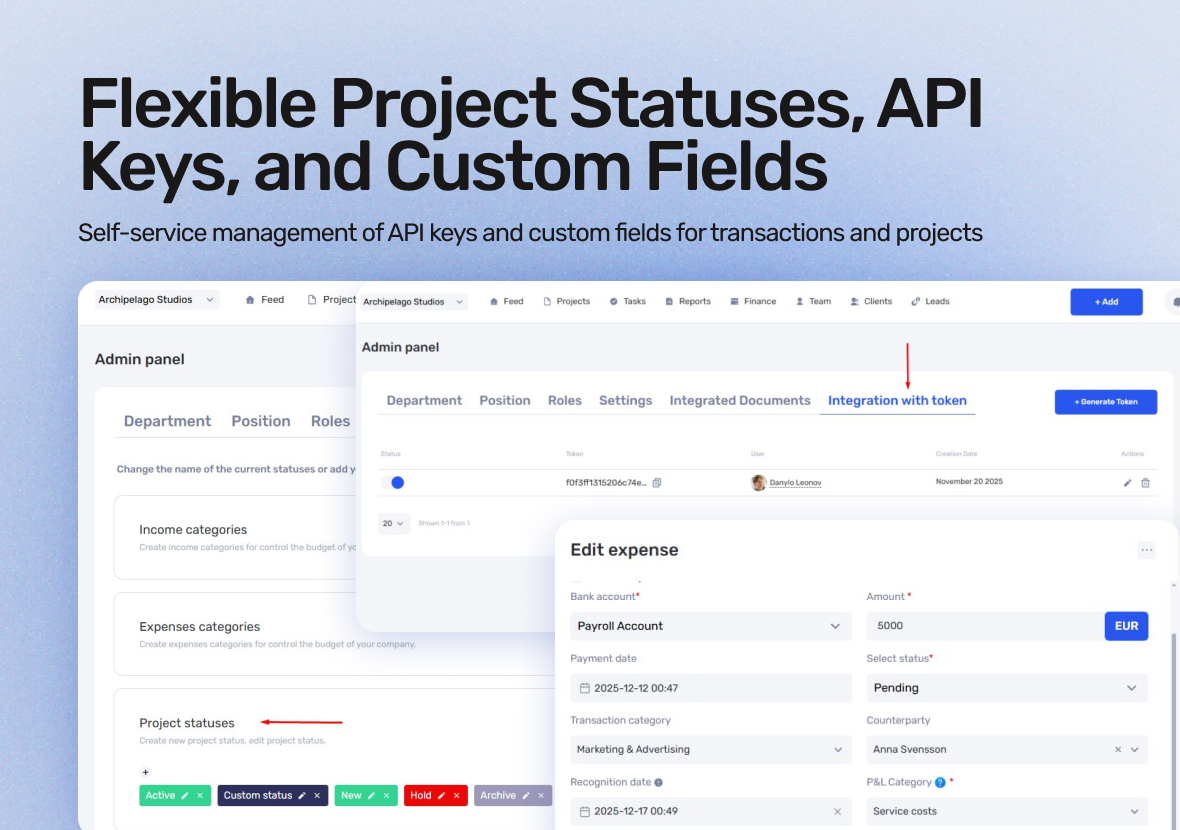
We’ve released several updates that make system administration, integrations, and financial management easier. All changes are configurable in the admin panel, allowing you to adapt if.team more precisely to your company’s internal processes.
Custom Project Statuses
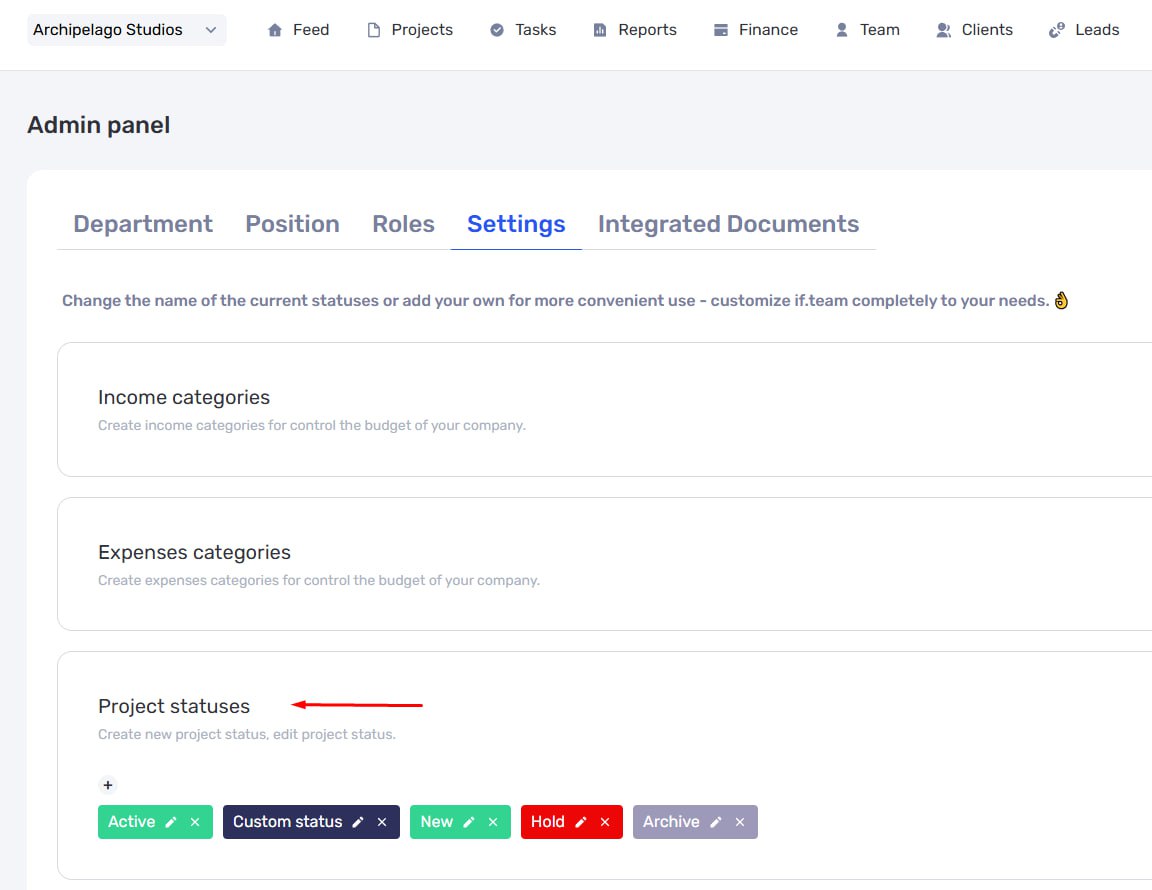
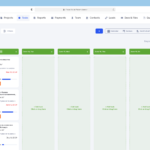
Project statuses can now be customized individually. Previously, they were fixed and defined by the system, but now you decide which statuses your team uses and how they function.
All configuration is done in the admin panel. You can create custom statuses and use them to represent real stages of a project — from start to finish.
A key feature to note is final statuses. Any status can be marked as final, which automatically locks the project from changes. You can no longer add new tasks or track hours in a project with a final status. This is useful for closing projects definitively and prevents accidental edits after completion. If necessary, a user with the appropriate permissions can move the project back to an active status.
Self-Service API Key Management
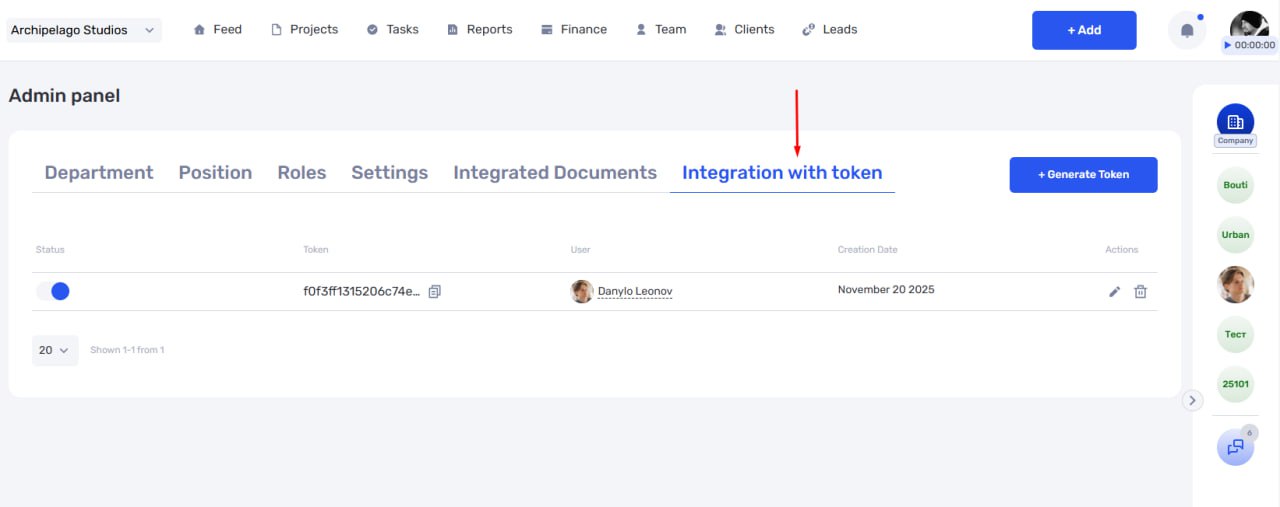
A dedicated interface for managing API keys has been added in the admin panel. Access control no longer requires support intervention and is fully managed within your company.
Through this interface, you can create new keys, update existing ones, or deactivate keys that are no longer needed. This simplifies integrations and improves security, especially when internal processes or responsible personnel change.
This feature is particularly useful if you integrate if.team with internal systems, connect third-party services, or build custom automations. All key-related actions are performed quickly and without additional approvals.
Custom Fields for Transactions
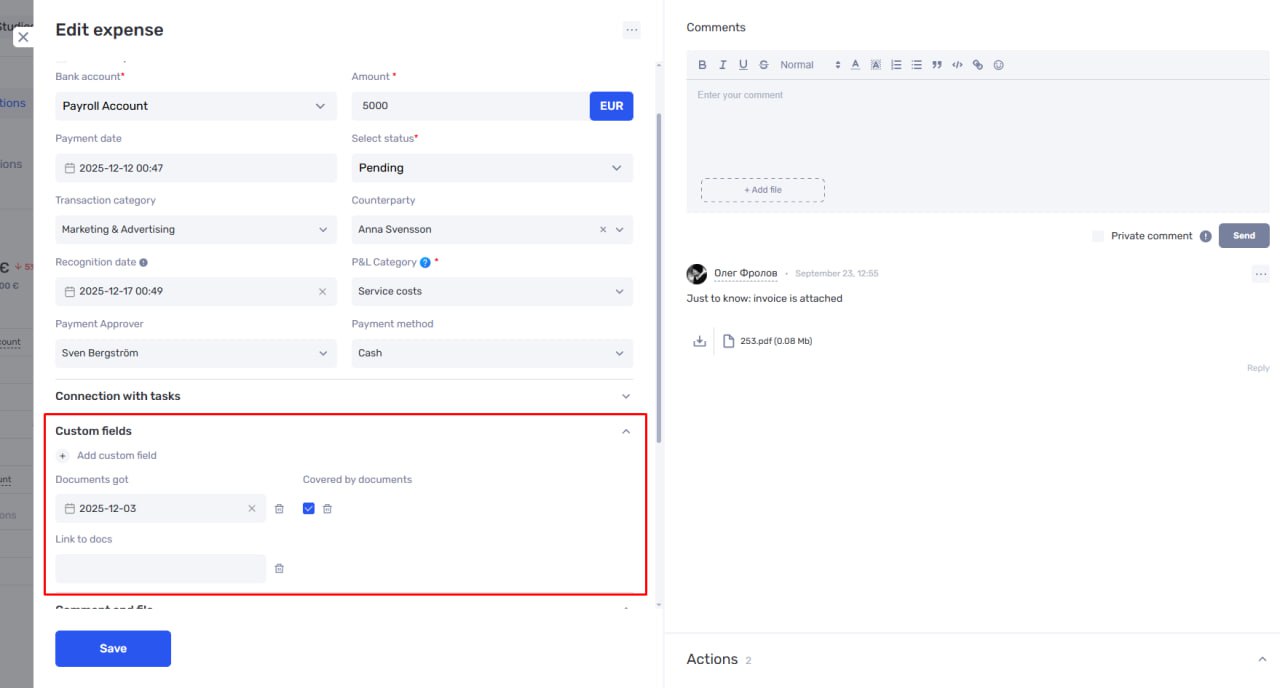
We’ve extended custom fields to financial transactions. Previously, custom fields were available for projects, tasks, leads, and clients — now you can also use them for income and expenses.
Custom fields allow you to add extra information to transactions that is important for your financial management. When creating a field, you decide whether it applies to all transactions, whether it is mandatory, and whether it can be used for filtering.
Once configured, custom fields appear in the transaction card and in tables. You can manage column visibility and order, just like before. This lets you adapt the financial table to different needs, from daily operations to reporting and analysis.
Custom fields are useful for storing invoice or contract links, tracking transaction IDs in third-party services, adding internal finance comments, creating additional revenue categories, or marking payments for KPI and ROI calculations.
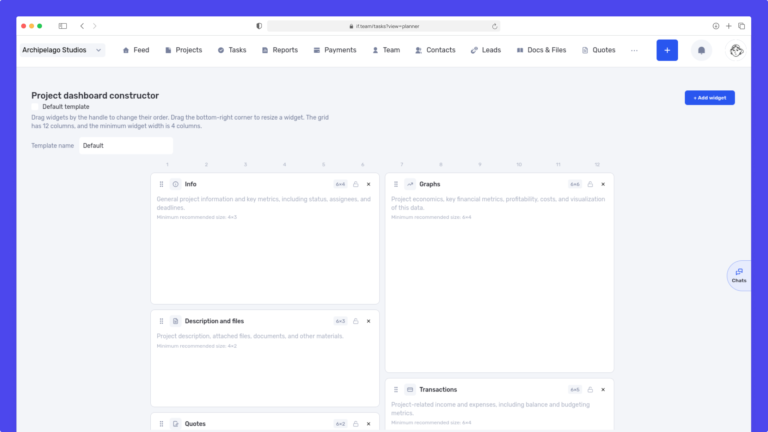
We have updated the project screen in if.team and introduced custom dashboards. Teams can now configure their workspace according to their workflows, tasks, and priorities.
Projects differ from one...
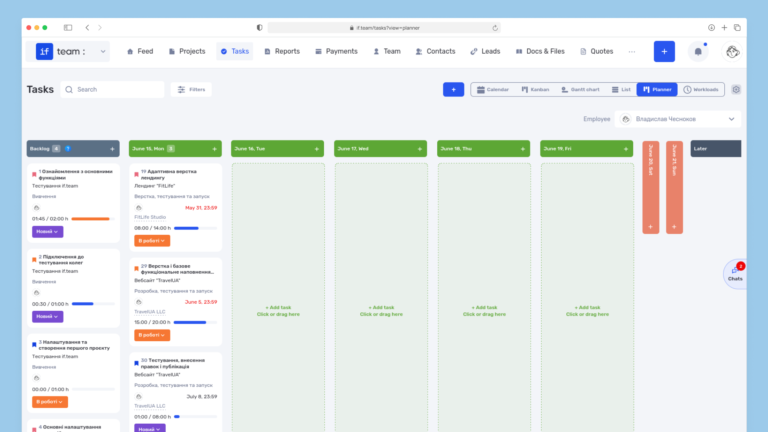
Planner is now available in if.team — a new task management mode designed to help employees organize their personal workload independently from project structures, boards, and lists.
In most teams...
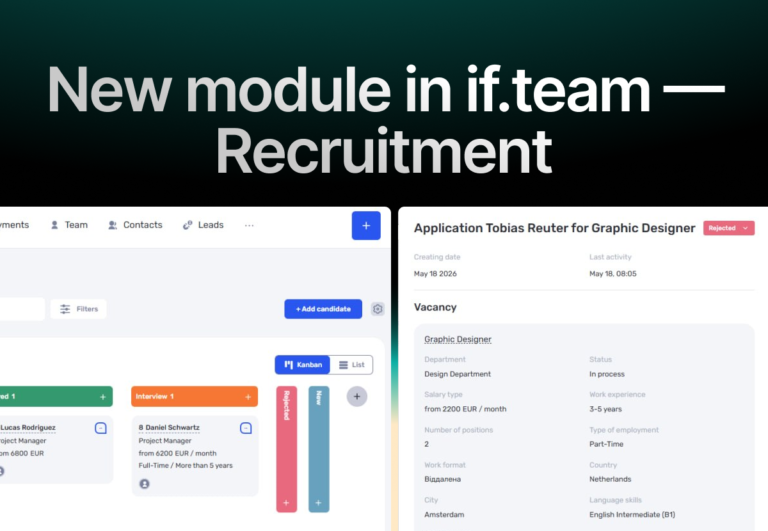
In if.team, a recruitment module has been introduced, along with an updated roles and access system. The idea here is simple — recruitment can now be managed directly inside the platform, and access...