if.team Launches Internal Chats — Everything for Quick Information Exchange
Vladyslav Chesnokov
Copywriter, if.team
Oleh Frolov
CEO, if.team
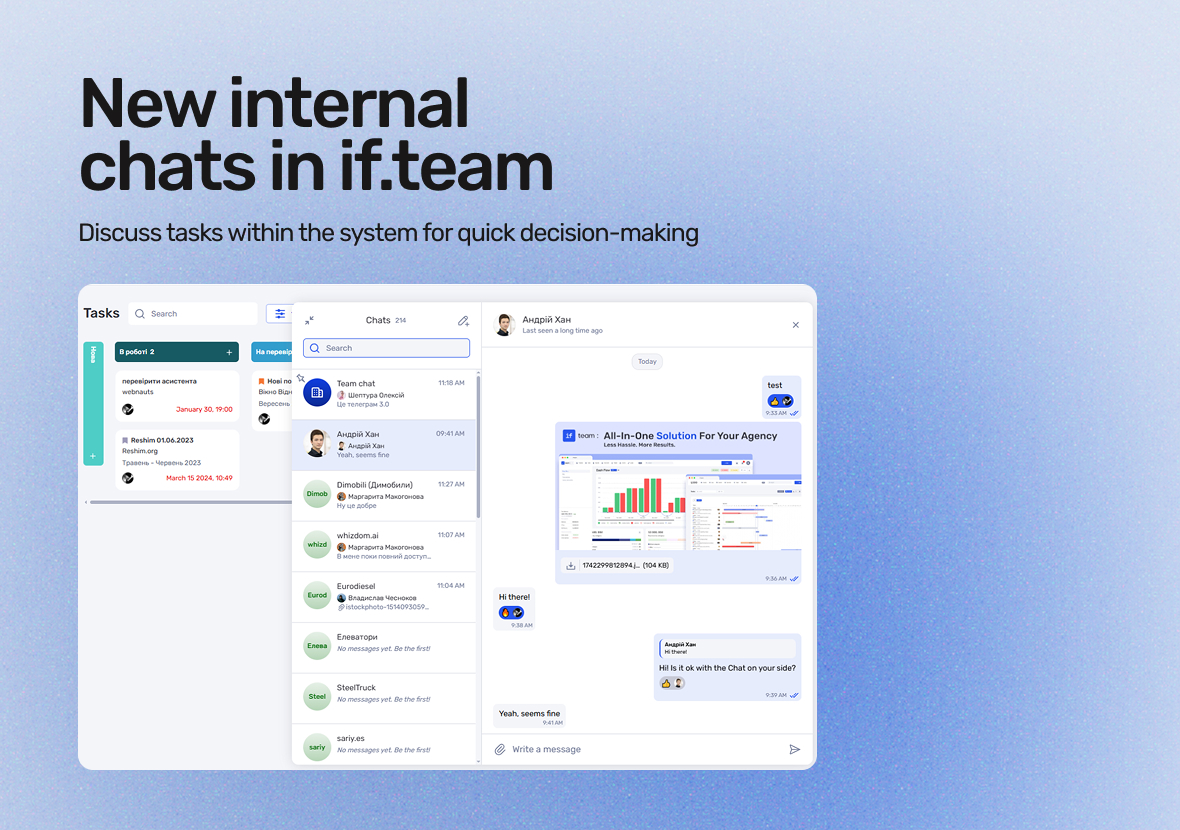
if.team introduces a new feature — internal chats. Now, you can discuss tasks, share files, and quickly clarify details directly within the system.
Chats are available at the company level, for specific projects, and for private communication. This allows you to resolve work-related issues quickly and reduces the need for third-party messengers.
What are internal chats, and how do they help with work
Internal chats in if.team are a powerful tool for communication within your team. They allow you to organize task discussions, share files, and exchange quick messages directly within the system. No more switching between different messengers or email.
Chats are available at the company level, for specific projects, and for private conversations. They provide the ability to respond quickly to changes, discuss details, and collaborate without unnecessary delays.
Key Benefits:
Centralization of communication within if.team
Easy to use and set up
Quick switching between different chats within the company or project
This is the perfect tool for those who value efficiency and organization in their work.
Below are the key features.
Convenient communication panel
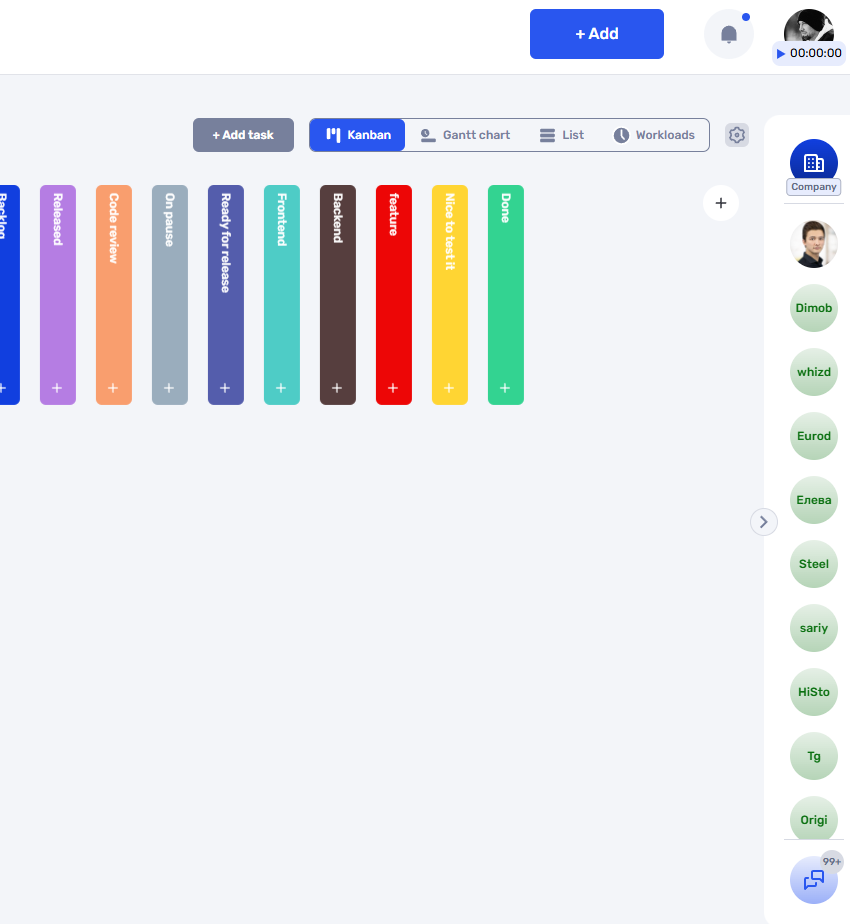
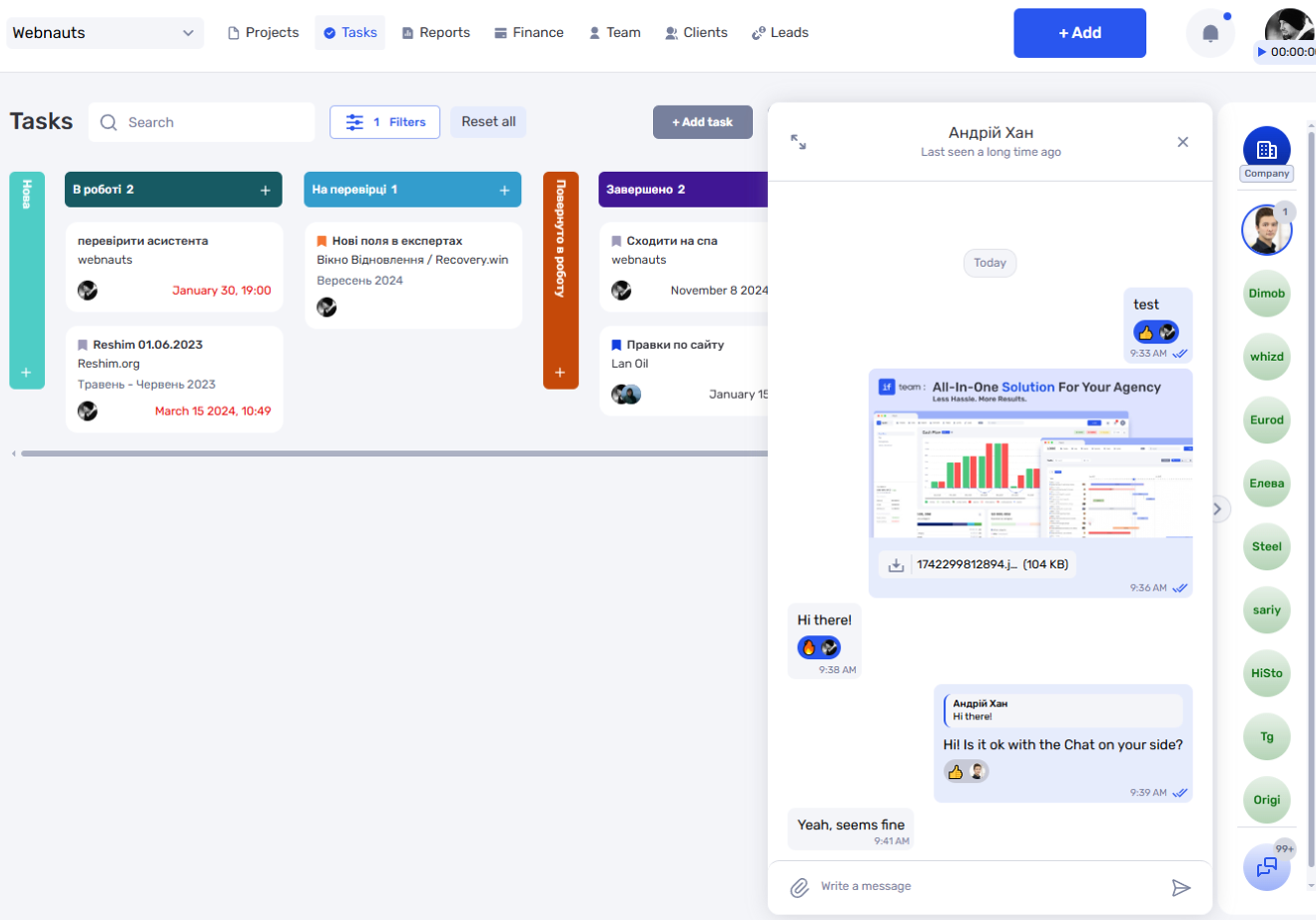
The chat panel can be customized to suit your needs. It operates in three modes: fullscreen, compact, or hidden. If communication isn’t needed at the moment, the panel won’t distract from your work.
Active conversations always stay at the top of the list. This makes it easier to access important discussions and quickly find the chats you need.
The interface is designed to avoid clutter and remains user-friendly, even with a large number of dialogues.
Company chats, project chats, and private dialogues
In if.team, there are three types of chats available:
Company Chat — a general space for discussing important matters among all employees.
Project Chats — separate channels for teams working on specific tasks or projects.
Private Dialogues — for one-on-one communication without any extra participants.
This division helps structure communication and minimize the risk of losing essential information. Need to discuss an idea within the team? Create a project chat. Want to quickly clarify details with a colleague? Send a private message.
The chat structure helps maintain order and clarity in internal communication.
Intuitive interface, familiar from popular messengers
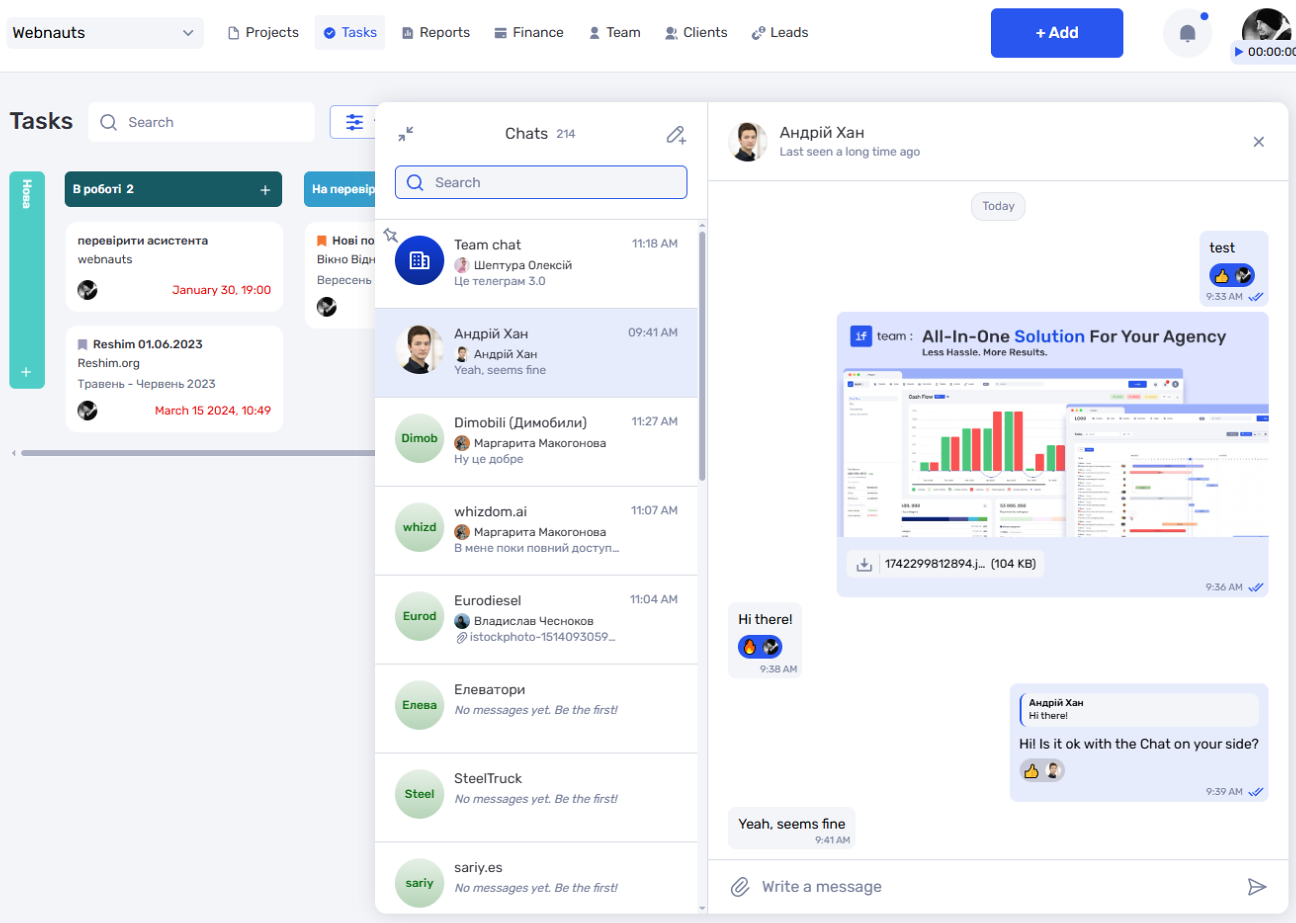
The chat interface in if.team is built on principles familiar to users of popular messengers. Key features are available right away, without unnecessary steps:
File sharing — documents, images, and other materials.
Message reactions — for quick feedback without separate replies.
Replies — to maintain context in active discussions.
Date and time indicators — for a clear message timeline.
The interface is easy to learn, even if you’re using the system for the first time.
Flexible chat access settings
Administrators can flexibly manage access to chats at different levels:
Enable or disable company-wide chats.
Customize individual chats for each project.
Create private channels for specific groups or clients.
This is especially useful for companies working with external users through if.team. If clients are connected to your workspace, organizing communication with them becomes easier and more secure.
The flexibility of settings allows you to adapt communication to the structure of your team or projects.
Flexible message permissions
In if.team, you can customize permissions for each user regarding writing, editing, and deleting messages:
Define who can post messages in chats: only their own, or all available messages.
Manage editing and deletion rights: whether participants can modify their own messages, or have access to editing and deleting others’ messages.
These settings help avoid misunderstandings and provide greater control over communication. It’s important to note that permissions can be configured at different levels — for individual chats or for all project participants.
Chats in if.team — a new way of communication for your team
The integration of internal chats in if.team opens up a new level of effective communication. Flexible settings and an intuitive interface allow you to adapt the system to your team’s needs, ensuring fast and convenient communication at every stage of work. Chats become an integral part of your daily workflow, simplifying processes and boosting productivity.
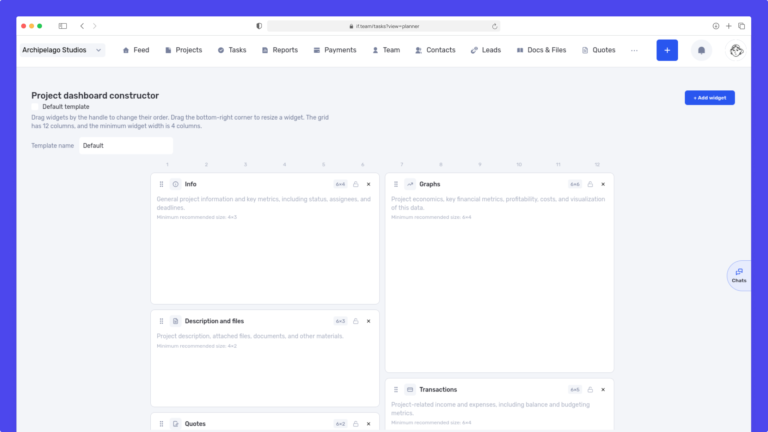
We have updated the project screen in if.team and introduced custom dashboards. Teams can now configure their workspace according to their workflows, tasks, and priorities.
Projects differ from one...
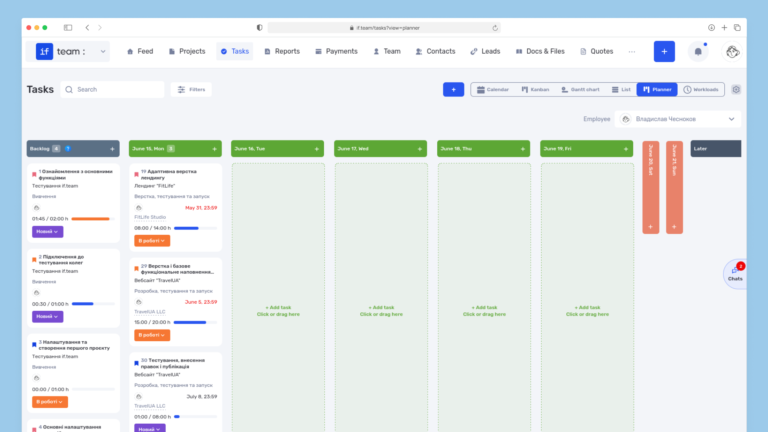
Planner is now available in if.team — a new task management mode designed to help employees organize their personal workload independently from project structures, boards, and lists.
In most teams...
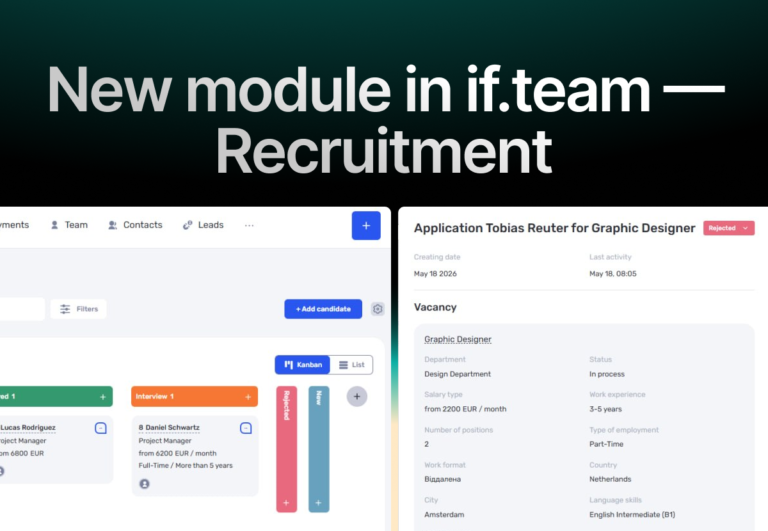
In if.team, a recruitment module has been introduced, along with an updated roles and access system. The idea here is simple — recruitment can now be managed directly inside the platform, and access...