Less manual work: bank integrations, Binance, and 25+ webhooks
Vladyslav Chesnokov
Copywriter, if.team
Oleh Frolov
CEO, if.team
if.team now connects directly to banks, Binance, and other external systems. Transactions sync automatically, data is transferred via webhooks, and you spend less time on manual updates.
Finances that work for you
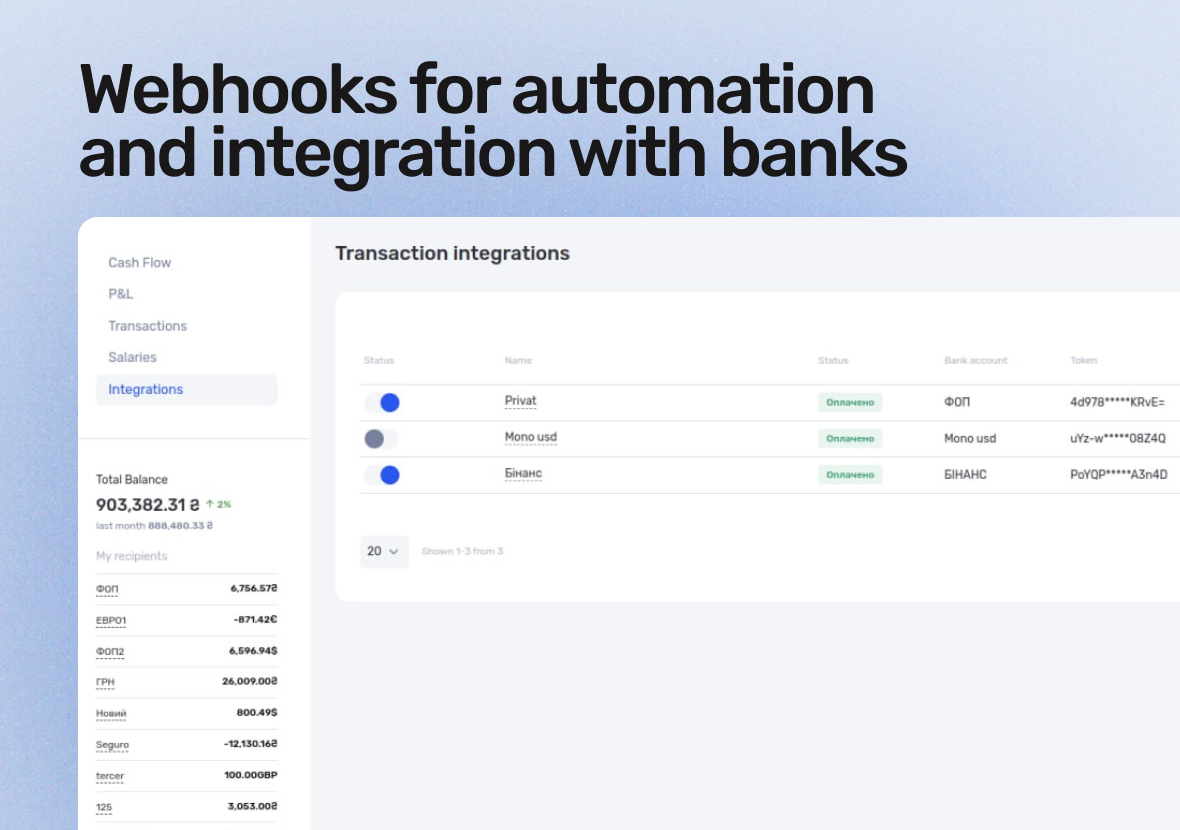
We’ve added an interface for connecting integrations with banks and payment systems. if.team now supports PrivatBank, Monobank, and Binance, with Wise, Payoneer, and PayPal coming soon.
What this means:
Connect your company’s accounts in multiple currencies.
Transactions sync almost in real time.
No need to enter every payment manually.
Instantly import up to 6 months of transaction history — no need to start from scratch.
Imported operations are automatically assigned payment methods and statuses.
Coming soon — automatic allocation of transactions by project, client, and income/expense category. You just work — the system figures out where each payment belongs.
Webhooks for automation
We’ve expanded integration capabilities — if.team now supports 25+ webhook events. This lets you connect if.team with your CRM, analytics tools, chatbots, or internal systems.
You can automatically send data about:
new or updated projects and tasks,
status, deadline, or assignee changes,
new leads, events, and reminders,
client and team updates,
custom field changes.
In other words, you can build your own ecosystem — where everything syncs and updates automatically, with no Excel exports or manual input.
We’ve also updated our API and Swagger documentation to make integrations faster and easier to set up.
How to enable the new integrations
Go to Settings → Integrations and activate the services you need. If you want to build a custom integration or need help with documentation, contact support or your account manager — we’ll help you set everything up for your workflow.
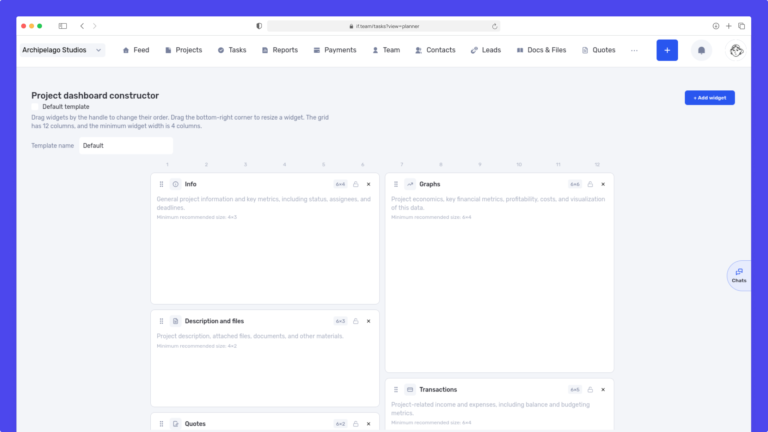
We have updated the project screen in if.team and introduced custom dashboards. Teams can now configure their workspace according to their workflows, tasks, and priorities.
Projects differ from one...
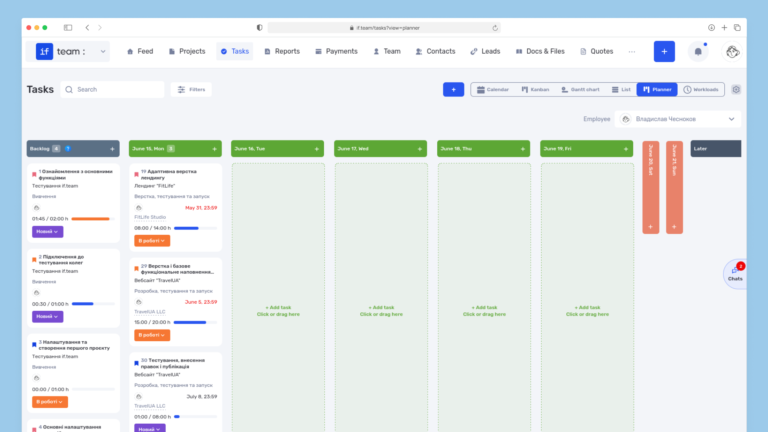
Planner is now available in if.team — a new task management mode designed to help employees organize their personal workload independently from project structures, boards, and lists.
In most teams...
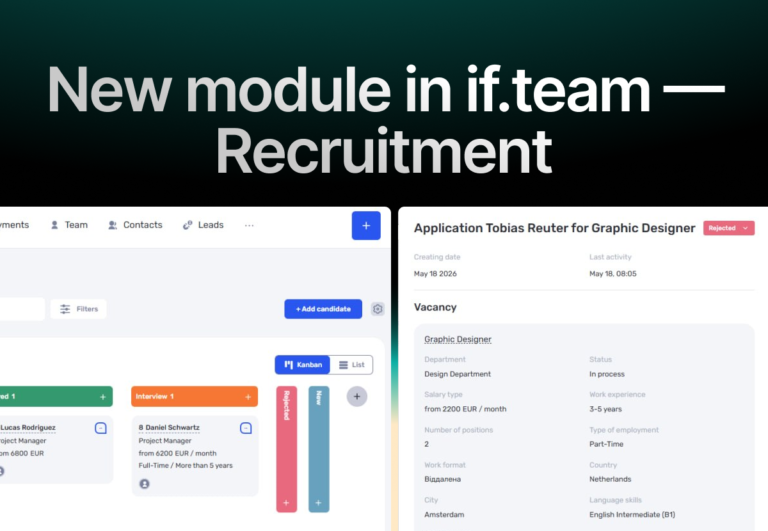
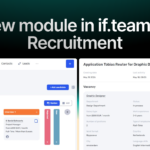
In if.team, a recruitment module has been introduced, along with an updated roles and access system. The idea here is simple — recruitment can now be managed directly inside the platform, and access...