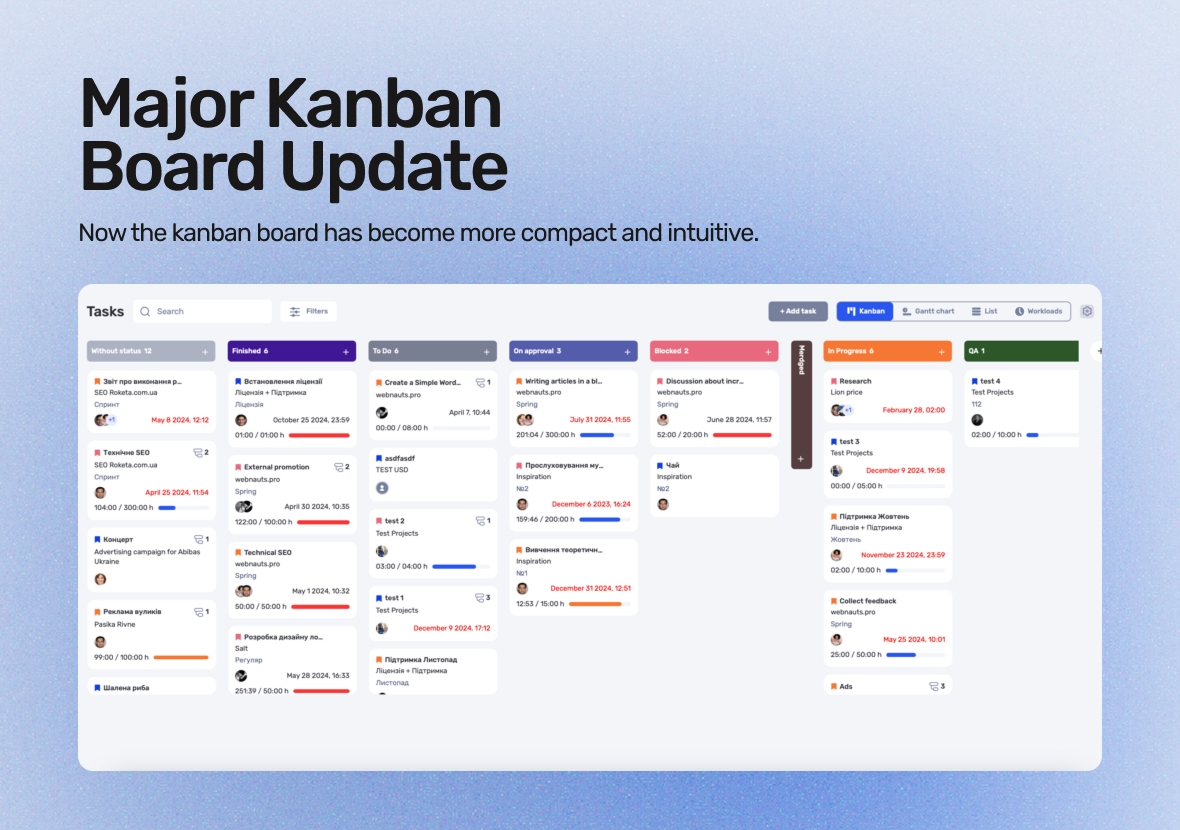
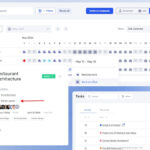
We’re constantly working to make your workflow more convenient and efficient. The latest update to the Kanban board brings several key changes that will help you work faster and more flexibly. We’ve listened to user feedback and added features designed to improve productivity and enhance task management.
The Kanban board is now more compact and intuitive. With these new capabilities, you can personalize the board to suit your needs, quickly adapt it to changes, and streamline your task completion process. Here are the new features now available.
What’s New in if.team
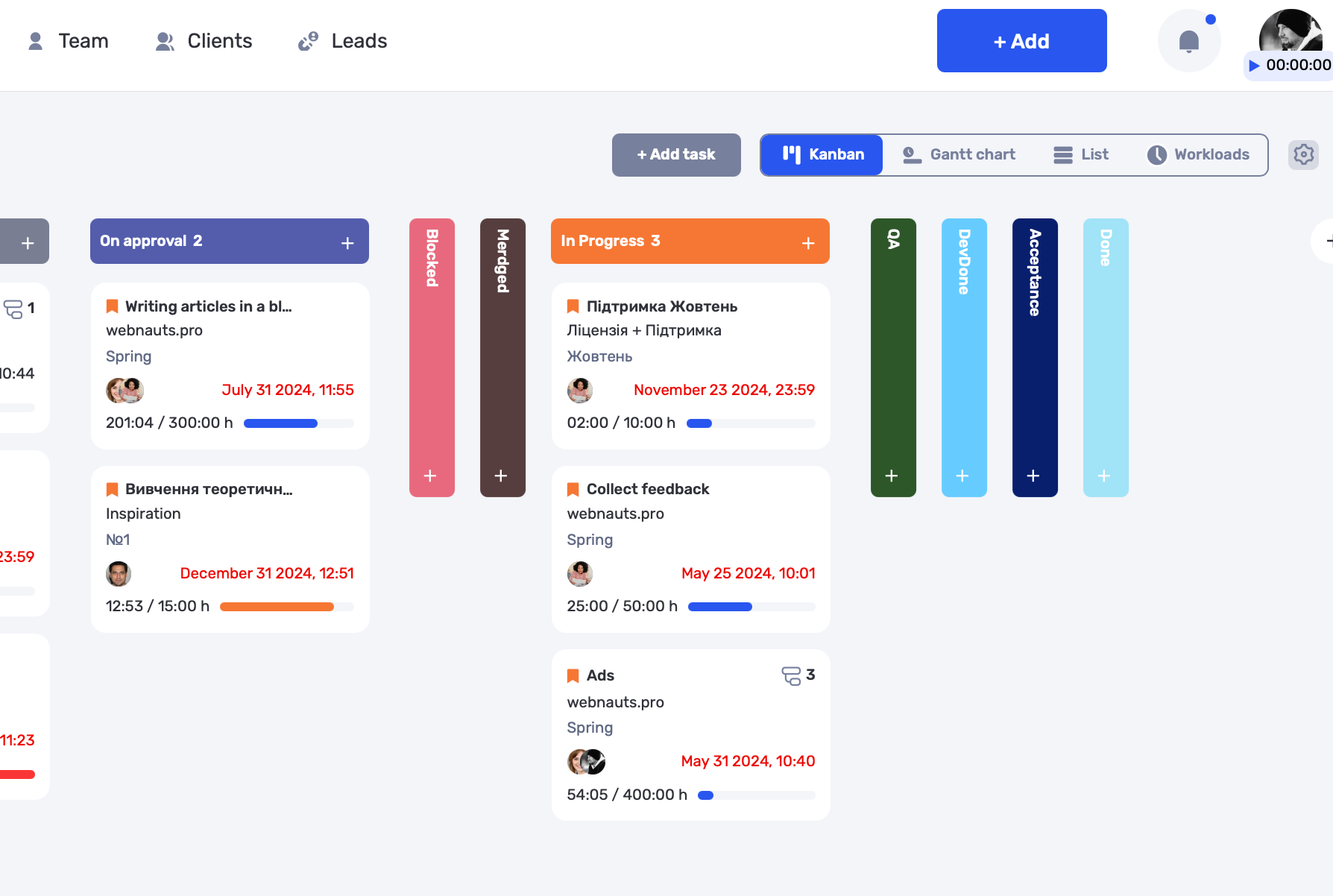
In the latest update to if.team, we’ve significantly improved the Kanban board: you can now reorder columns, automatically hide empty statuses, and use new filters to search for tasks more easily.
The update also includes enhancements to the task and checklist interface, as well as the ability to save task sorting at the user level. All these improvements help make your work even more efficient and convenient. Let’s take a closer look at everything in detail.
Personalized Task Order
Now, the order of tasks within columns is saved at the user level, allowing each person to create their own custom task order. No more adjusting to global settings — you can now work in a layout that suits you best.
Settings are saved, so you can quickly return to your preferred layout even after changes. This feature significantly speeds up your workflows.
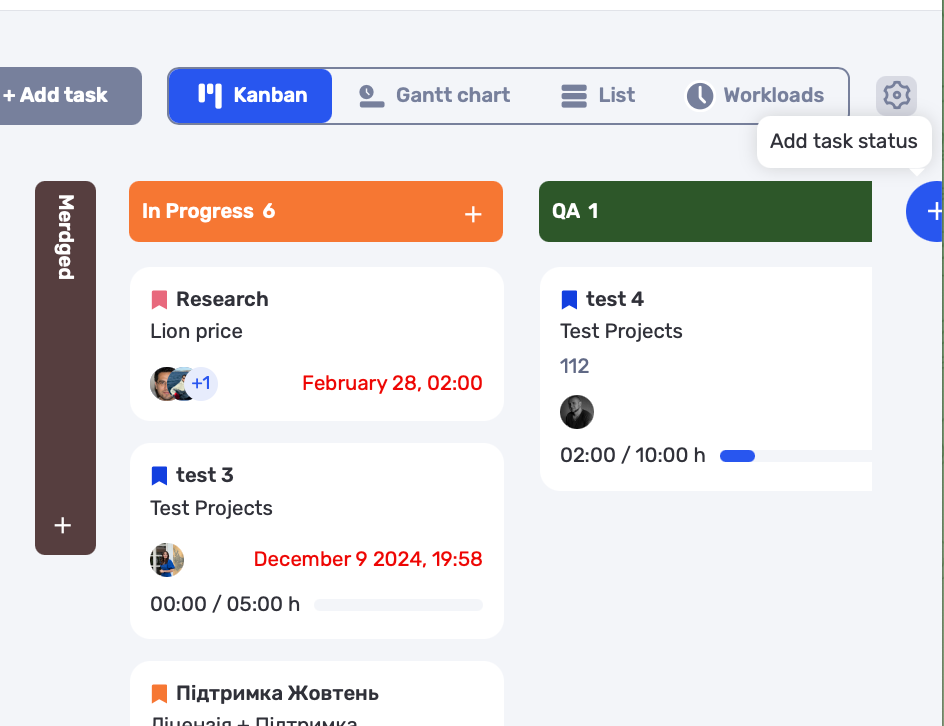
Adding New Statuses Directly from the Kanban
Now you can create new statuses directly from the Kanban board. If there’s a need to add a new stage to your workflow, you can do it without any unnecessary transitions or settings. Just add the new status in one cell — and it’s ready to use.
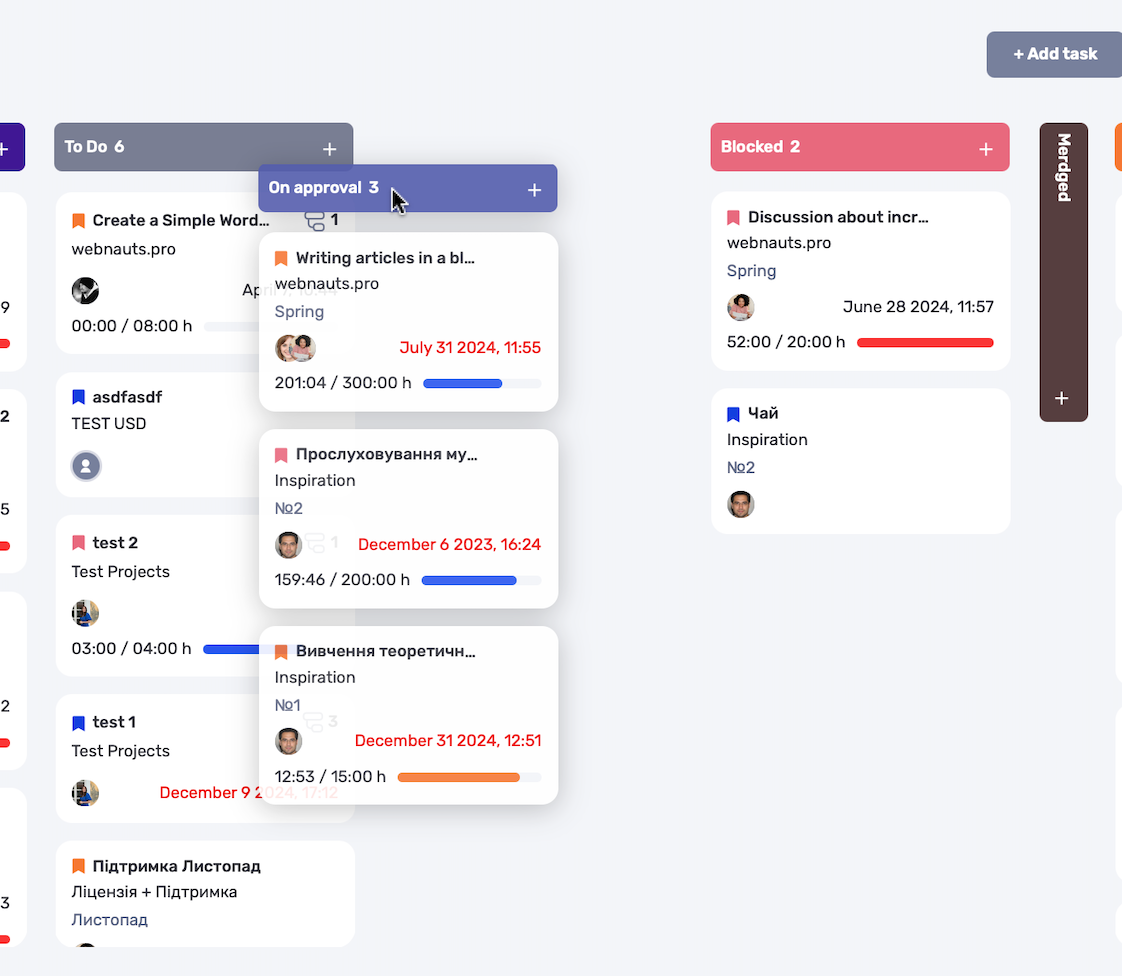
Drag-and-Drop Columns
Changing the order of columns is now done through a simple drag-and-drop. This makes it easy to adapt the workspace to the team’s needs without extra steps. You can quickly reorganize the Kanban board for optimal task management.
Reordering columns helps keep important stages of work in view.
Auto-Collapse Empty Columns
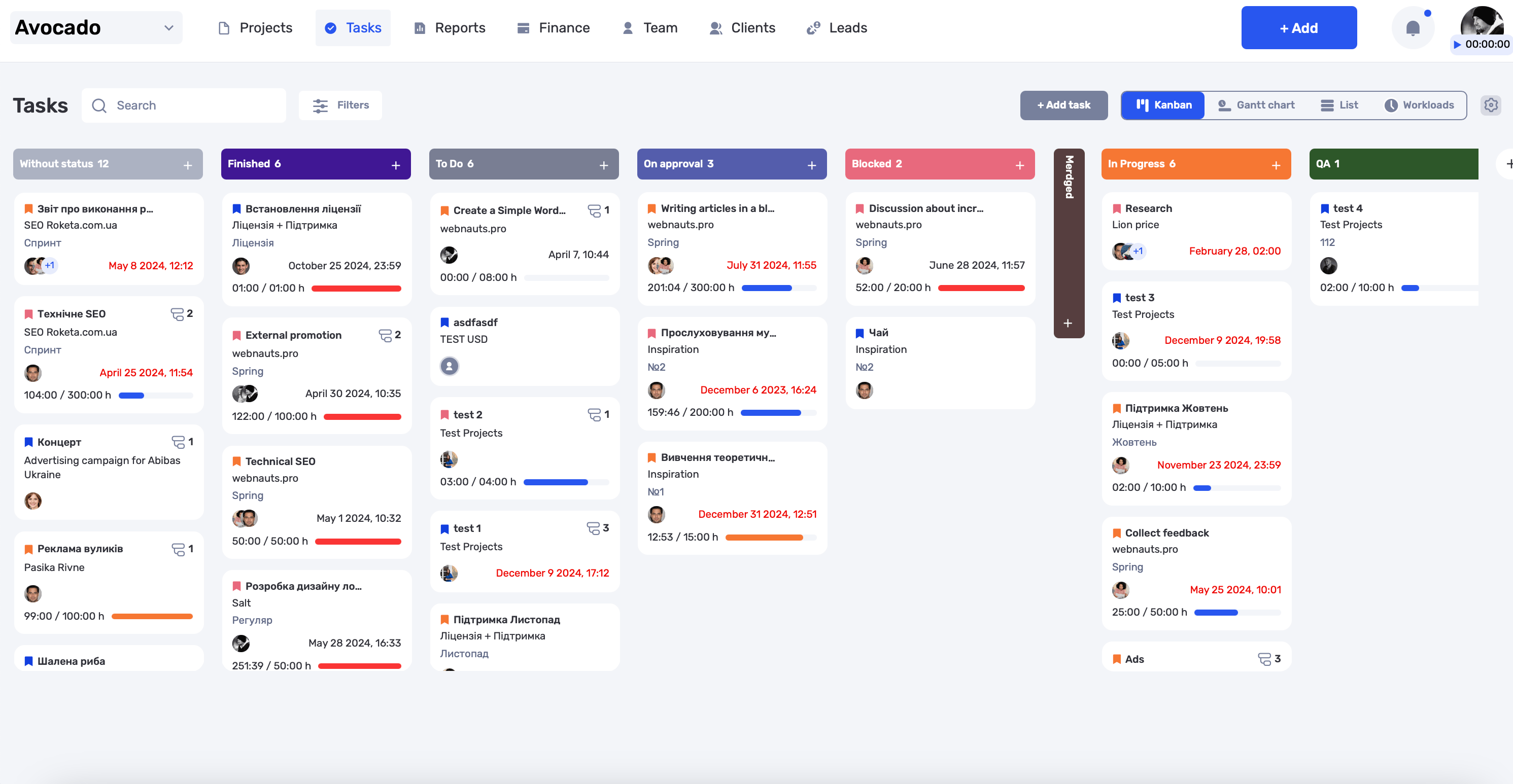
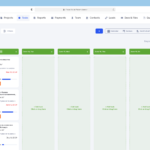
Statuses with no tasks are now automatically collapsed. This makes the board more compact and easier to view. Empty columns no longer take up space, but they remain accessible for work when needed.
Task Counter in Each Status
Now, each column displays the number of tasks within it. This feature allows you to quickly assess progress in each status and focus on areas that need attention. The visual task count helps maintain clarity in your workflow.
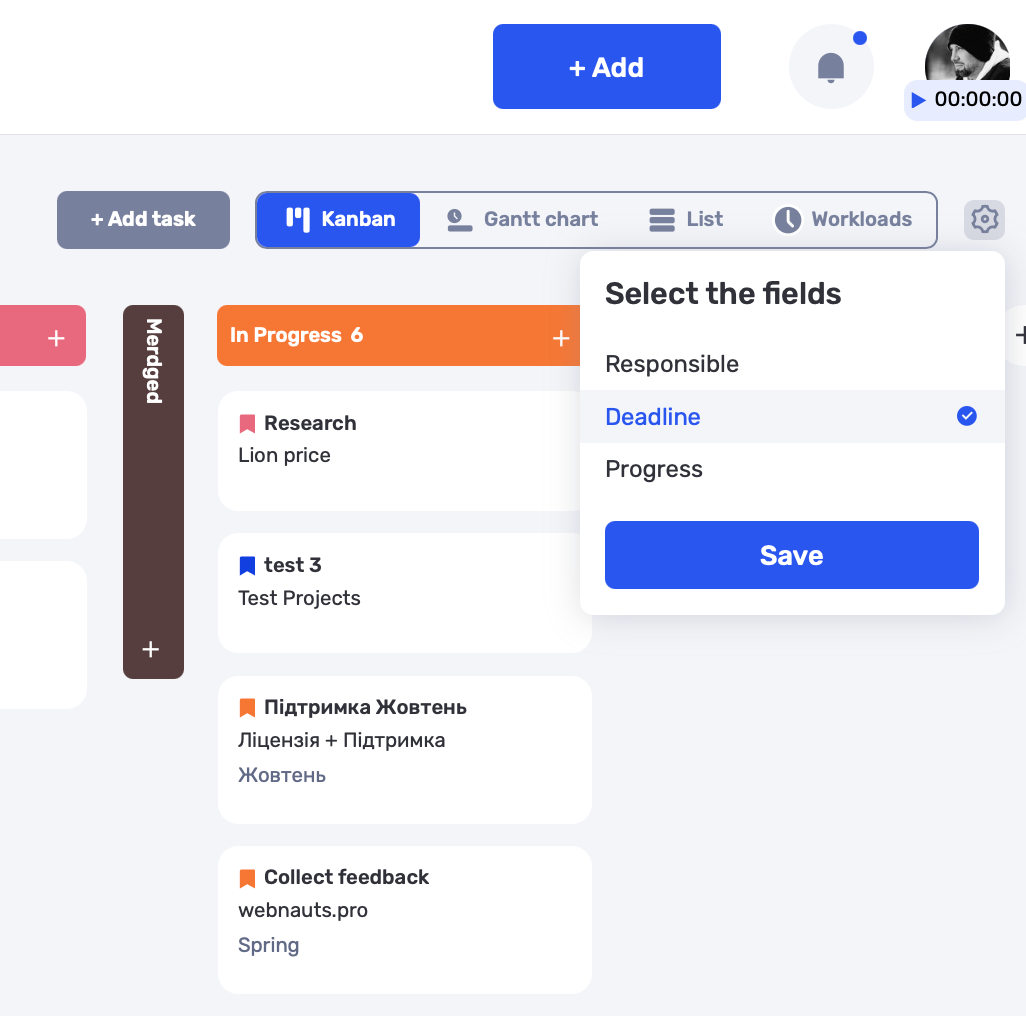
Task Card Customization
You can now customize which data to display on task cards. This allows each user to choose between a compact or detailed view of the cards. All settings are saved individually for each user, making it possible to personalize the Kanban board interface and improve task interaction.
Automatic Status Activation for Projects
If a specific status hasn’t been used in a project yet, but you move a task to that status, it will be automatically activated. This feature makes it easier to adapt the Kanban board to changes in your workflow without wasting time on extra settings. It streamlines status management and enhances team flexibility.
As before, all of these features are fully customizable through user roles and permissions — including task creation and editing, status management, and project changes.
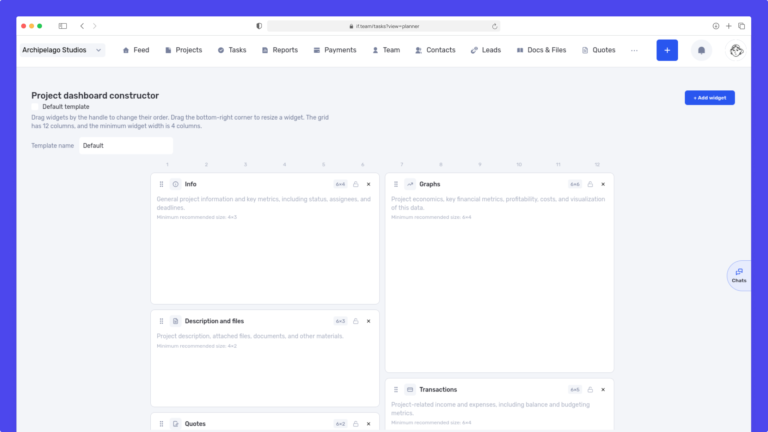
We have updated the project screen in if.team and introduced custom dashboards. Teams can now configure their workspace according to their workflows, tasks, and priorities.
Projects differ from one...
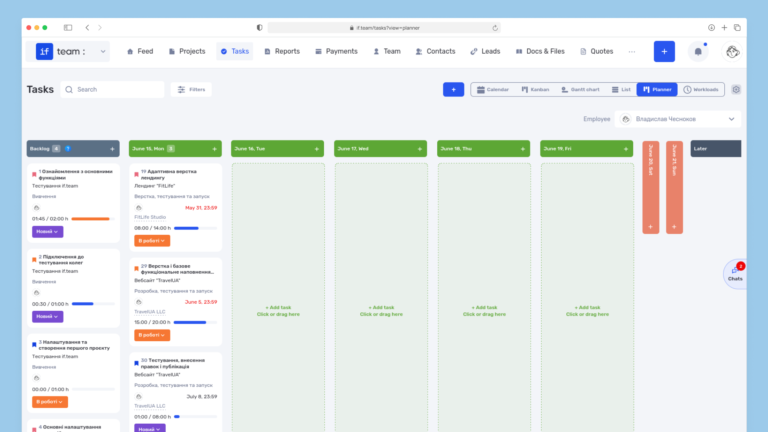
Planner is now available in if.team — a new task management mode designed to help employees organize their personal workload independently from project structures, boards, and lists.
In most teams...
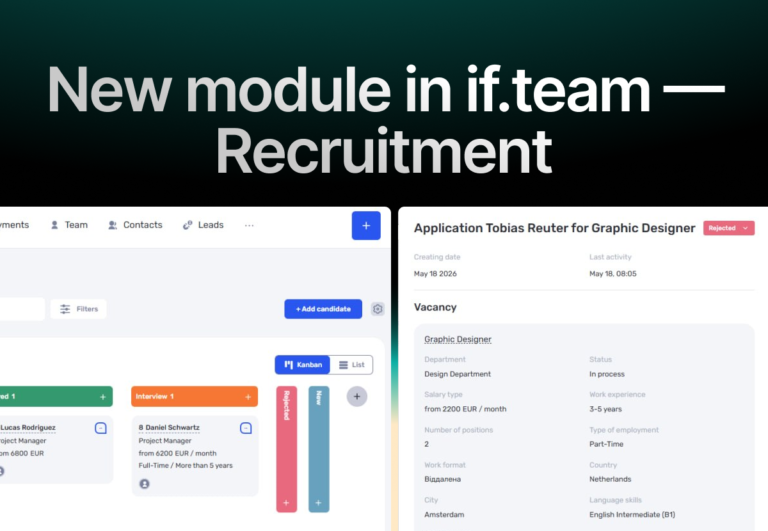
In if.team, a recruitment module has been introduced, along with an updated roles and access system. The idea here is simple — recruitment can now be managed directly inside the platform, and access...