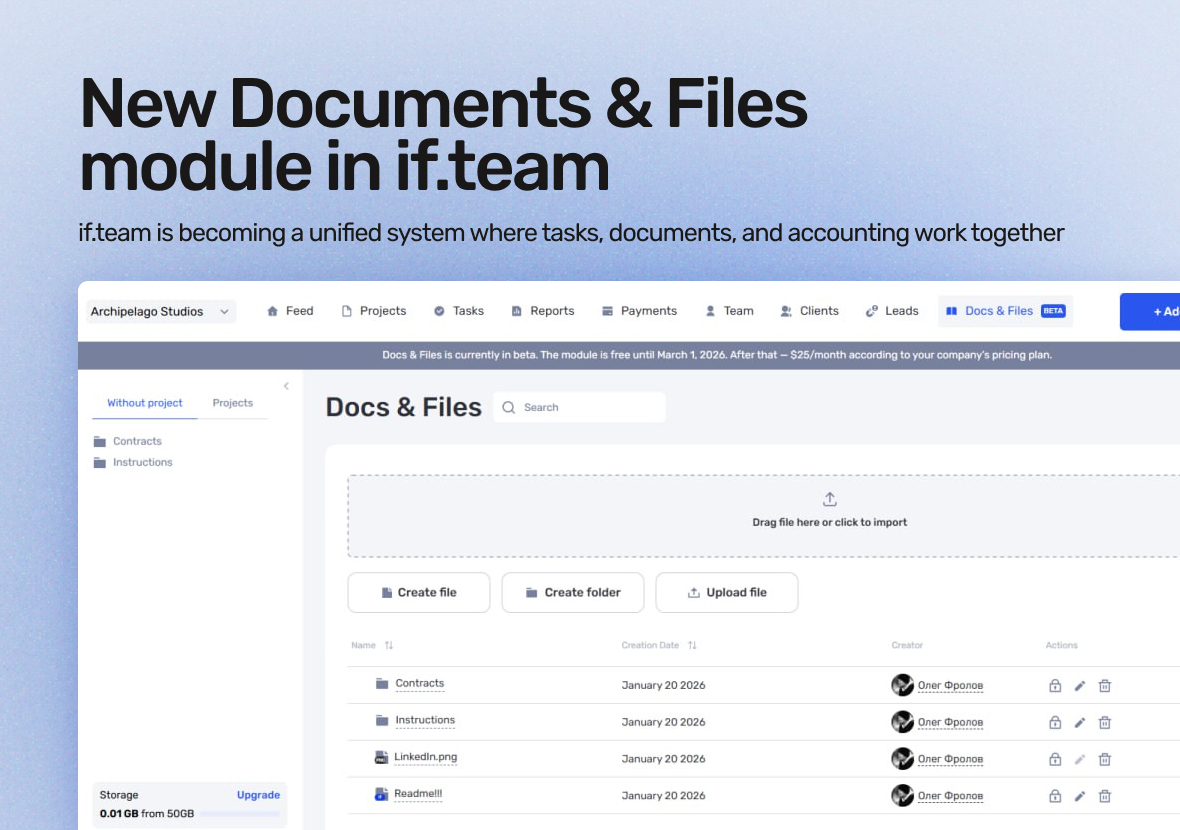
A new “Documents & Files” module is now available in if.team. It extends the system beyond tasks and finances and gives teams a shared space for files, documents, and knowledge.
At the same time, we’ve updated how tasks with hourly estimates work — to reduce manual actions and simplify time accounting.
In this update, here’s what matters most.
“Documents & Files”: a system for storage, work, and navigation
“Documents & Files” is a module for storing and creating work materials without third-party services. Everything a team needs lives in if.team and is linked to projects.
Document and file storage
Files can be organized into folders with flexible access control — for entire folders or individual files. The team sees only relevant materials, without duplicates or unnecessary links.
Project documentation
The module works well for specifications, technical descriptions, briefs, and other project materials. Documentation stays close to the project and doesn’t get lost in chats or external storage.
Text documents and Wiki
You can create text documents directly in the system: instructions, onboarding materials, and internal rules. This is how a company Wiki is built — structured and clear for the entire team.
Module availability
“Documents & Files” is available in beta for all users. The module is free until March 1, 2026.
What’s changed
A new option allows planned hours to be counted as worked hours when a task is moved to the final status.
How it works
the task has an hourly estimate
the assignee completes the task
the system automatically credits those hours
There’s no need to track time or enter it manually. The hours are added to payroll based on the task completion date.
How it works
the task has an hourly estimate
the assignee completes the task
the system automatically credits those hours
There’s no need to track time or enter it manually. The hours are added to payroll based on the task completion date.
In short: what’s new in if.team
The “Documents & Files” module brings files, documentation, and knowledge into one place. The task update removes unnecessary steps from time accounting.
if.team is becoming a unified system where tasks, documents, and accounting work together — not in parallel.
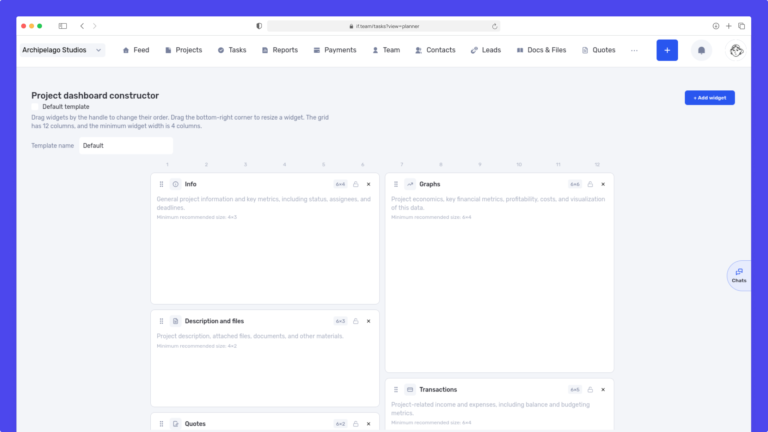
We have updated the project screen in if.team and introduced custom dashboards. Teams can now configure their workspace according to their workflows, tasks, and priorities.
Projects differ from one...
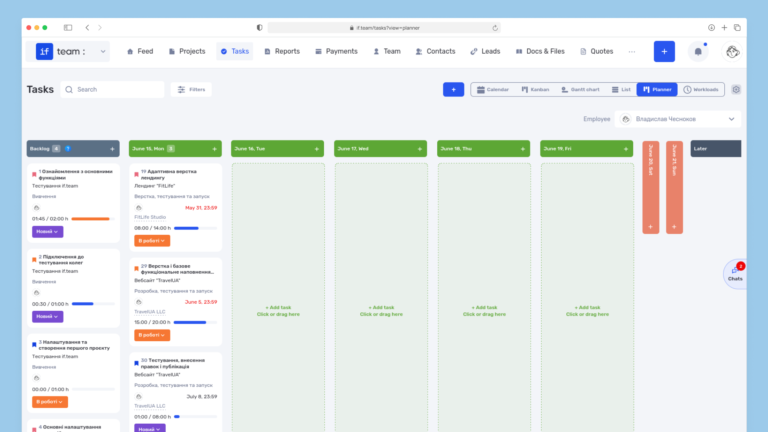
Planner is now available in if.team — a new task management mode designed to help employees organize their personal workload independently from project structures, boards, and lists.
In most teams...
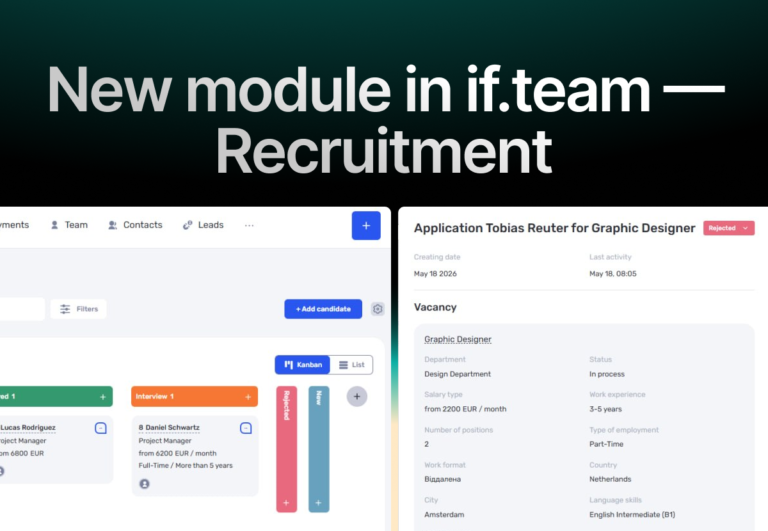
In if.team, a recruitment module has been introduced, along with an updated roles and access system. The idea here is simple — recruitment can now be managed directly inside the platform, and access...