November Updates: Smarter Reports, a Rebuilt Client Profile, and a Wave of Improvements
Vladyslav Chesnokov
Copywriter, if.team
Oleh Frolov
CEO, if.team
This month, we focused on things that help teams read data faster, stay organized, and save time on everyday workflow tasks. We updated task reports, rebuilt the client/contractor profile, and shipped a large batch of improvements based on your feedback. Here’s what changed.
Grouping in Task Reports
Task reports now support grouping and summaries. You can review data by projects or by team members — whichever context helps you understand progress, costs, and plan fulfillment faster.
Each grouping type comes with its own configurable columns, so you can adjust the report to match how your team actually works.
A Rebuilt Client / Contractor Profile
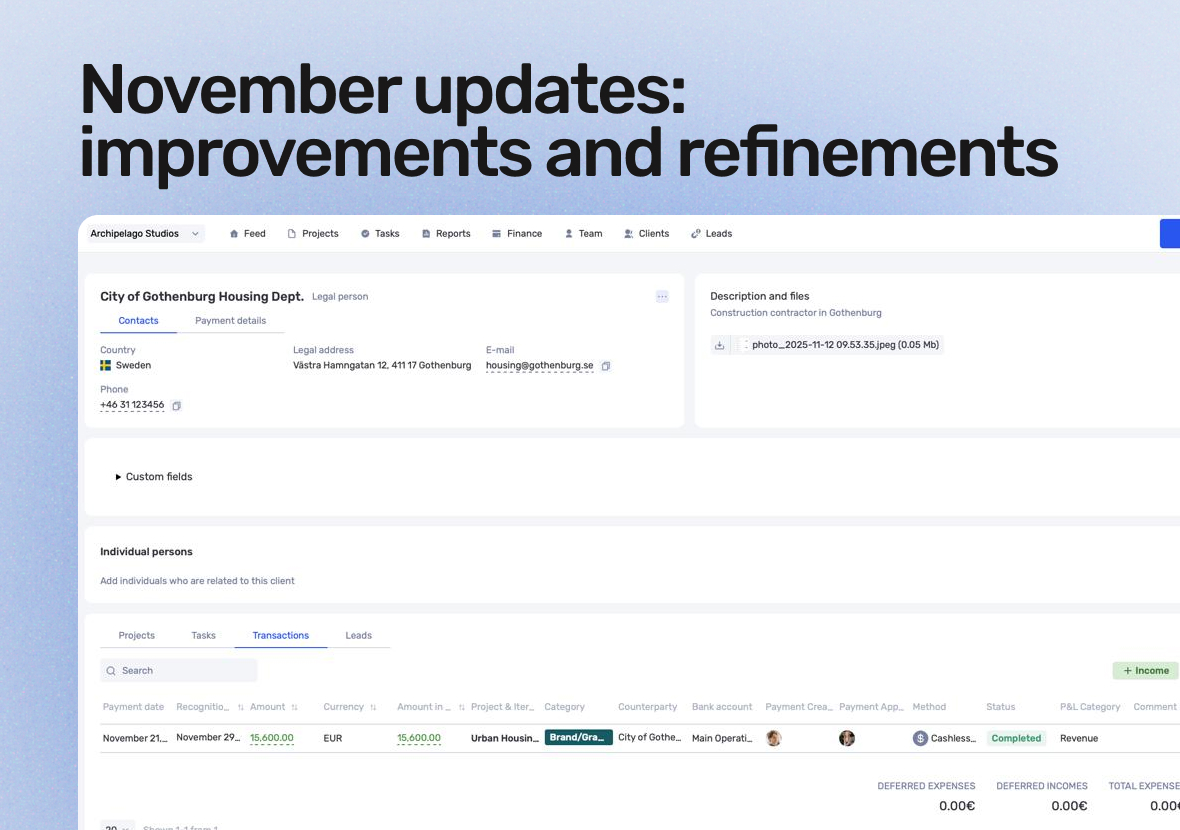
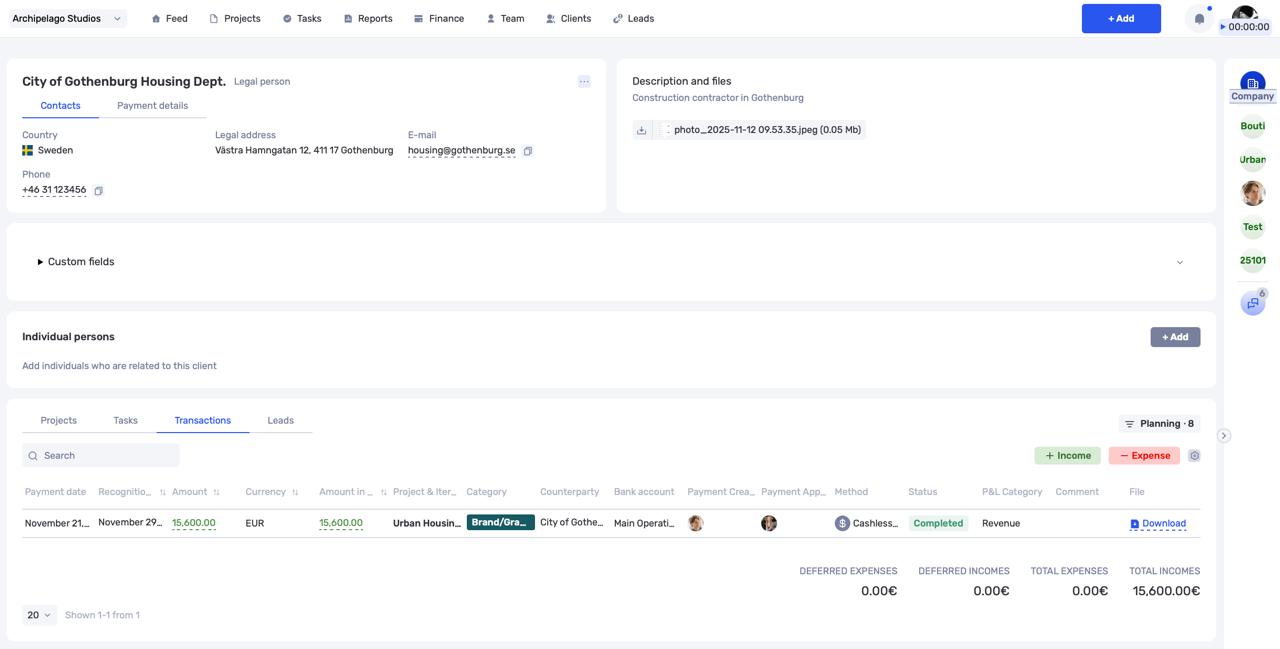
We redesigned the client/contractor profile from the ground up. It now gives you a complete picture of your relationship with each counterparty: all transactions, tasks, and leads are gathered in one place. Previously, only related projects were visible — now you see the full history.
Each tab includes summaries and lets you create new items directly from the profile without jumping around the interface.
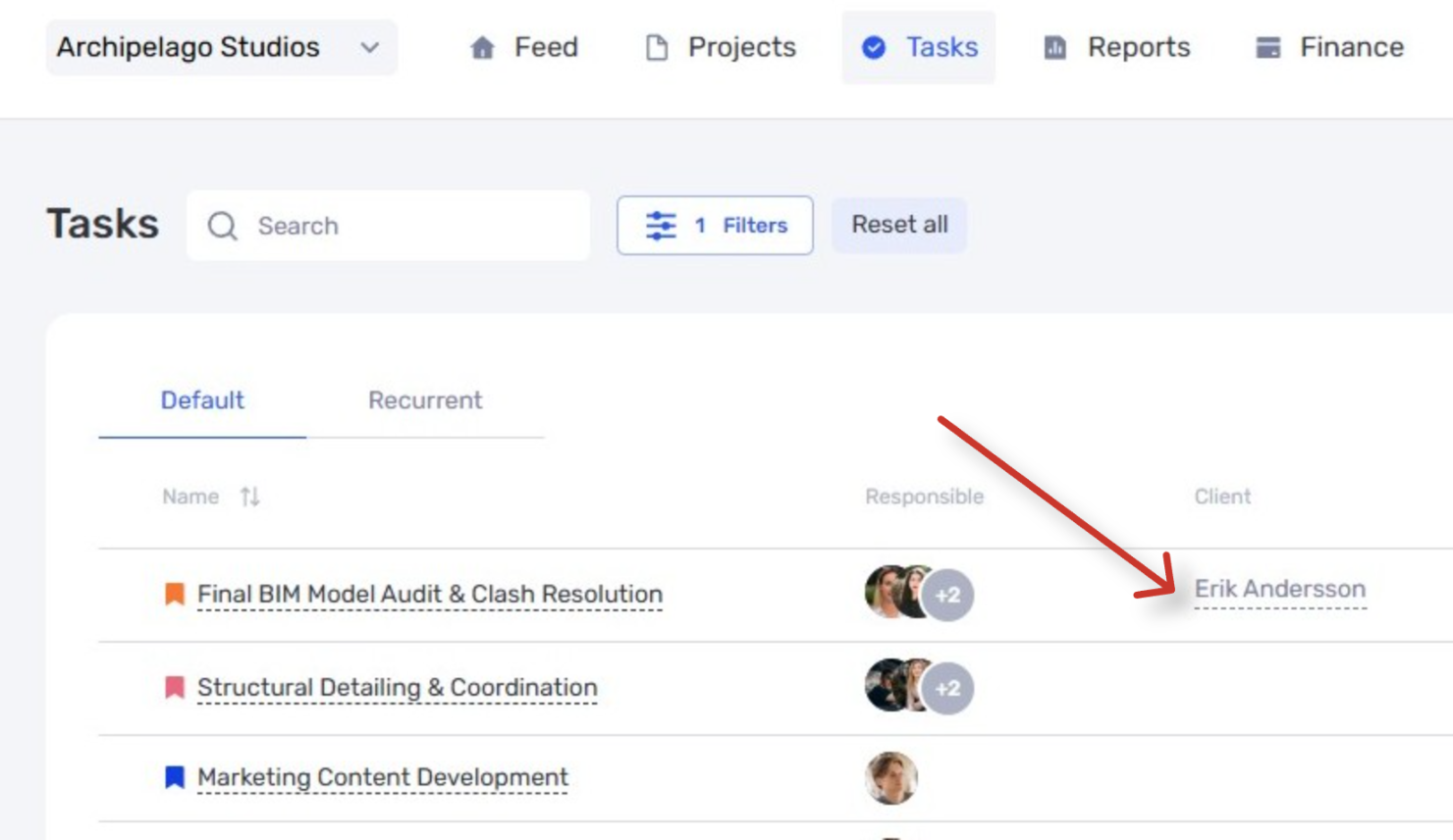
Another important addition: you can now link tasks directly to a client, subcontractor, or freelancer. This makes it easy to specify who the requester is on the client’s side or which external specialist is responsible for the task. We also improved the readability of contact details and payment information.
A Big Roundup of Improvements Based on Your Feedback
We collected the most frequent requests and tightened up several areas of the product.
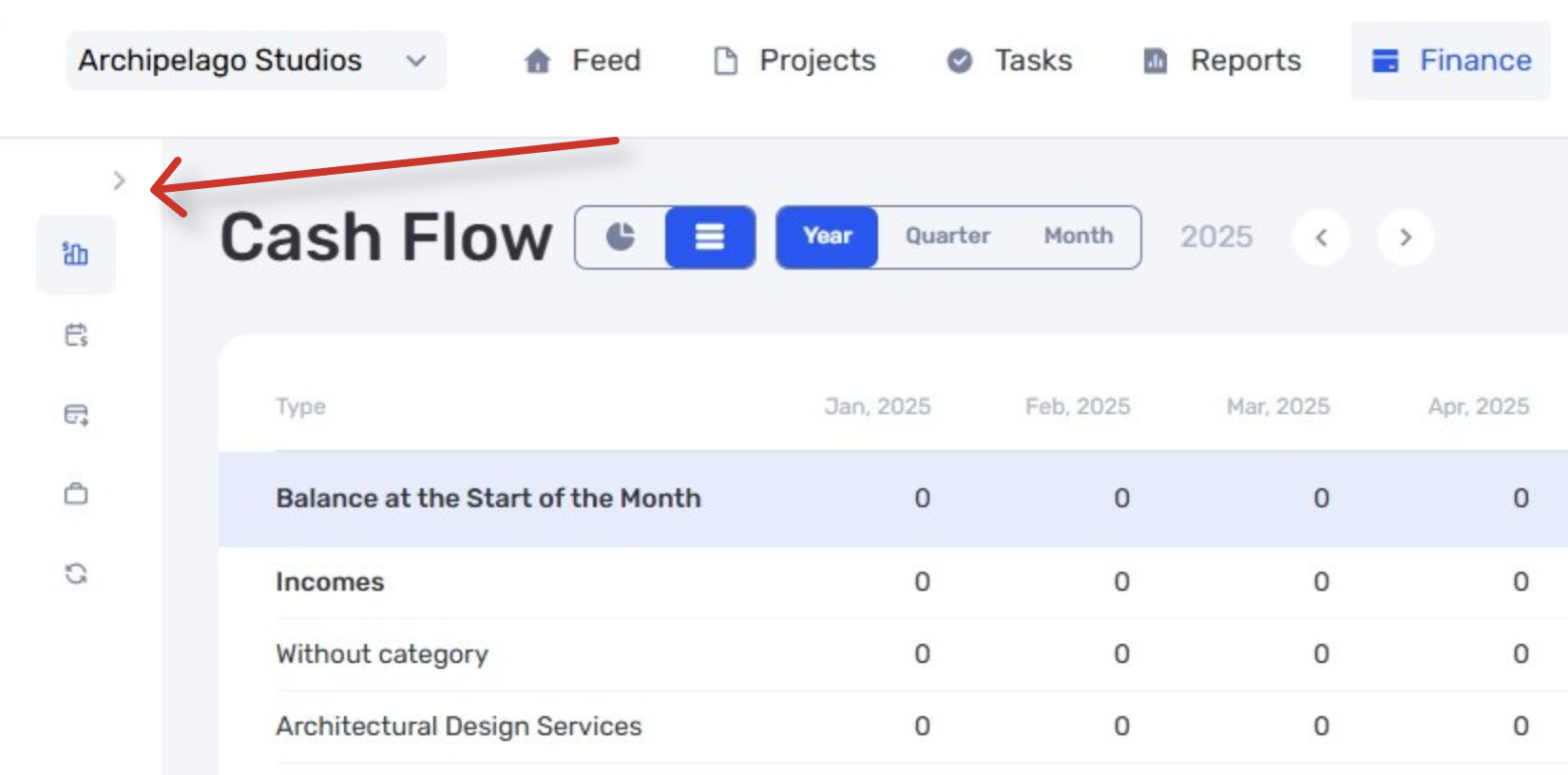
The Finance panel is now collapsible, giving you more screen space when needed.
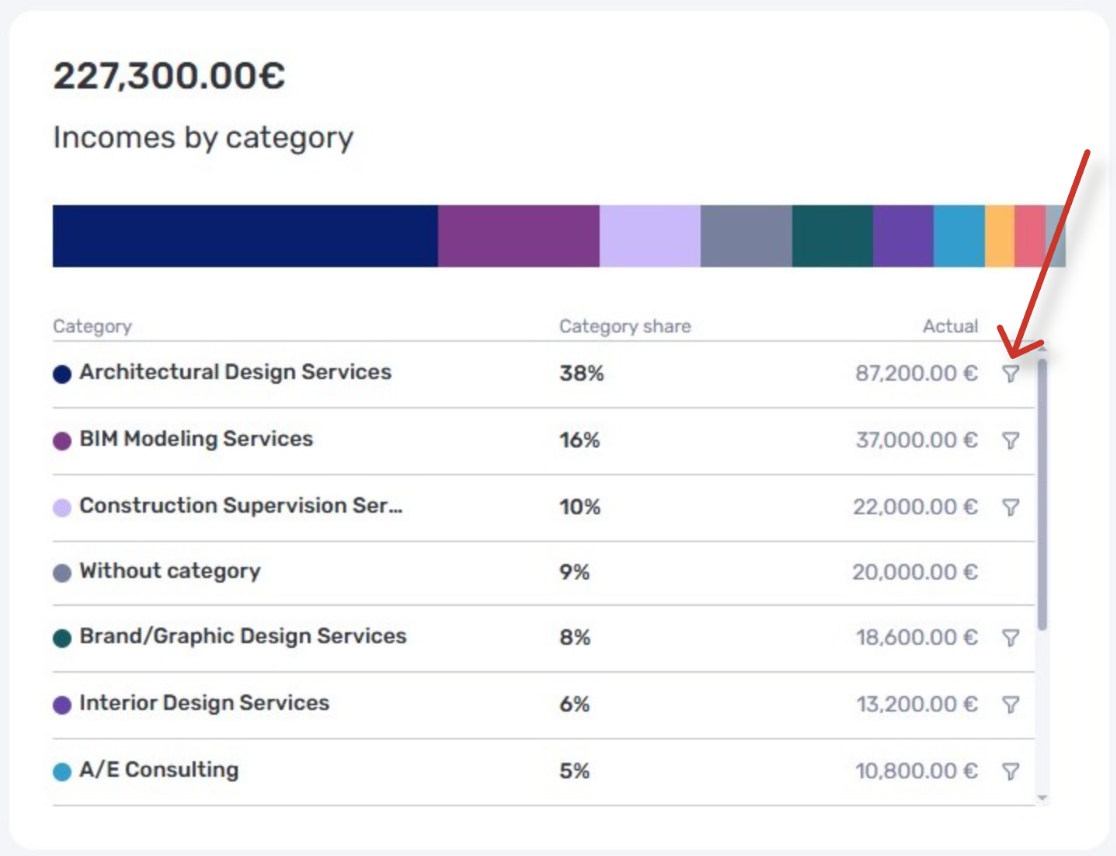
The cost structure chart now lets you filter a category with a single click.
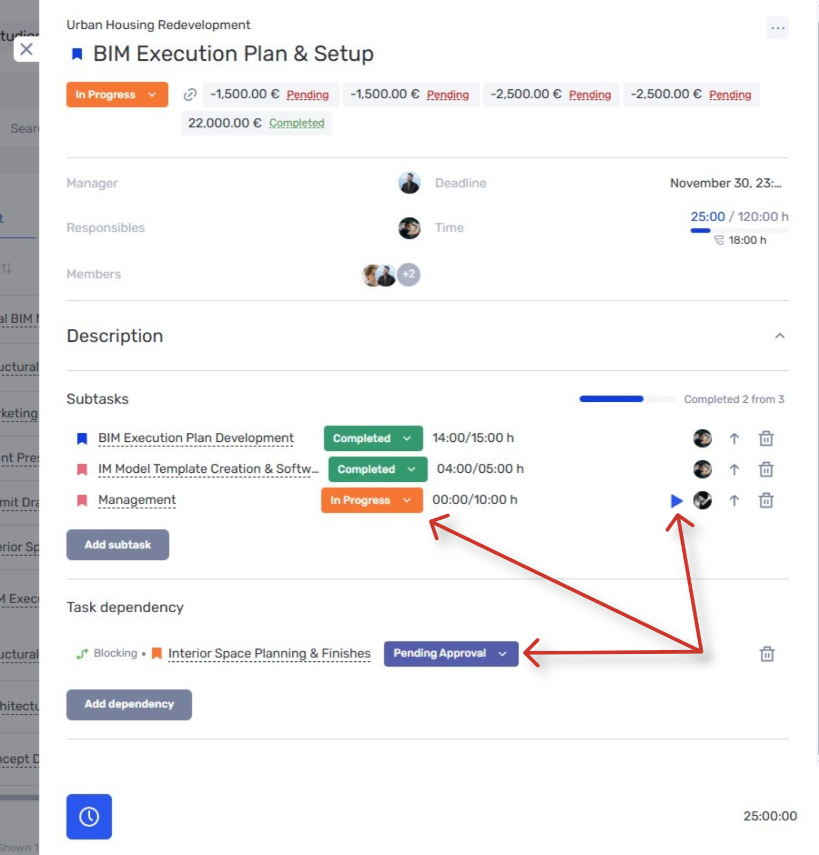
In the task window, you can now change subtask statuses and start or stop the tracker without opening each subtask individually.
The task table now supports a column showing the counterparty linked to each task.
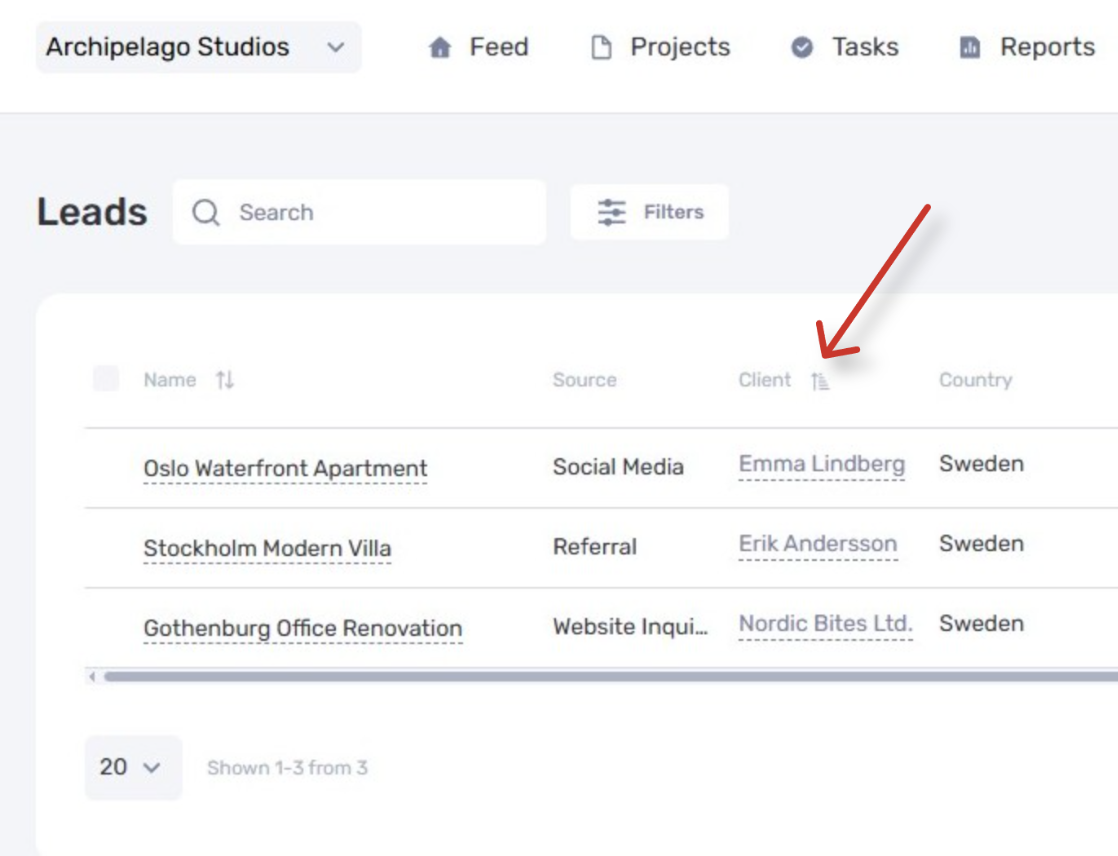
Lead lists can now be sorted by the client’s name.
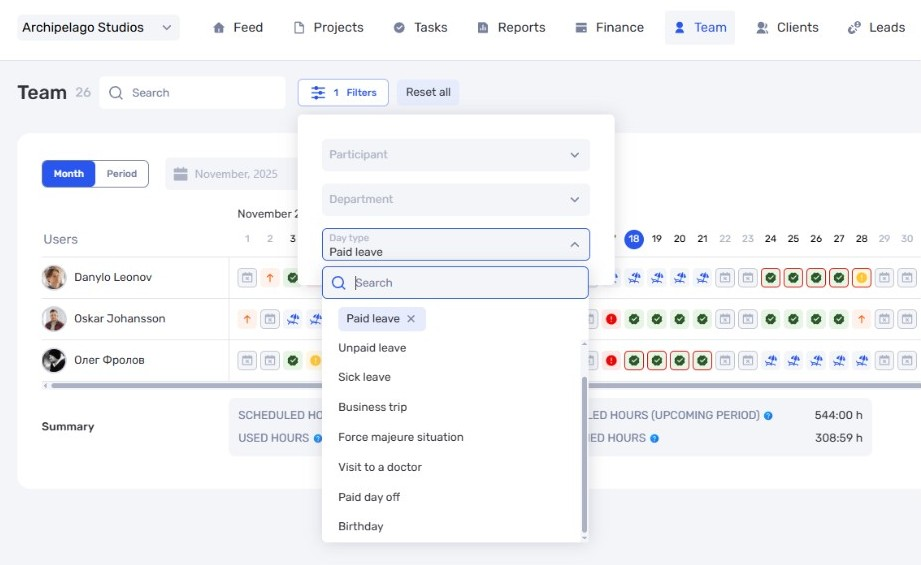
We added a new team filter for “day statuses” — birthdays, vacations, sick leave, and more.
The “project manager” filter now shows only those team members who actually manage projects.
And, as always, we fixed several bugs you reported.
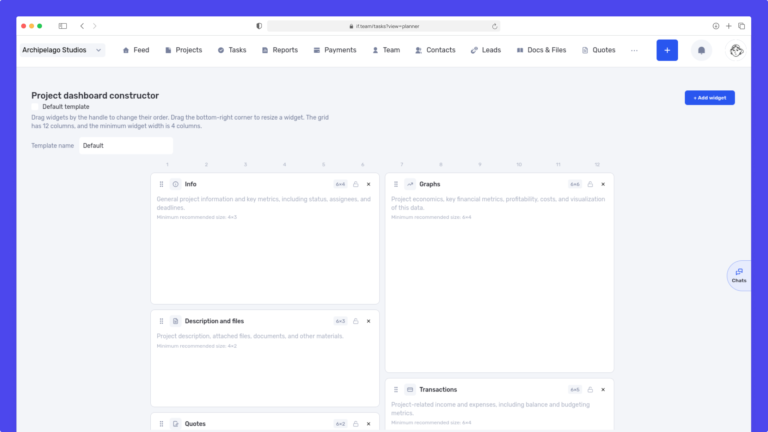
We have updated the project screen in if.team and introduced custom dashboards. Teams can now configure their workspace according to their workflows, tasks, and priorities.
Projects differ from one...
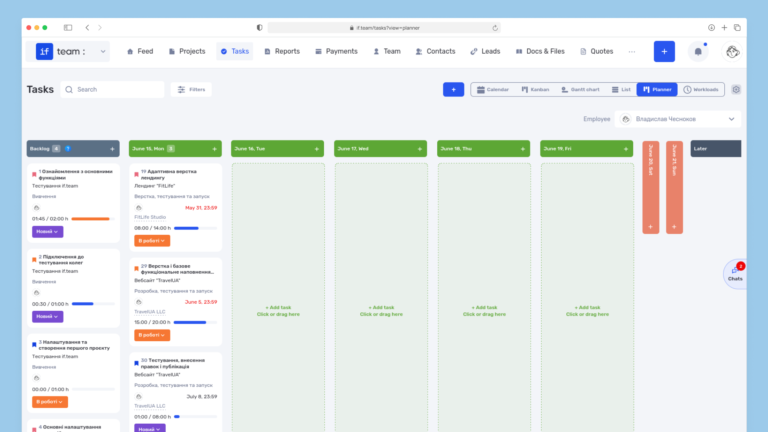
Planner is now available in if.team — a new task management mode designed to help employees organize their personal workload independently from project structures, boards, and lists.
In most teams...
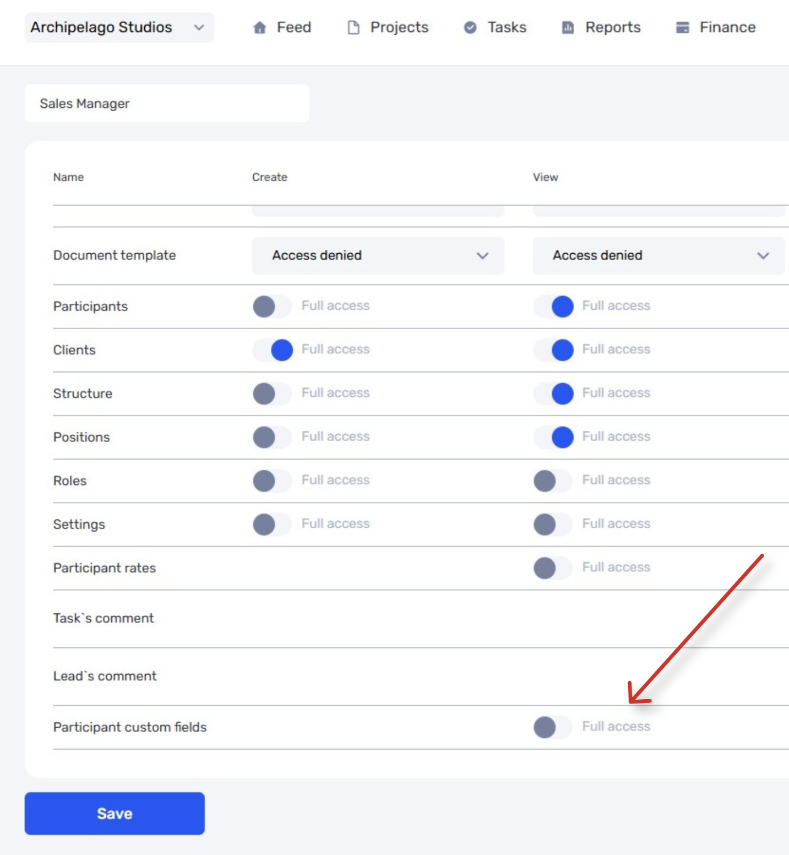
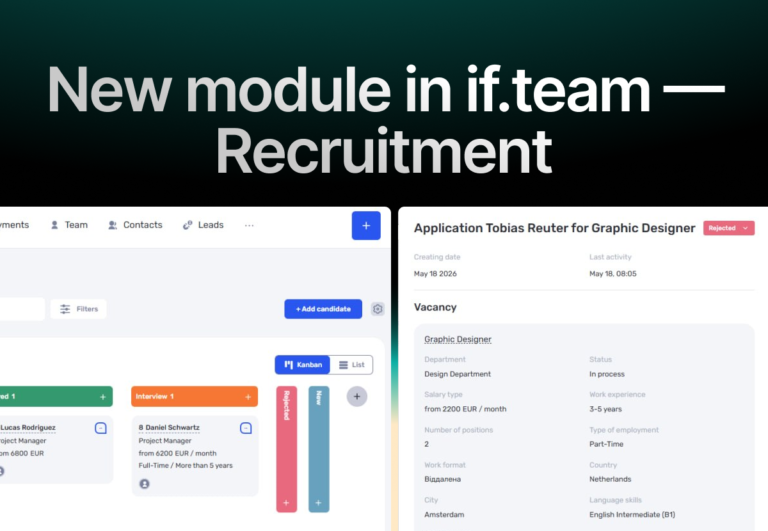
In if.team, a recruitment module has been introduced, along with an updated roles and access system. The idea here is simple — recruitment can now be managed directly inside the platform, and access...