Task Calendar in if.team for Real-Time Work Planning
Vladyslav Chesnokov
Copywriter, if.team
Oleh Frolov
CEO, if.team
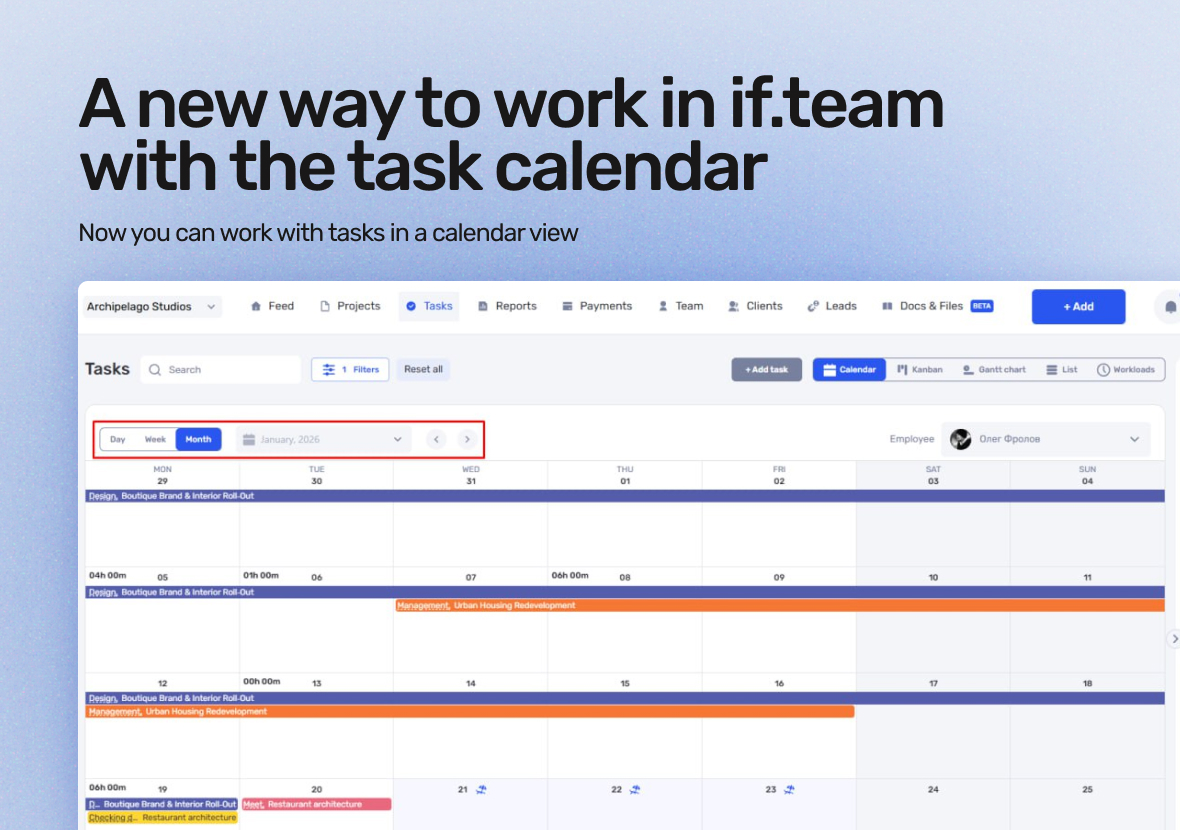
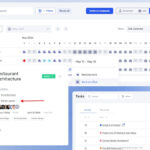
A task calendar is now available in if.team. You can work with tasks not only through lists, Gantt charts, and Kanban boards, but also in a calendar view.
The calendar helps you plan work over time, see real workload, and quickly adjust plans — without manual recalculations or unnecessary actions.
Working with tasks in the calendar
The calendar displays tasks tied to specific dates and times. This is useful when it’s important not only what needs to be done, but also when exactly.
Daily, weekly, and monthly views
In the calendar, tasks can be viewed:
by day
by week
by month
You can see deadlines, time slots, and the overall picture of planned work.
Quick plan adjustments
Plans can be changed in one click:
move deadlines
change task durations
reschedule work
All changes are immediately reflected in the calendar, with a clear visualization of the current workload.
Planning based on real schedules
The calendar takes working time constraints into account. When planning, you can see:
working day boundaries
weekends
other absences
This helps avoid overload and plan tasks realistically.
Daily time tracking overview
The calendar also shows a summary of tracked working time for each day. This gives a quick understanding of how much time has already been spent and what the actual workload looks like.
In short what the task calendar gives you
The task calendar:
adds time context to tasks
simplifies planning and replanning
shows the team’s real workload
combines tasks and time tracking in one interface
if.team continues moving toward a unified system where planning, execution, and time control work together.
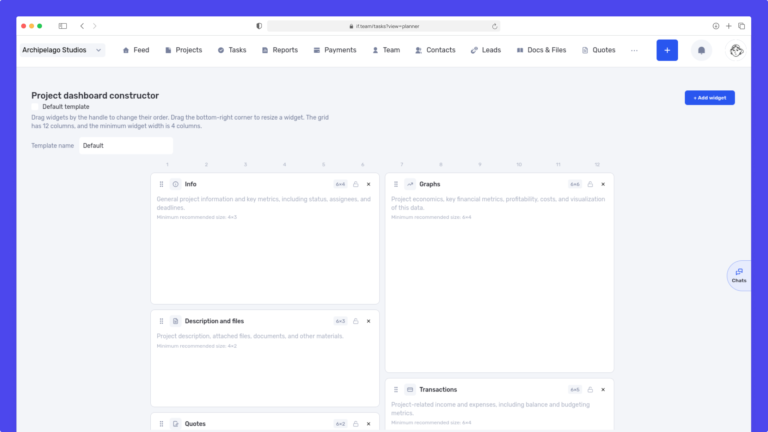
We have updated the project screen in if.team and introduced custom dashboards. Teams can now configure their workspace according to their workflows, tasks, and priorities.
Projects differ from one...
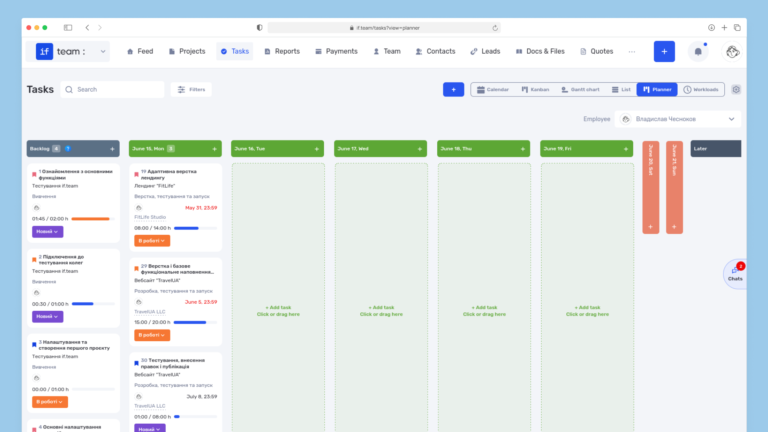
Planner is now available in if.team — a new task management mode designed to help employees organize their personal workload independently from project structures, boards, and lists.
In most teams...
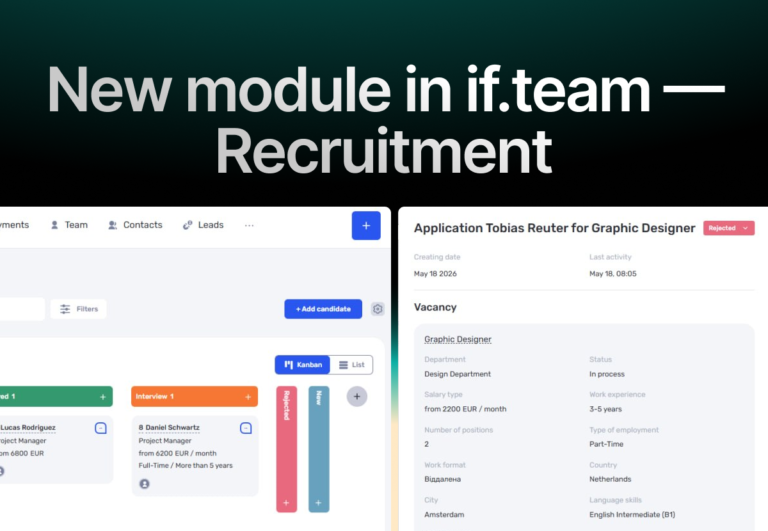
In if.team, a recruitment module has been introduced, along with an updated roles and access system. The idea here is simple — recruitment can now be managed directly inside the platform, and access...