Updated Workload 2.0 — User-Friendly Interface and New Features for Time Management
Vladyslav Chesnokov
Copywriter, if.team
Oleh Frolov
CEO, if.team
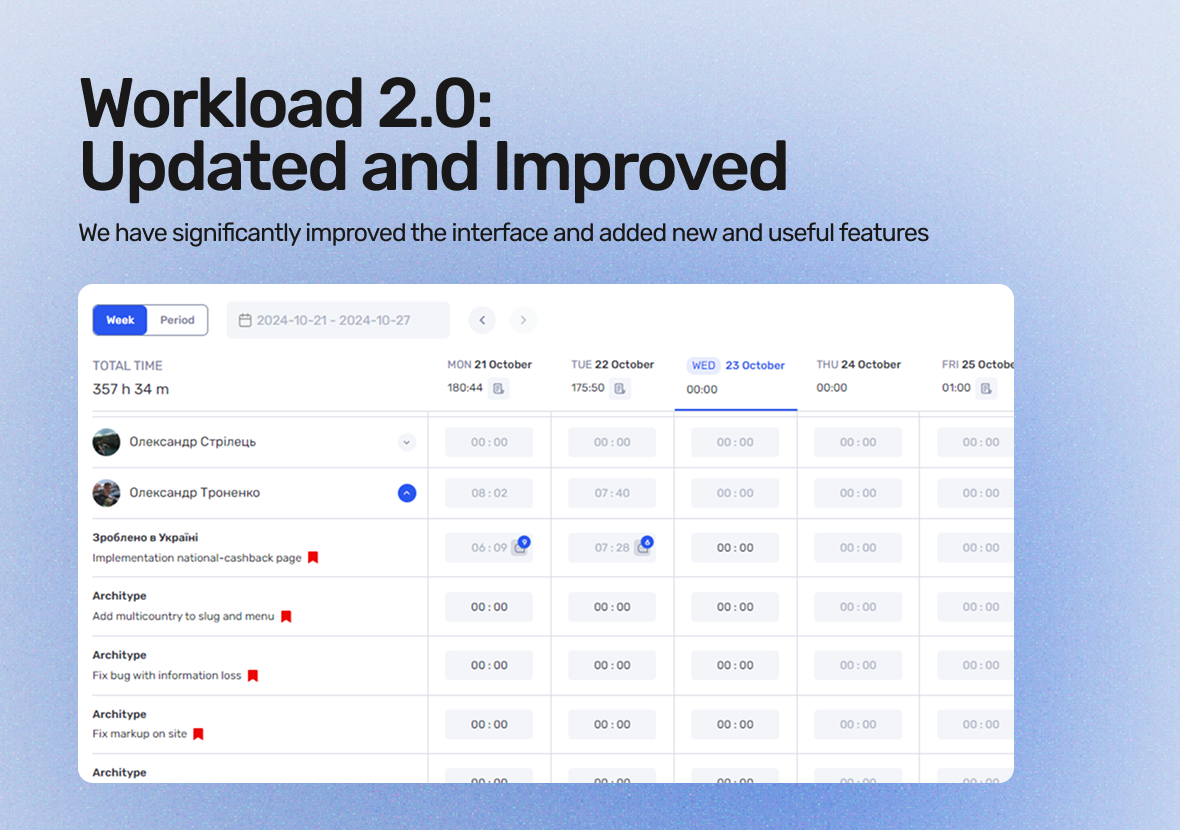
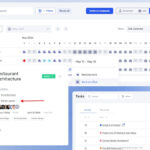
The updated Workload 2.0 is a significant upgrade to the interface and features, making it easier to manage working hours and tasks. Now, employees can quickly enter their work hours, and managers can easily analyze these reports, simplifying project planning and management.
With the new features, you can also track progress in real time, set clear goals, and ensure better alignment between teams. This update enhances overall productivity and helps you make more informed decisions with greater efficiency.
What is Workload and how does it work?
Workload is a tool for managing working hours and tasks within a team. It allows employees to quickly log the time spent on specific tasks, while managers can easily analyze this data for better project planning and control. Unlike traditional time-tracking systems, Workload 2.0 simplifies the data entry process—just a few clicks are enough to log work hours.
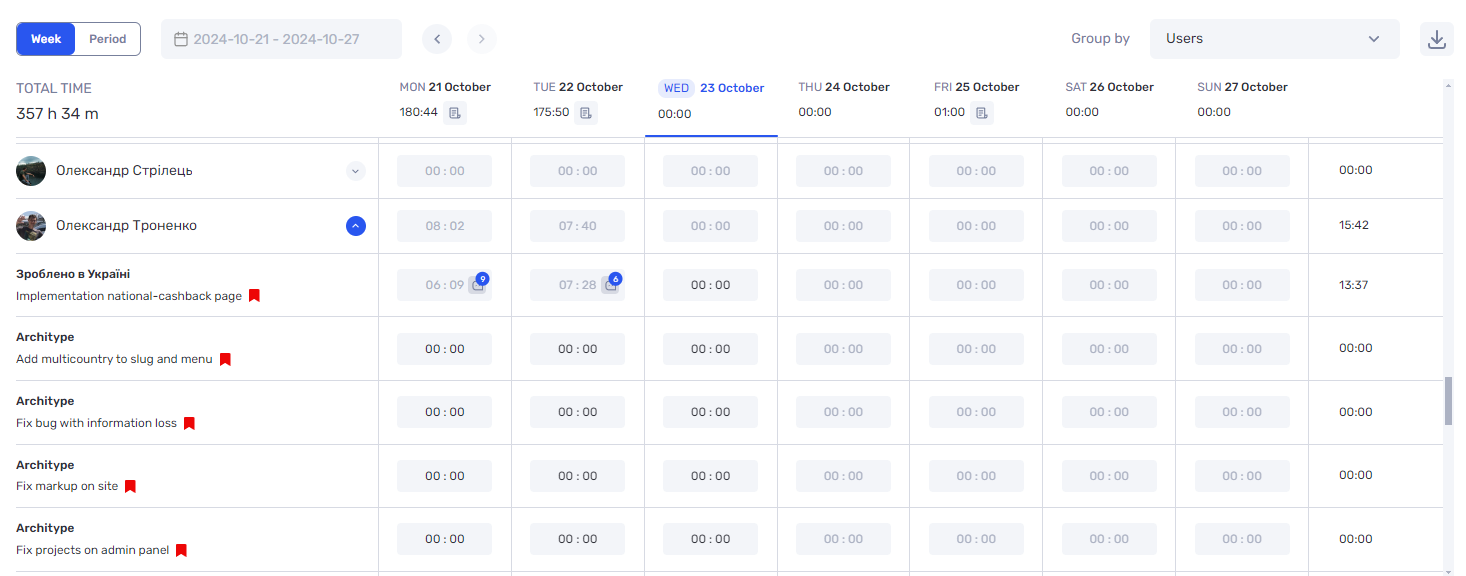
Workload groups data by employees or tasks, providing a clear overview of the team’s workload. This helps managers quickly assess who is spending the most time at different stages of a project and make adjustments to improve efficiency. Additionally, all this data can be exported to Excel, offering even more flexibility for analysis and creating customized reports.
What's new in Workload 2.0: improved interface and new features for your team
In the updated version of Workload 2.0, we’ve significantly improved the interface and added new features to make time management even more convenient and efficient. These changes not only allow for faster data entry but also enable more effective analysis of your team’s workflows. In this section, we’ll explore the key updates and how they enhance your work.
Data grouping by tasks or employees
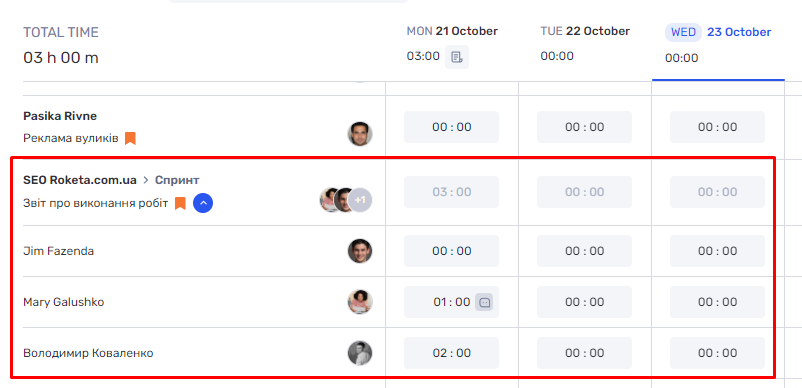
The updated system now allows you to group data, making it much easier to view information by specific tasks or employees. You can quickly assess how much time the team is spending on particular tasks and analyze the performance of each employee. This helps make more accurate conclusions about productivity and promptly adjust processes to achieve better results.
With this approach, you can quickly get a clear picture of task completion or employee performance. This allows for timely adjustments to workflows and more informed decisions about task and resource allocation. As a result, working with data becomes more efficient, and the outcomes more accurate.
Export Worklogs to Excel
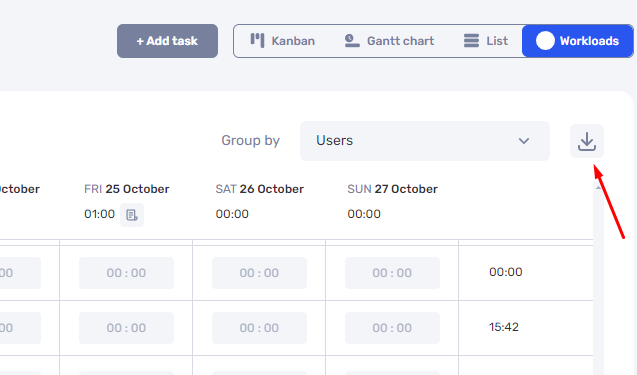
You can now export all time-tracking data, including comments, to Excel. This is especially useful for financial analysts and managers working with large amounts of information. The export feature allows you to create customized reports, build charts, and conduct detailed analysis, helping to make well-informed management decisions.
With the export capability, you gain full control over the data. It becomes easy to process large volumes of information and generate detailed reports, improving the efficiency of analysis and supporting the accuracy of decision-making.
Daily Task Report with Editing Capabilities
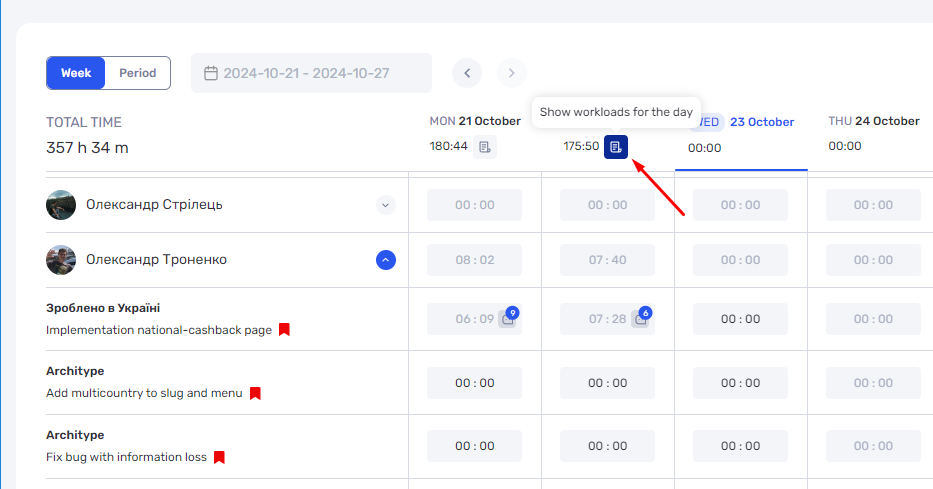
Now you can view daily reports on the time spent on each task and edit these data if needed. This allows managers to adjust the time spent on tasks and refine the details of completed work. Such changes improve the accuracy of data and simplify the planning process.
Editing daily reports enables precise tracking of the actual time spent on tasks. It also allows for quick adjustments and real-time updates to the reports, increasing flexibility in planning and management.
Viewing Comments in the Table
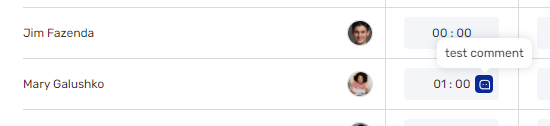
All comments related to tasks are displayed directly in the table, making it easy to quickly review additional explanations or clarifications regarding the work performed. This data organization significantly increases process transparency and helps managers access all necessary information without additional inquiries.
This format is convenient as it consolidates information about completed tasks in one place. Comments linked to specific tasks allow for quick reference to details and support effective communication within the team.
Task Management with Multiple Assignees
The task management feature for tasks involving multiple team members allows for precise tracking of the time spent on collaborative work. This helps ensure the fair distribution of workload within the team and accurate time tracking for each project participant. All resources used are recorded separately, promoting accurate reporting and optimal workload distribution.
The updated interface and new features significantly enhance task management and time tracking. Thanks to data grouping, Excel exports, and report editing, managers now have powerful tools for detailed analysis and process adjustments. This allows for quick performance evaluation and informed decision-making.
These updates make work more convenient for both managers and employees, optimizing collaboration and improving task execution efficiency. As a result, companies can handle larger volumes of data and focus on achieving results rather than collecting and analyzing information.
We have updated the project screen in if.team and introduced custom dashboards. Teams can now configure their workspace according to their workflows, tasks, and priorities.
Projects differ from one...
Planner is now available in if.team — a new task management mode designed to help employees organize their personal workload independently from project structures, boards, and lists.
In most teams...
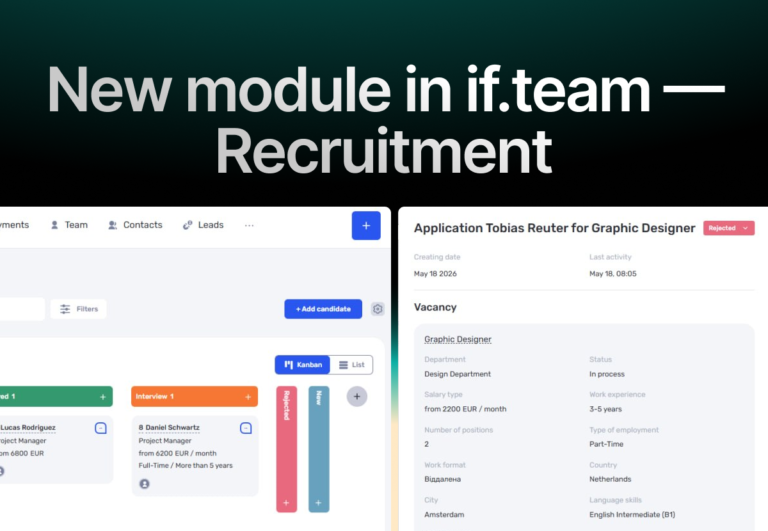
In if.team, a recruitment module has been introduced, along with an updated roles and access system. The idea here is simple — recruitment can now be managed directly inside the platform, and access...