Working with tasks just got easier: Gantt chart update in if.team
Vladyslav Chesnokov
Copywriter, if.team
Oleh Frolov
CEO, if.team
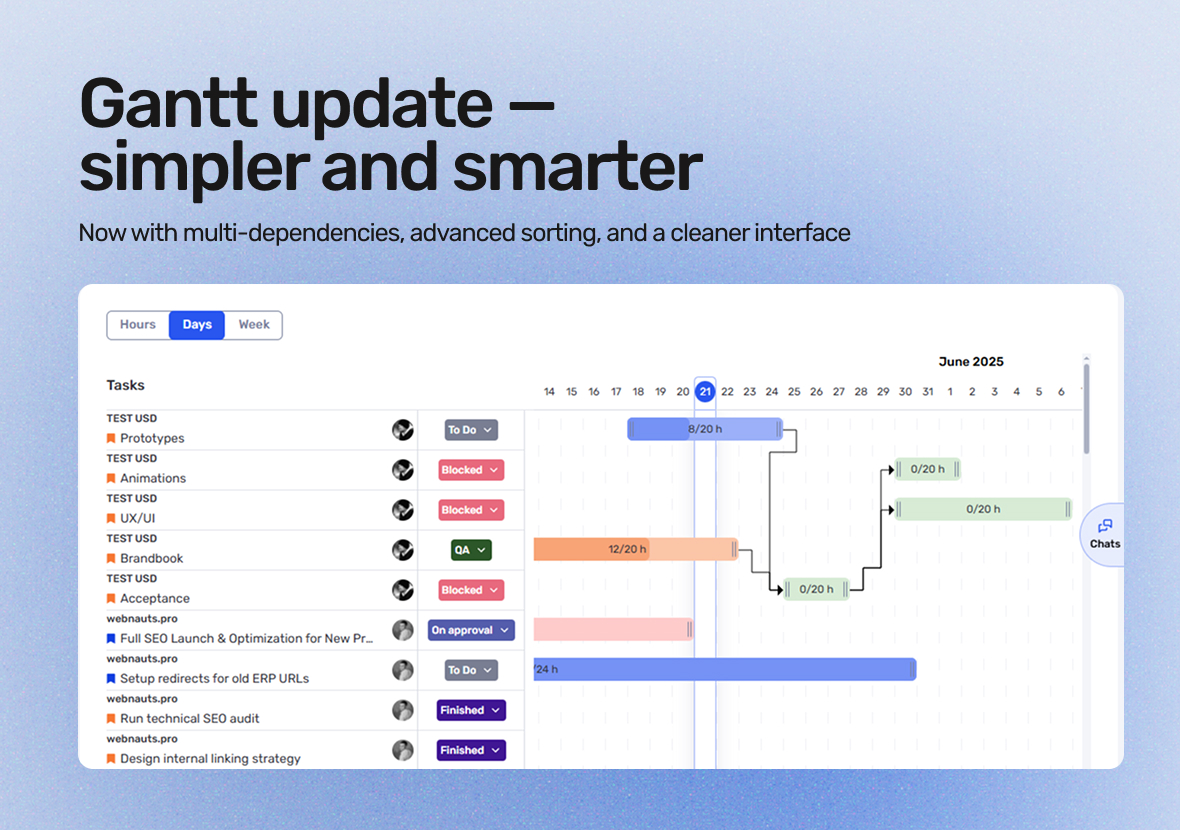
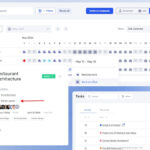
if.team has updated the Gantt chart for tasks and projects. It now offers improved task dependencies, new sorting options, and a cleaner interface for everyday use.
These updates make planning easier, progress more visible, and give teams greater control over their work.
What’s new
The update covers several key areas: task dependencies, data sorting, and interface improvements. Let’s take a closer look.
More control over dependencies
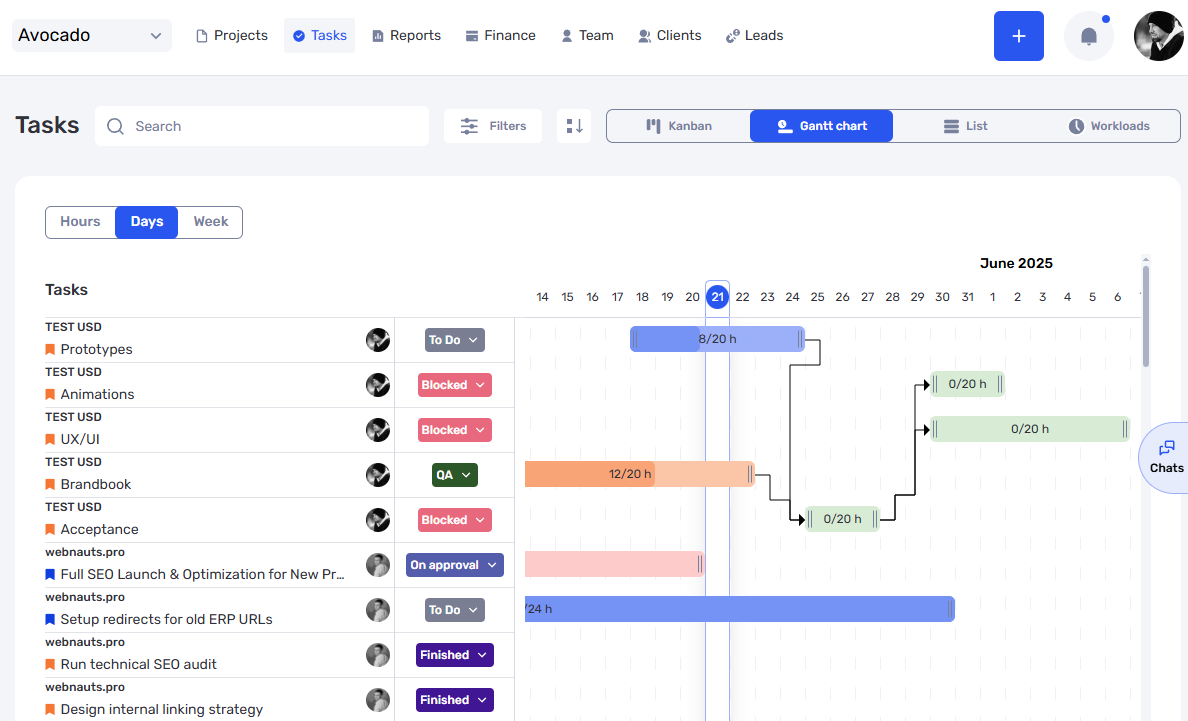
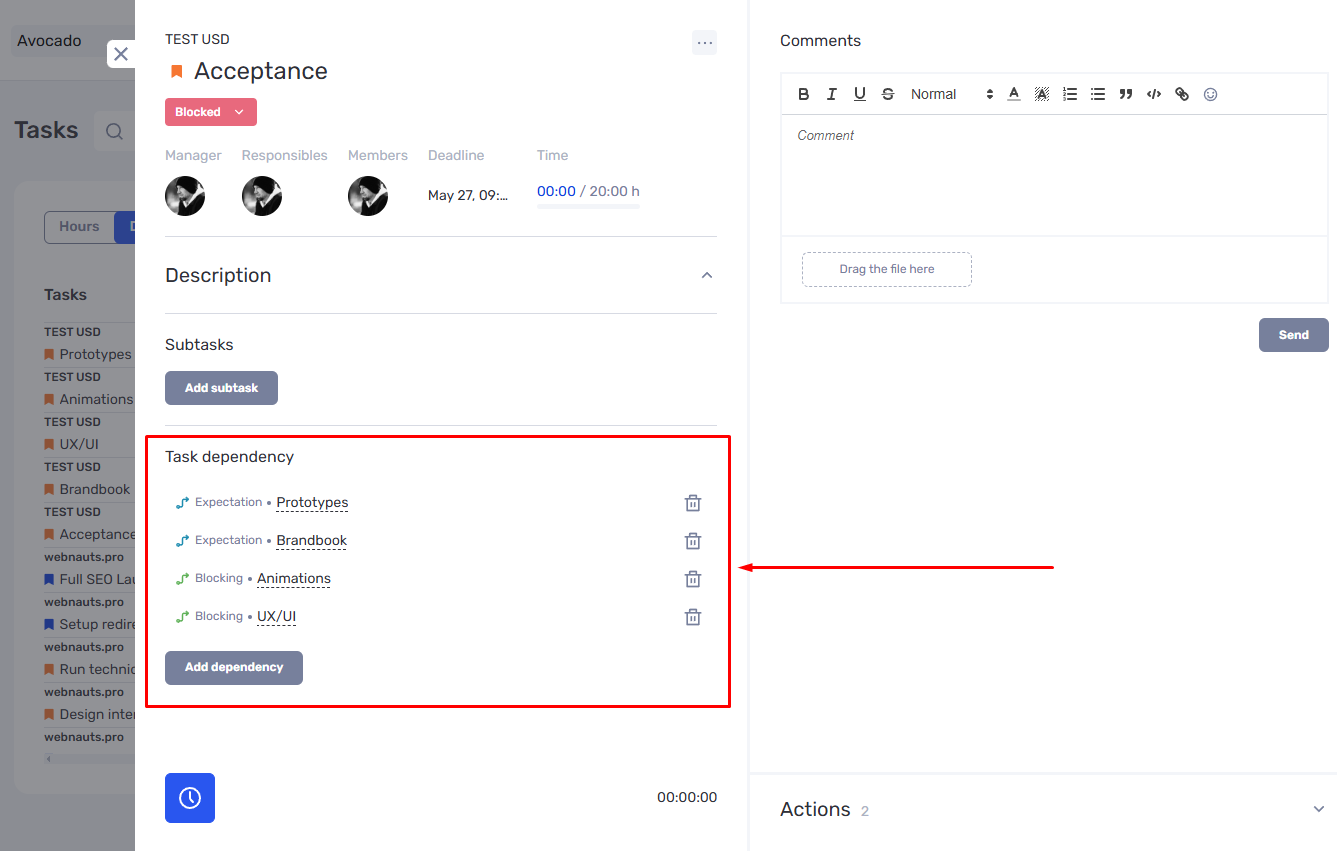
The main improvement is support for multiple task dependencies. A task can now depend on several others — not just one. Likewise, a single task can block multiple others.
This is especially useful for complex projects where tasks are tightly connected. It allows for a more accurate representation of real workflows — without the limitations of one-to-one links.
The visualization has also been improved: dependency lines are now clearer, making it easier to navigate even the most complex charts.
New sorting options
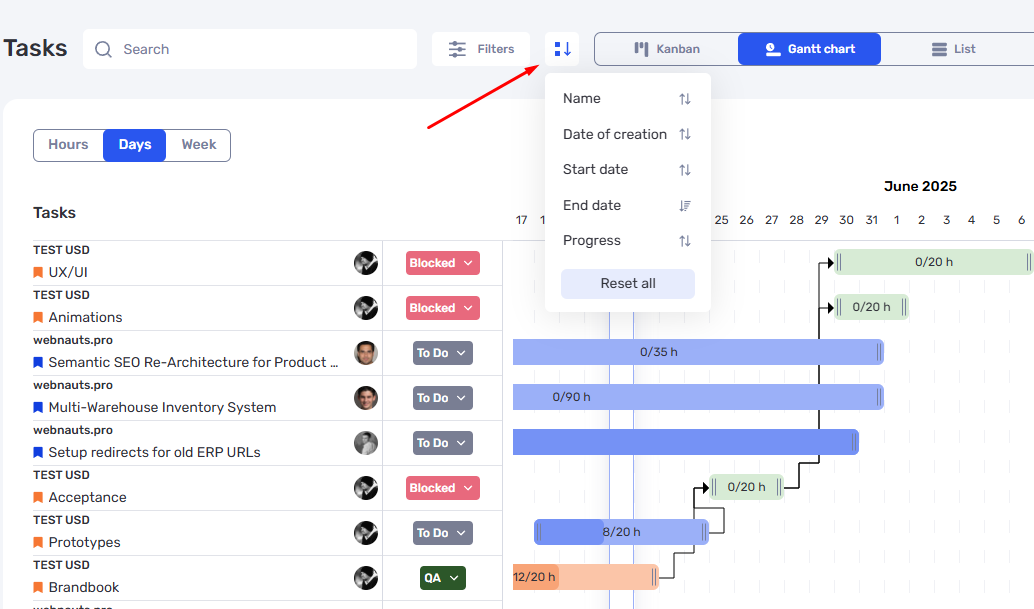
Previously, tasks could only be sorted by start or end date. Now there’s a new option: sort by creation date.
This gives teams more flexibility — for example, to quickly find newly added tasks or identify old ones that are still incomplete. Sorting is available both in the Gantt chart and the task table.
These new options also benefit those who prefer to analyze tasks by process logic — not just by deadlines.
More compact interface
The Gantt interface is now cleaner and more streamlined. You can hide unnecessary data — like unused columns or extra details.
This is especially helpful for large teams or complex projects with lots of tasks, where too much information can become overwhelming. Now, users can decide what to show — and what to hide.
The result: it’s easier to focus on what matters, without unnecessary visual clutter.
Project-level Gantt improvements
Beyond tasks, the Gantt chart at the project level has also been updated. The new visual design is clearer and more modern, making it easier to understand the progress of multiple projects at a glance.
We’ve also added new sorting options to help users organize their project list more flexibly. This makes it faster to find specific projects and more efficient to assess their current status.
Overall, these updates make managing a project portfolio more comfortable, helping teams make quick decisions and stay in control.
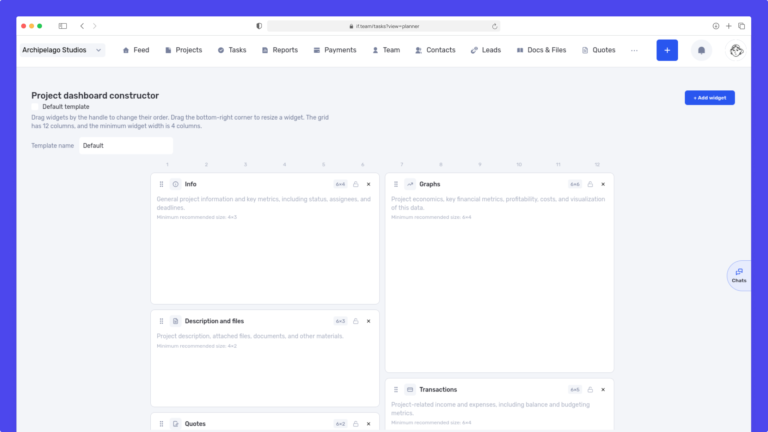
We have updated the project screen in if.team and introduced custom dashboards. Teams can now configure their workspace according to their workflows, tasks, and priorities.
Projects differ from one...
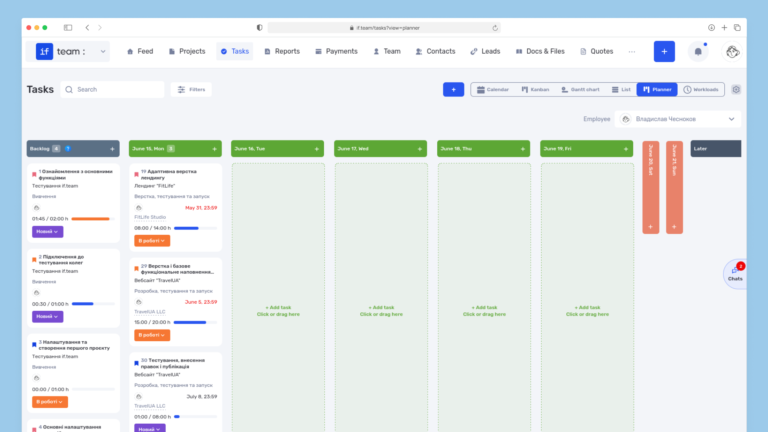
Planner is now available in if.team — a new task management mode designed to help employees organize their personal workload independently from project structures, boards, and lists.
In most teams...
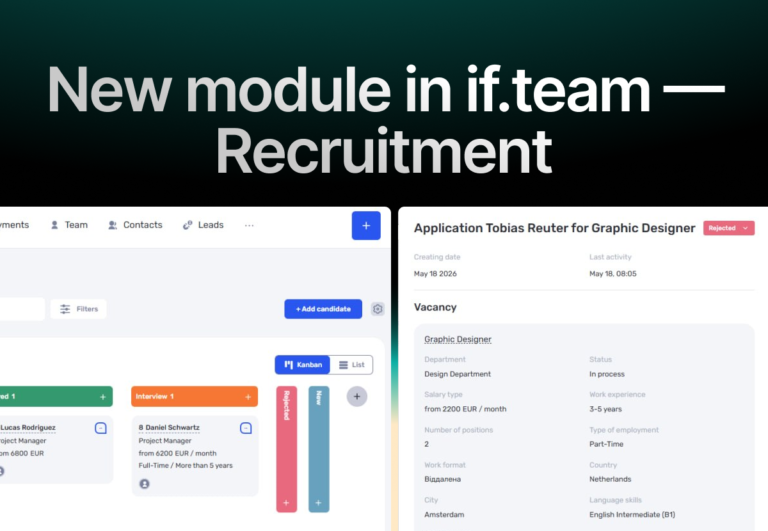
In if.team, a recruitment module has been introduced, along with an updated roles and access system. The idea here is simple — recruitment can now be managed directly inside the platform, and access...