Ваш клієнт — ваша структура: кастомні поля в картках контрагентів
Vladyslav Chesnokov
Copywriter, if.team
Oleh Frolov
CEO, if.team
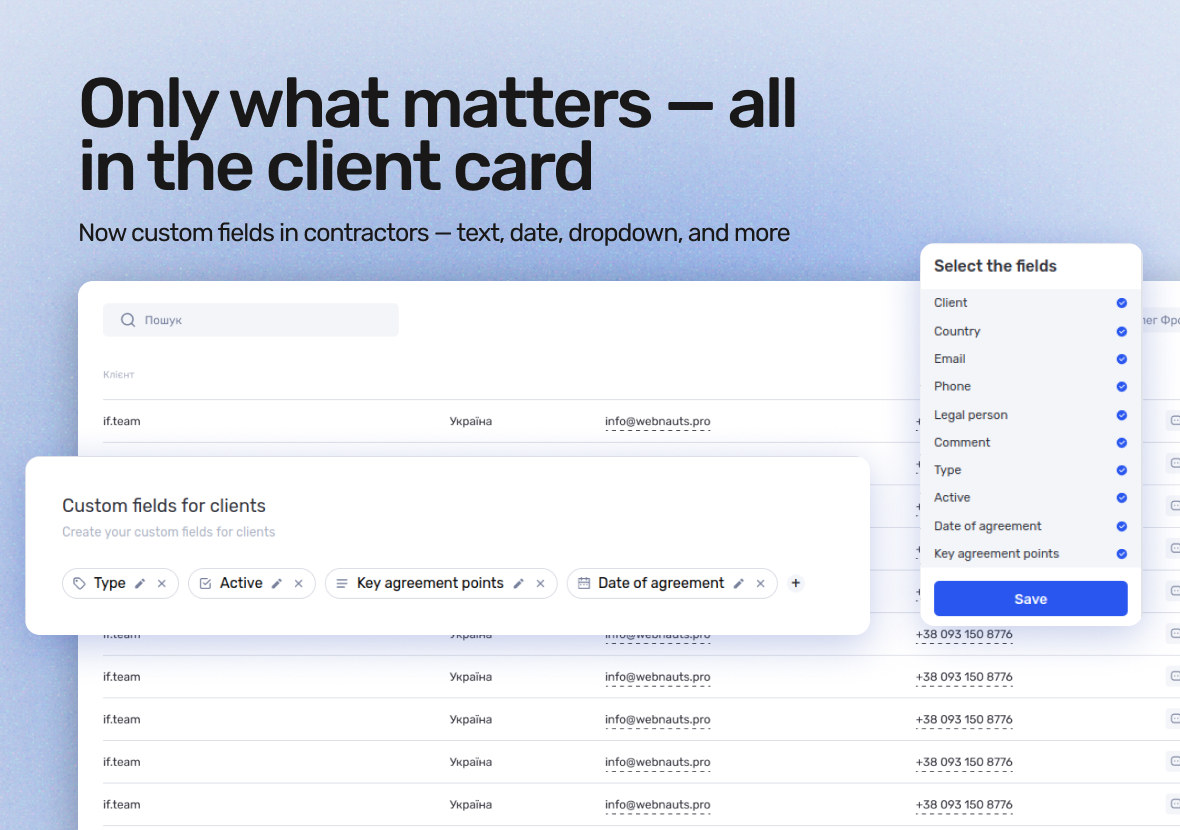
Now in if.team, you can create custom fields in client and contractor cards — exactly the fields your business needs. Store specific information such as contact persons, cooperation terms, internal codes, client categories — all organized and always at hand.
What’s new in if.team
Client cards now support custom fields of these types:
Text — for short values (e.g., “contact person”);
Description — multi-line fields for terms or notes;
Checkbox — for statuses, flags, agreements (e.g., “NDA signed”);
Number — for amounts, discounts, number of employees;
Dropdown — for client types, regions, categories;
Date — to record cooperation start, last activity;
Link — to websites, Google Drive, CRM, or documents;
Tags — to label clients by segment or features;
Time — e.g., call time or planned meetings.
These are the same fields already available in leads and projects — now also for clients.
Why custom fields for clients in if.team?
Custom fields let you tailor the client card to your reality:
No need for separate files or spreadsheets;
All cooperation details are stored right inside the CRM;
Managers don’t have to remember vague agreements — everything is visible instantly;
New team members get up to speed faster.
Information is always at your fingertips — no chaos, no data loss.
How to add custom fields for clients
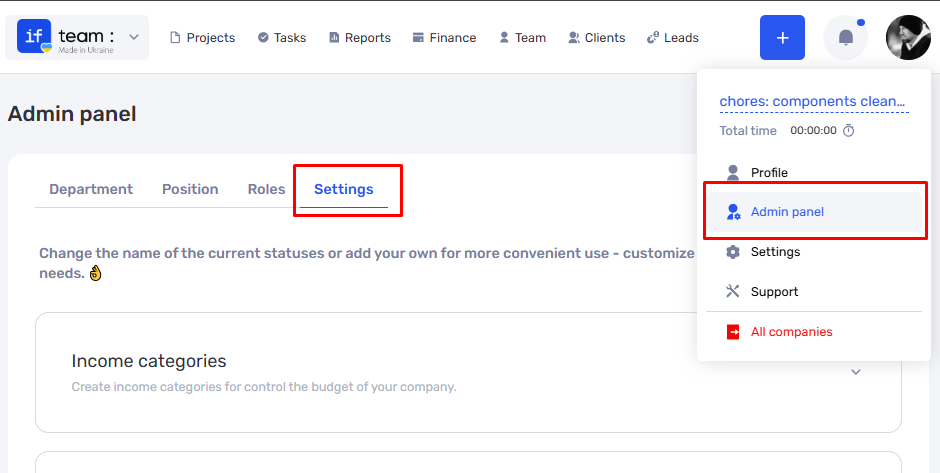
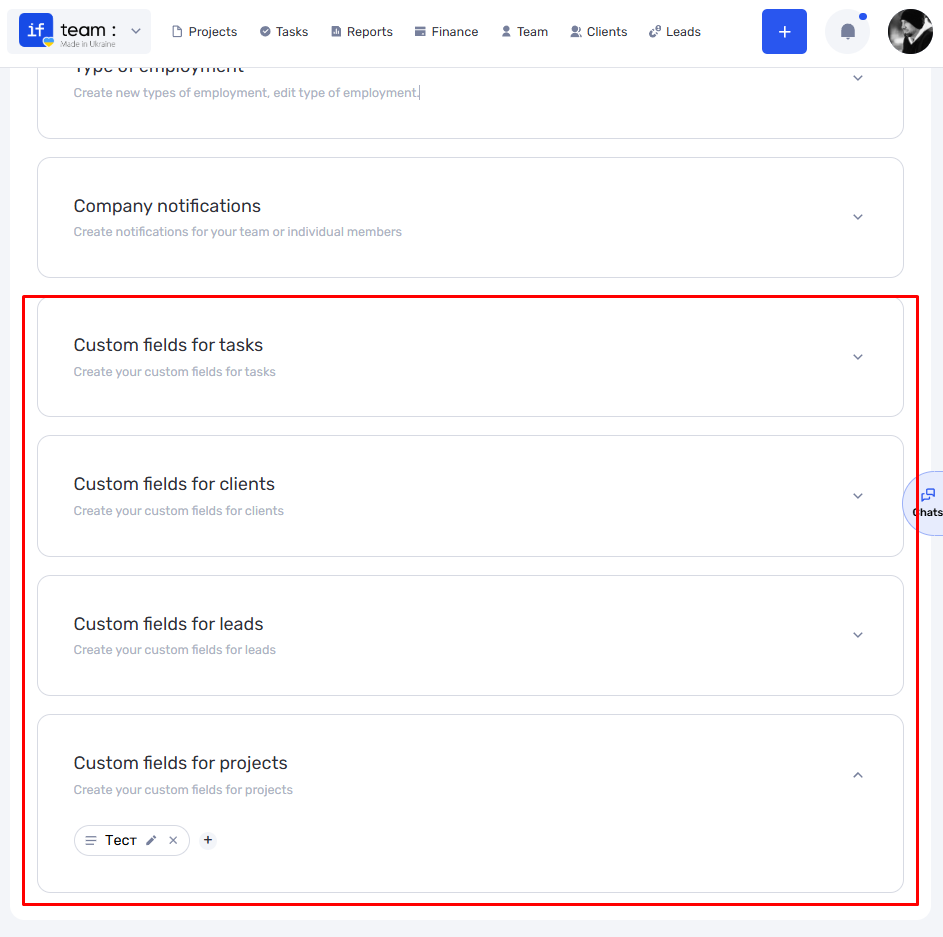
Go to Settings → Custom Fields.
Select the entity type Clients.
Click Add Field, choose the type, name it, and set parameters.
Custom fields will automatically appear in client cards — in a separate block that can be collapsed or expanded as needed.
Custom fields — the foundation of your flexible CRM
Custom fields are a key tool for a flexible CRM that adapts to your unique business processes. They provide convenient storage of important information, improve transparency in client management, and simplify team collaboration. Thanks to them, your CRM is not just a database — it becomes a full-fledged working tool tailored exactly to your business needs.
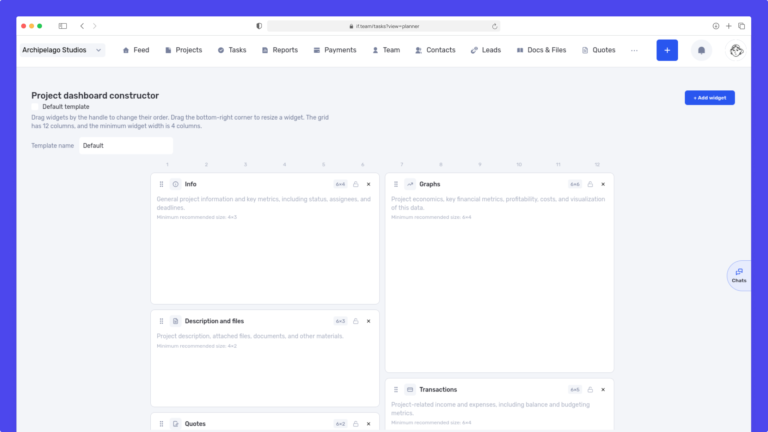
We have updated the project screen in if.team and introduced custom dashboards. Teams can now configure their workspace according to their workflows, tasks, and priorities.
Projects differ from one...
Planner is now available in if.team — a new task management mode designed to help employees organize their personal workload independently from project structures, boards, and lists.
In most teams...
In if.team, a recruitment module has been introduced, along with an updated roles and access system. The idea here is simple — recruitment can now be managed directly inside the platform, and access...