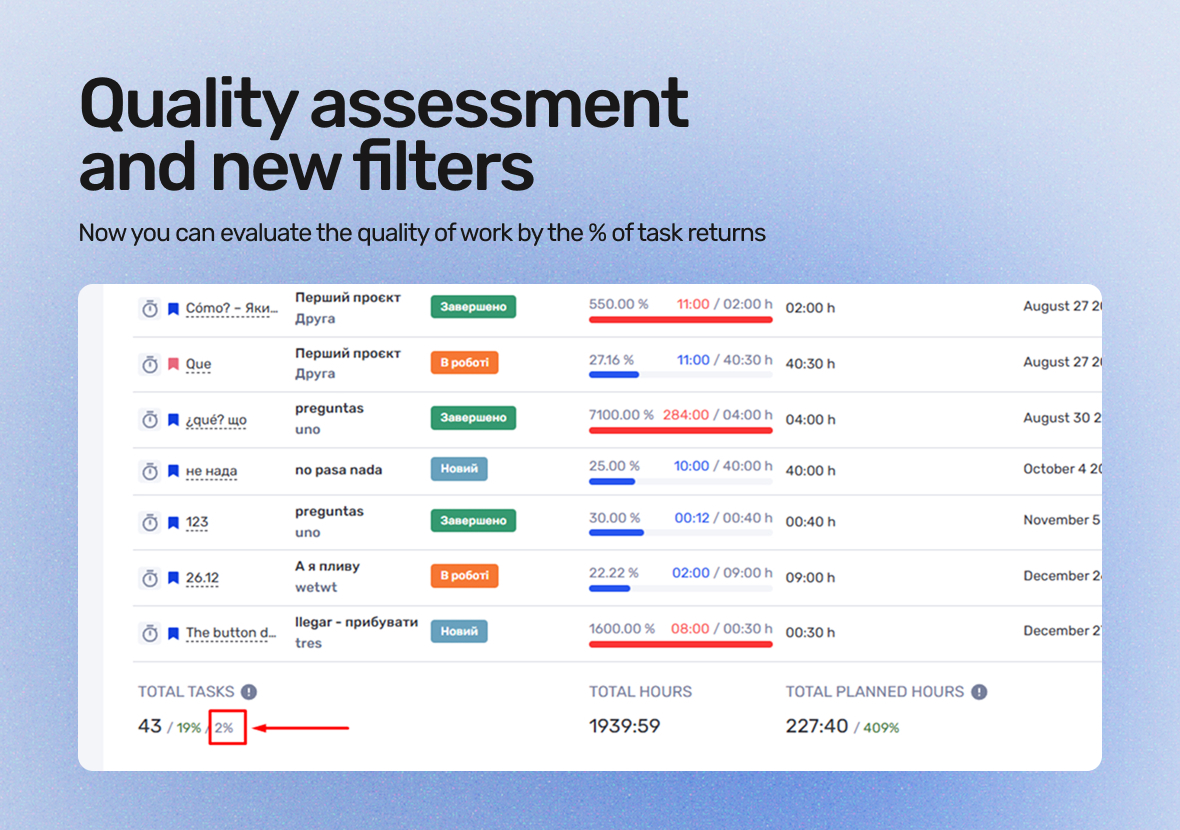
if.team now features quality assessment based on the percentage of tasks sent for revision. This helps track corrections, refine details, and improve task accuracy.
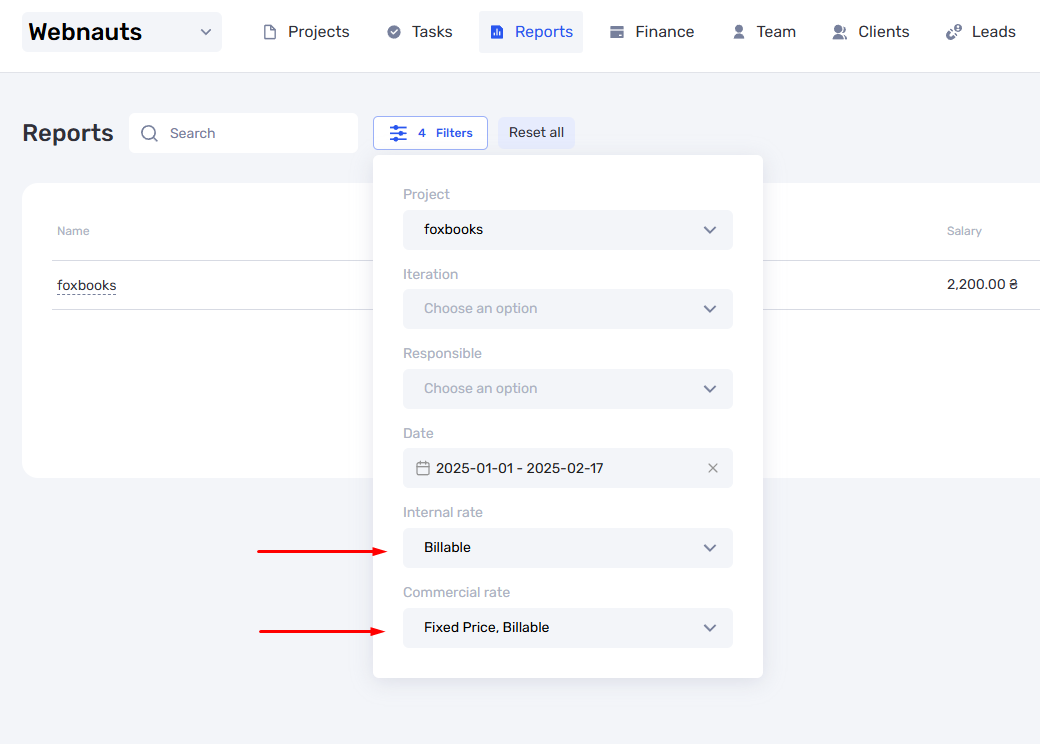
New filters for billable and non-billable hours have been added to reports, allowing for more precise time tracking and team efficiency analysis. More analytics features are coming next week.
What’s New in if.team
if.team keeps improving its features to make life easier for users. Here are some updates that simplify task management and reporting:
Filters for billable and non-billable hours. We’ve added filters for internal and commercial rates in reports. This makes it easy to sort and create accurate reports based on billable or non-billable hours for employees or departments.
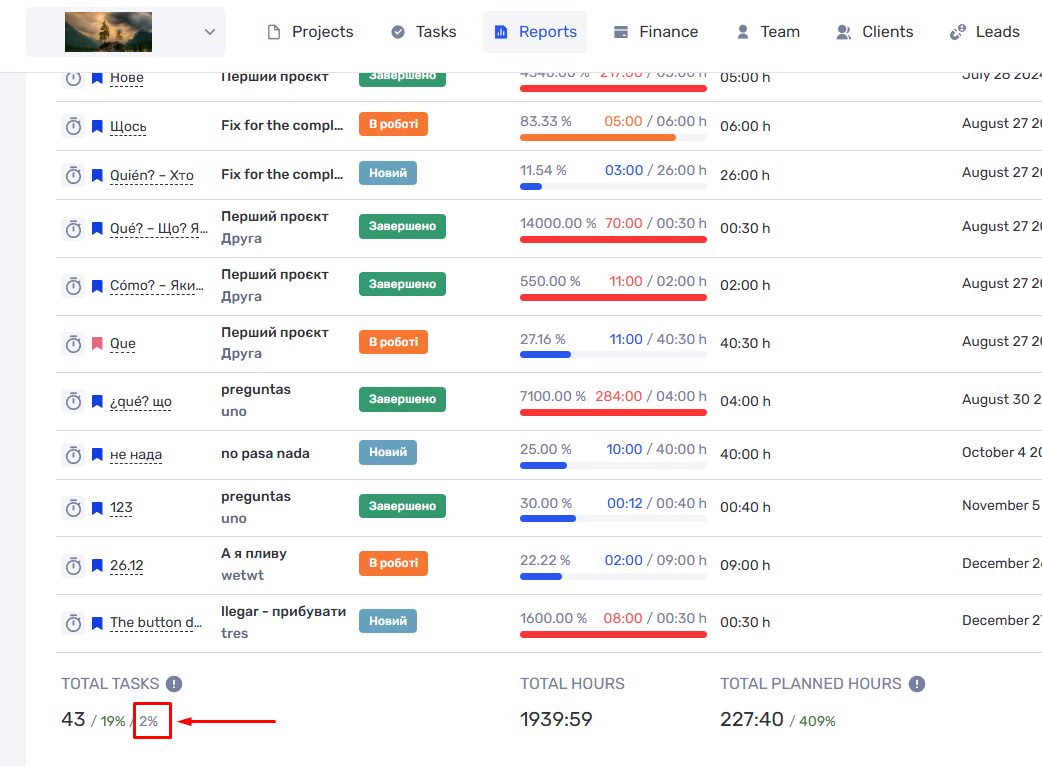
Quality assessment. We’ve introduced a new way to track task quality by measuring the percentage of returns for revisions. If a task is sent back for corrections or clarifications, this will now appear in reports, helping you monitor the accuracy and quality of your team’s work.
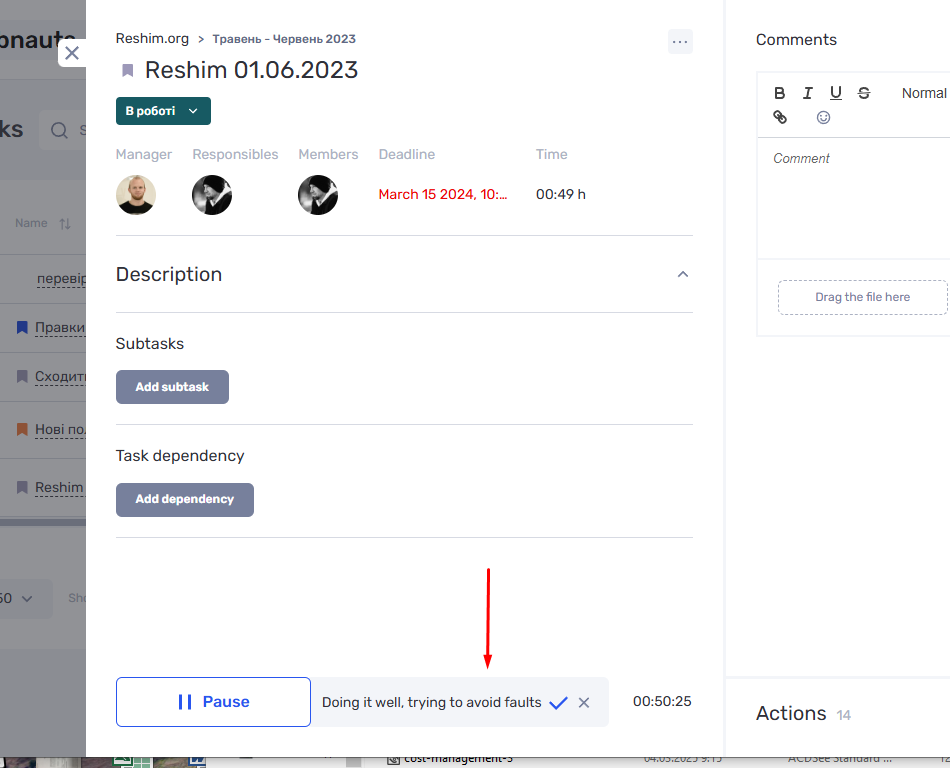
Real-time comments in the work log. Employees can now add comments to their current tasks while tracking time. This improves team communication and makes the process more transparent.
Task templates. You can now save tasks as templates, making it quick and easy to create new tasks based on previous ones. This feature saves time, especially for repetitive tasks.
With these updates, if.team becomes an even more powerful tool for managing projects and improving your workflow.
Report Updates: New Filters and Features
We’ve added filters for internal and commercial rates to reports. Now, you can select only billable or non-billable hours, allowing you to create precise reports based on paid or unpaid hours for employees or departments. This filter streamlines working with data and makes report generation more efficient.
We’ve also added a quality assessment system based on the percentage of returns for revision. If a task is sent back for corrections or clarifications, it’s recorded in the reports. This helps assess task accuracy and identify areas for improvement.
These changes enable more detailed analysis of employee and team performance, improving work efficiency and the accuracy of reporting.
Task Quality Assessment and Comments in the Worklog
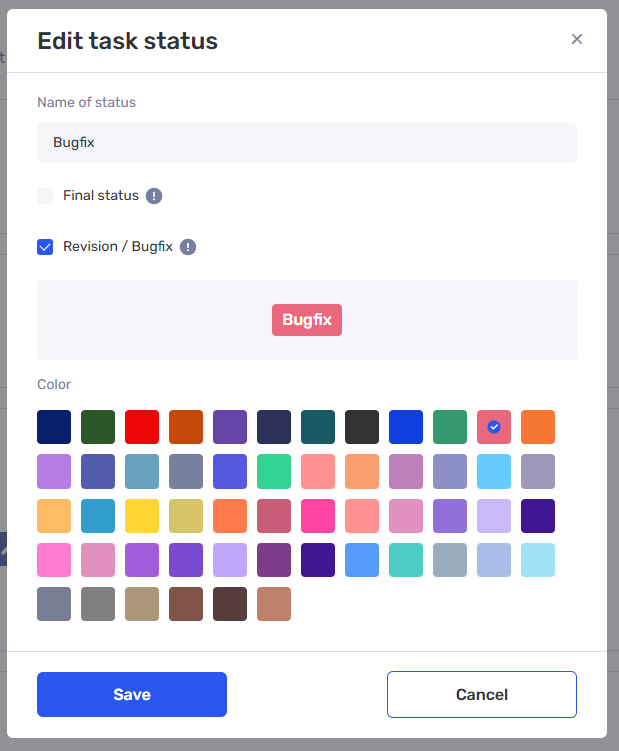
A task quality analysis mechanism has been introduced through the % of returns for revision. A new “Revision” status has been added, indicating the need to send the task back for corrections or clarification. If a task has entered this status at least once (for example, after a review by a project manager or supervisor), it will be recorded in the reports. This feature enables the assessment of task execution accuracy and helps improve work quality.
This analysis allows for comparing results between employees and identifying areas for improvement to enhance task execution efficiency.
Additionally, we’ve added the ability to comment on the worklog in real time. Now, during time tracking, employees can leave comments on the current work episode, which are automatically reflected in the worklog. This feature improves communication and provides greater transparency in the process.
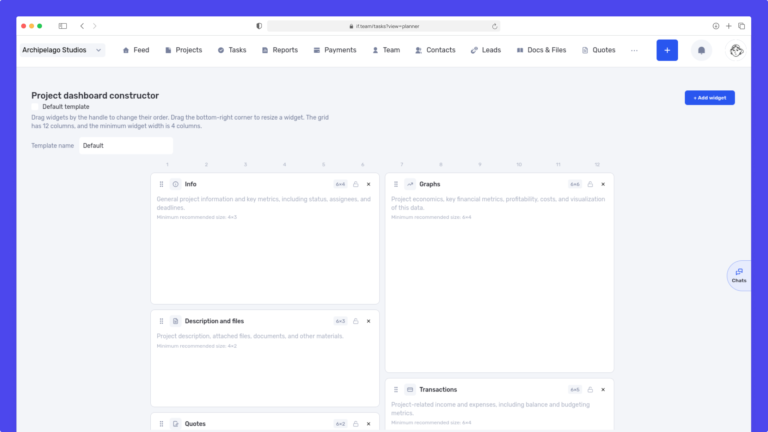
We have updated the project screen in if.team and introduced custom dashboards. Teams can now configure their workspace according to their workflows, tasks, and priorities.
Projects differ from one...
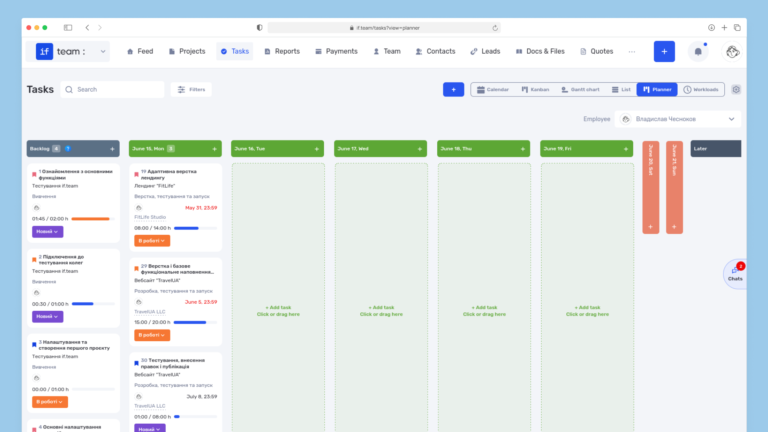
Planner is now available in if.team — a new task management mode designed to help employees organize their personal workload independently from project structures, boards, and lists.
In most teams...
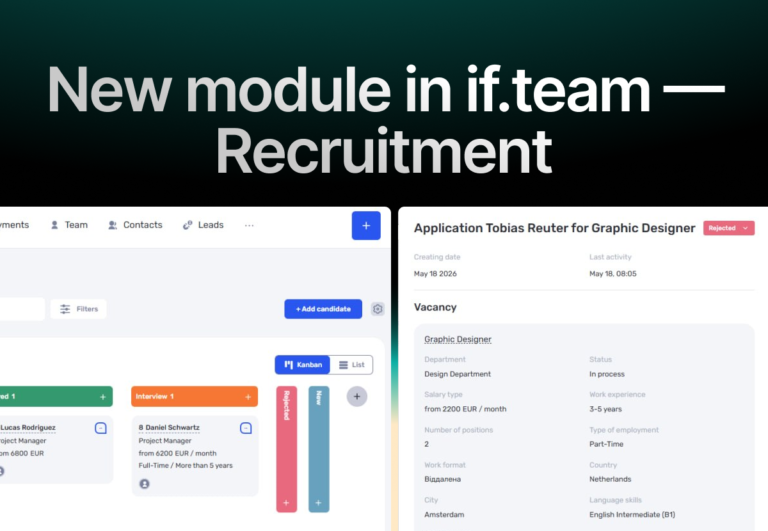
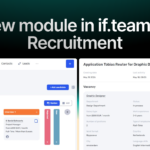
In if.team, a recruitment module has been introduced, along with an updated roles and access system. The idea here is simple — recruitment can now be managed directly inside the platform, and access...