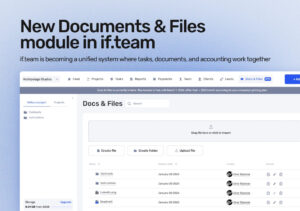
New “Documents & Files” Module in if.team
A new “Documents & Files” module is now available in if.team. It extends the system beyond tasks and finances and gives teams a shared space for files, documents, and knowledge.

A new “Documents & Files” module is now available in if.team. It extends the system beyond tasks and finances and gives teams a shared space for files, documents, and knowledge.
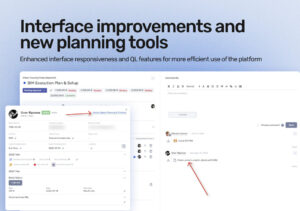
At the end of December, we released a major update focused on improving the day-to-day workflow in if.team. It covers interface responsiveness, chat, file, and report handling, and introduces a new tool for visual project planning.
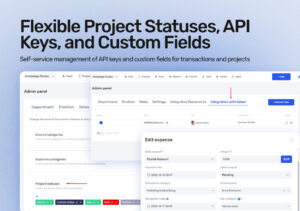
We’ve released several updates that make system administration, integrations, and financial management easier. All changes are configurable in the admin panel, allowing you to adapt if.team more precisely to your company’s internal processes.
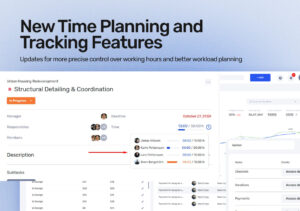
We’ve prepared a series of updates in if.team designed to give you more precise control over time tracking, make team workload planning easier, and allow more flexible customization of workflows to match your company’s processes. Below is a detailed look at each update.
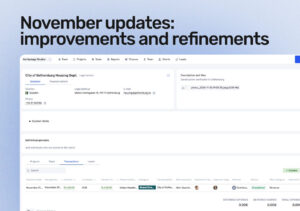
In November, we focused on helping teams get through data faster, find the info they need, and save time on daily tasks. We updated reports, revamped the customer card, and closed a big pool of feedback you sent us over the last few weeks. Here are the main changes.
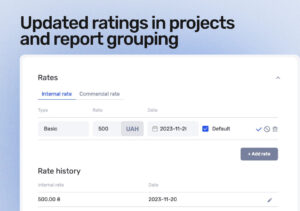
We’ve improved how project rates work and added advanced grouping options in reports.
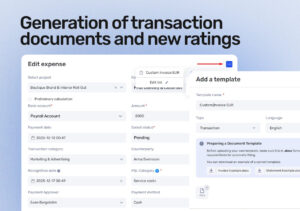
We’ve updated several key parts of if.team: from document management to company settings and project rates.
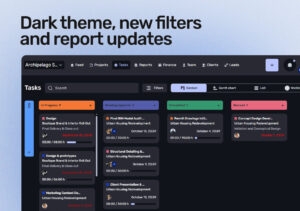
if.team has become more convenient and flexible. You can now switch to dark mode, use new filters, and view more data in reports (without extra steps or manual calculations).
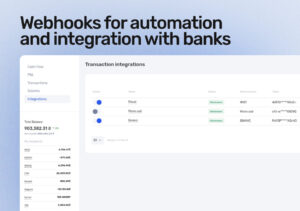
if.team now connects directly to banks, Binance, and other external systems. Transactions sync automatically, data is transferred via webhooks, and you spend less time on manual updates.
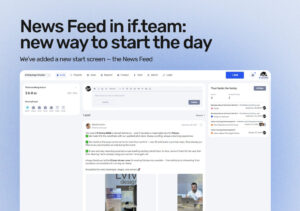
We’ve added a new start screen — the News Feed. It helps teams begin the workday focused on the most important things, without switching between multiple dashboards or task lists.